Thank you for helping us build the best and the easiest to use product for revenue teams. Customers like you who share their feedback with us help us improve every day so we can grow with you. And here’s how you helped us improve this month.
New Sequences permissions for admins
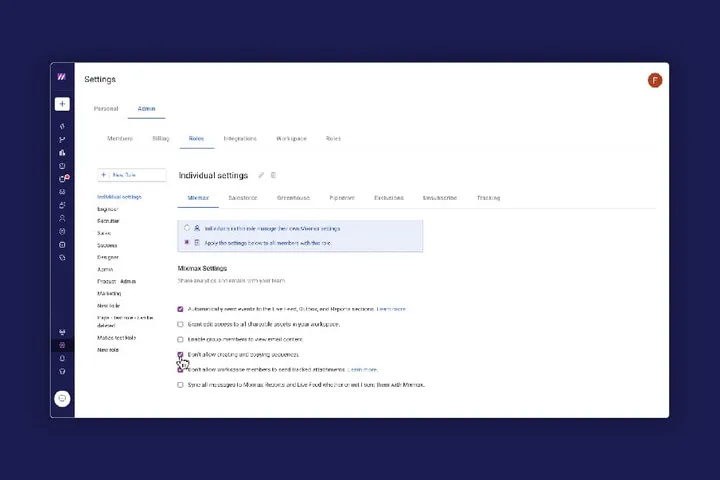
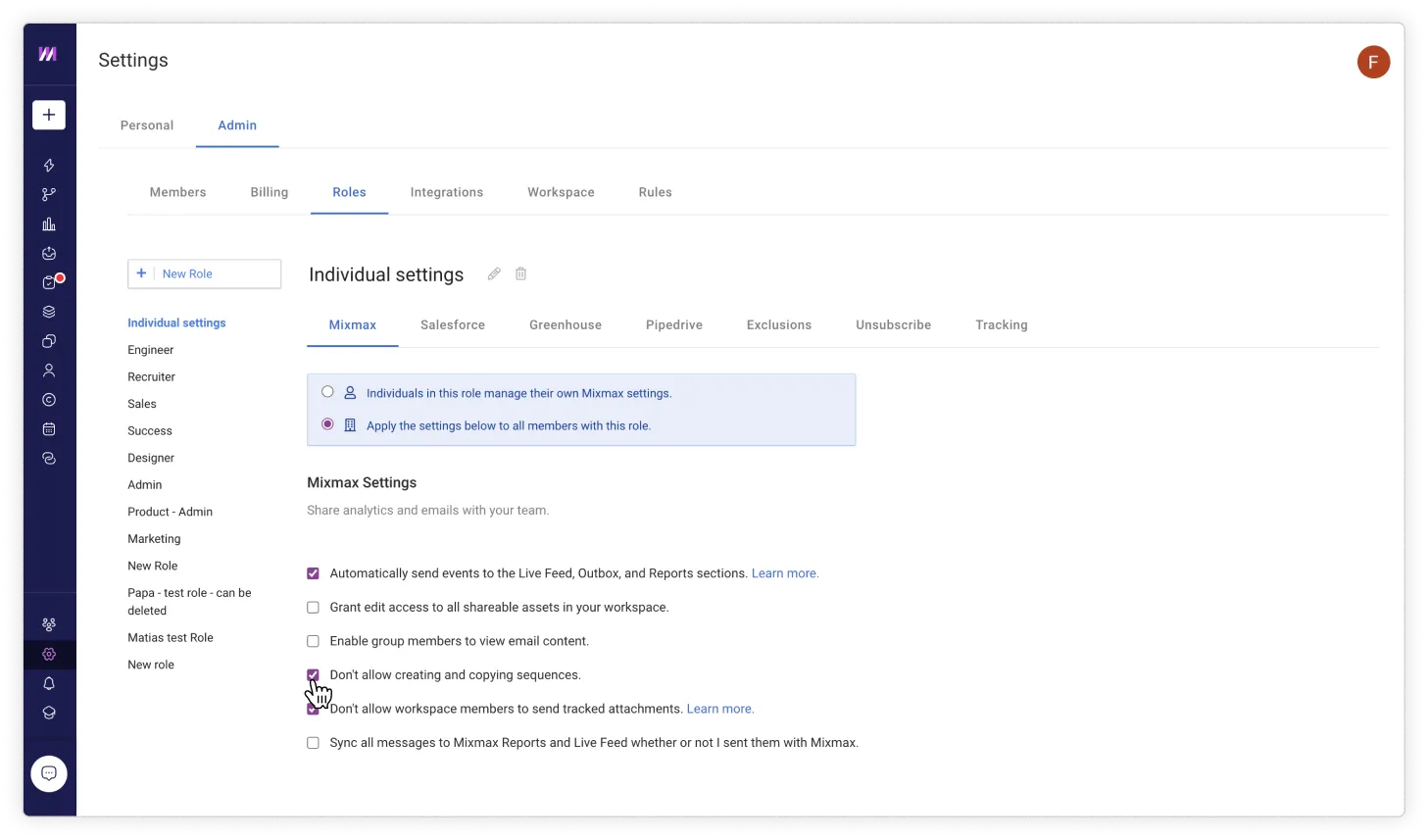
Admins, we heard you! Having every user in your workspace create new Sequences is not always desirable. So we bring you more peace of mind and our new role permissions feature that allows you to control which roles can and can’t create new sequences.
How?
✅ Simply navigate to roles under your admin settings, and check “don’t allow creating and copying sequences” to revoke access
❗️There will be no impact on existing users in your workspace, as all roles have the right to create sequences by default.
Rules enhancements
Rules are one of the most powerful ways to automate your engagement workflows, and we’ve made it even easier with our recent improvements.
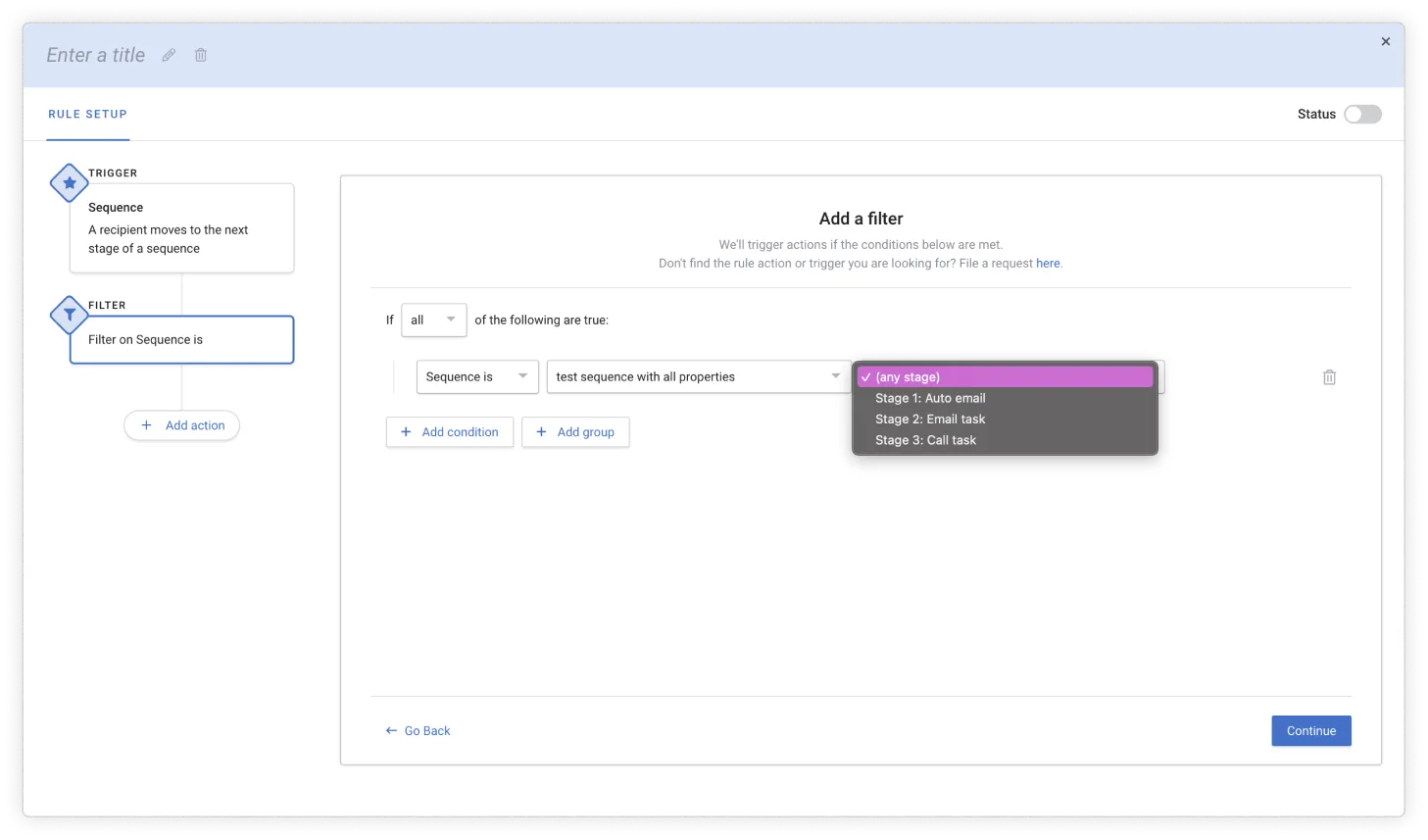
1️⃣ You can now create rules that trigger when a recipient passes a specific sequence stage, such as “when recipient moves to stage 3 of my sequence, send me a Slack message.”
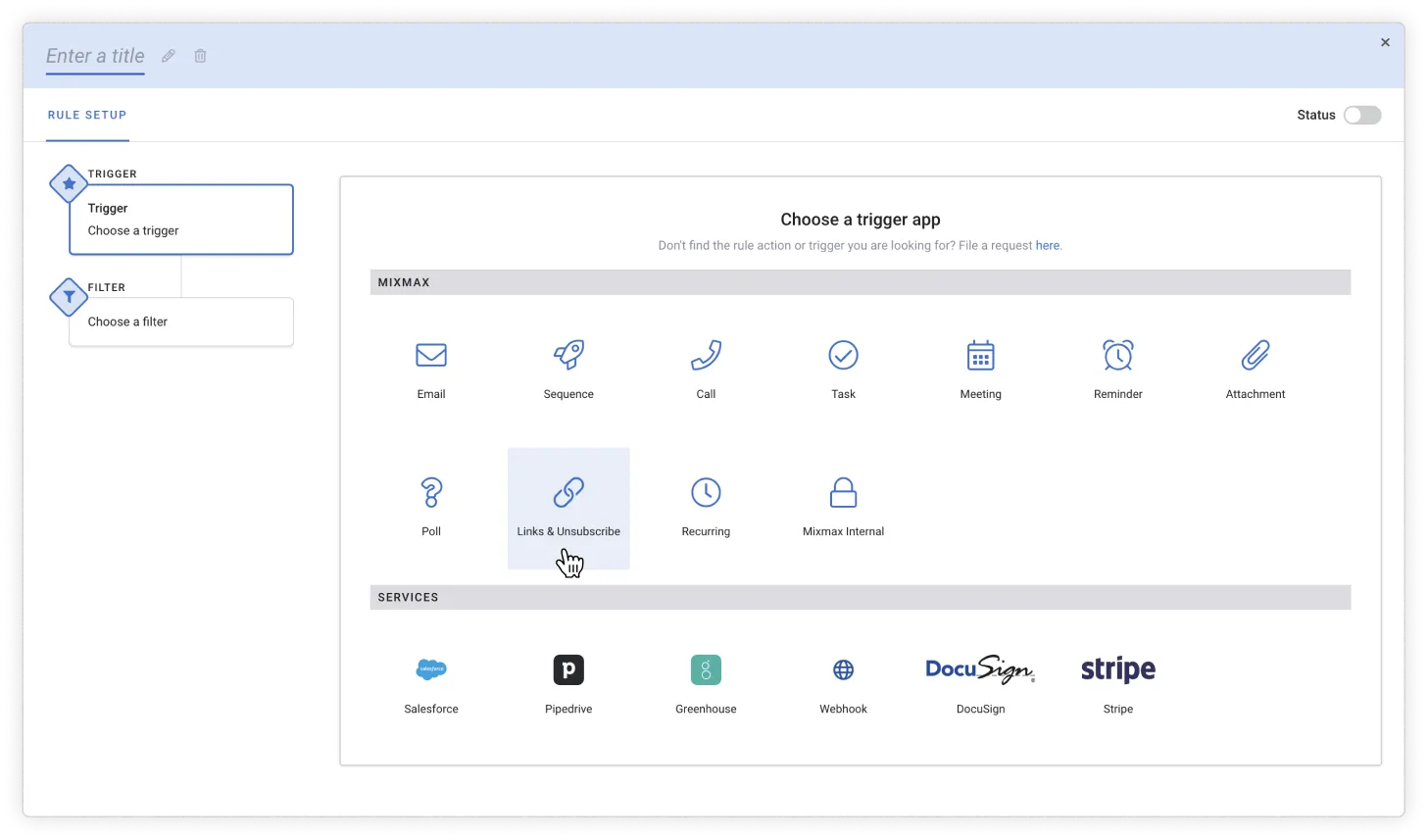
2️⃣ ”Where is the unsubscribe trigger?” We’ve heard many users asking how to create workflows that trigger when a user unsubscribes. So, we’ve made it easier to find: simply click on the trigger app “Links and Unsubscribe”.
These new features are available on our Enterprise plan. Interested in learning more? Request a demo