The busywork ends right now.
Manual CRM updates, list management, and pipeline housekeeping eat hours every week. Mixmax automation handles it all — so your team can spend that time selling.
Mixmax works inside Gmail and syncs to Salesforce.
Why Automation
Give every rep their hours back
The average rep loses a third of their day to admin that has nothing to do with selling. Mixmax automates the grind — CRM updates, enrollment, alerts, and multi-step workflows — so that time goes back into the pipeline.
Your CRM updates itself
Every email, call, and meeting logged to Salesforce automatically. Leads created, fields updated, activities tracked — without anyone touching it.
Put the busywork on autopilot
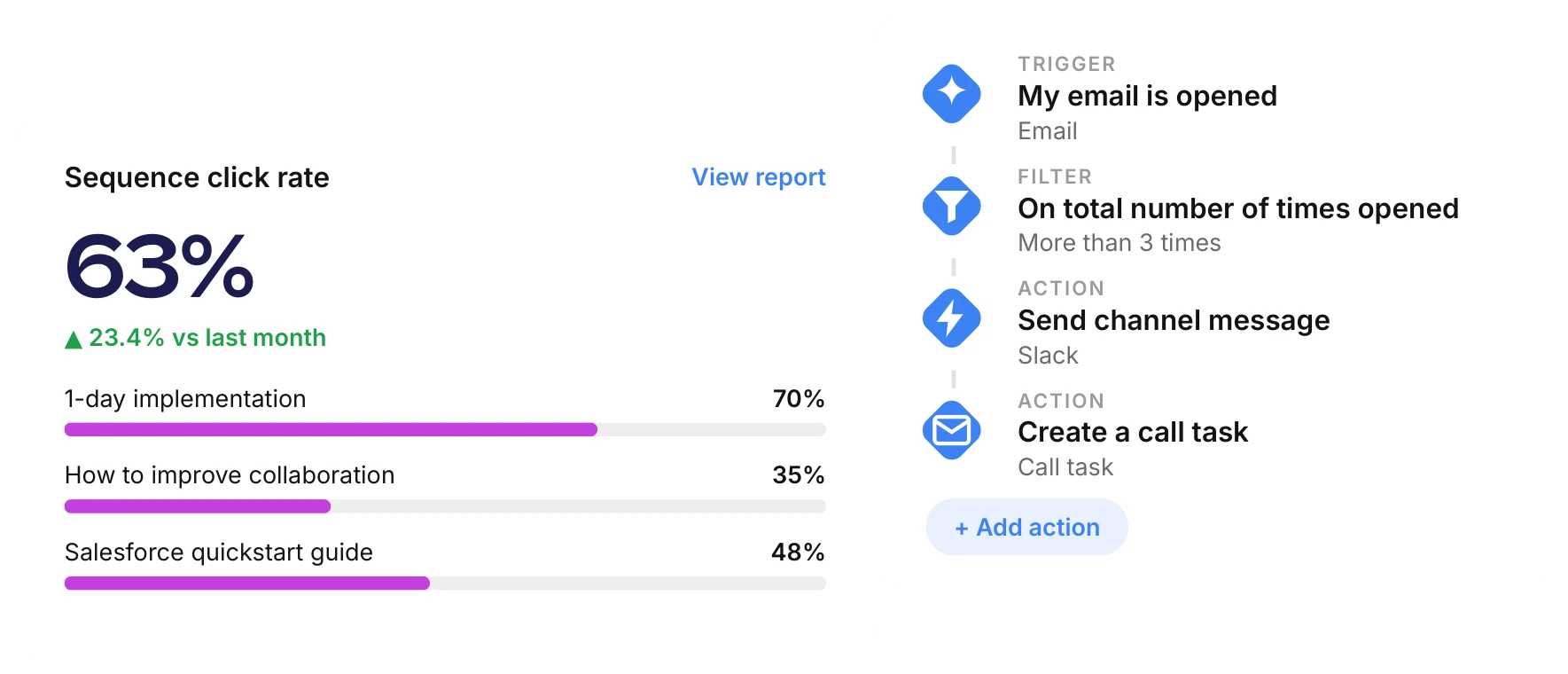
When a prospect hits certain criteria, Mixmax can trigger a sequence, update Salesforce, ping Slack, or all three. You set the rules; Mixmax runs them.
Keep the right people in the loop
Custom Slack alerts fire when a deal-critical signal hits, so nothing waits on someone remembering to check a dashboard.
Chain actions into full workflows
Prospect opens email → wait two hours → if no reply → enroll in a follow-up sequence → update the Salesforce stage. Set it and forget it.
Automate the grind, keep the selling
Set the rules once and Mixmax runs them: syncing Salesforce, enrolling prospects, alerting your team, and chaining it all into workflows that run on their own.
Rules engine
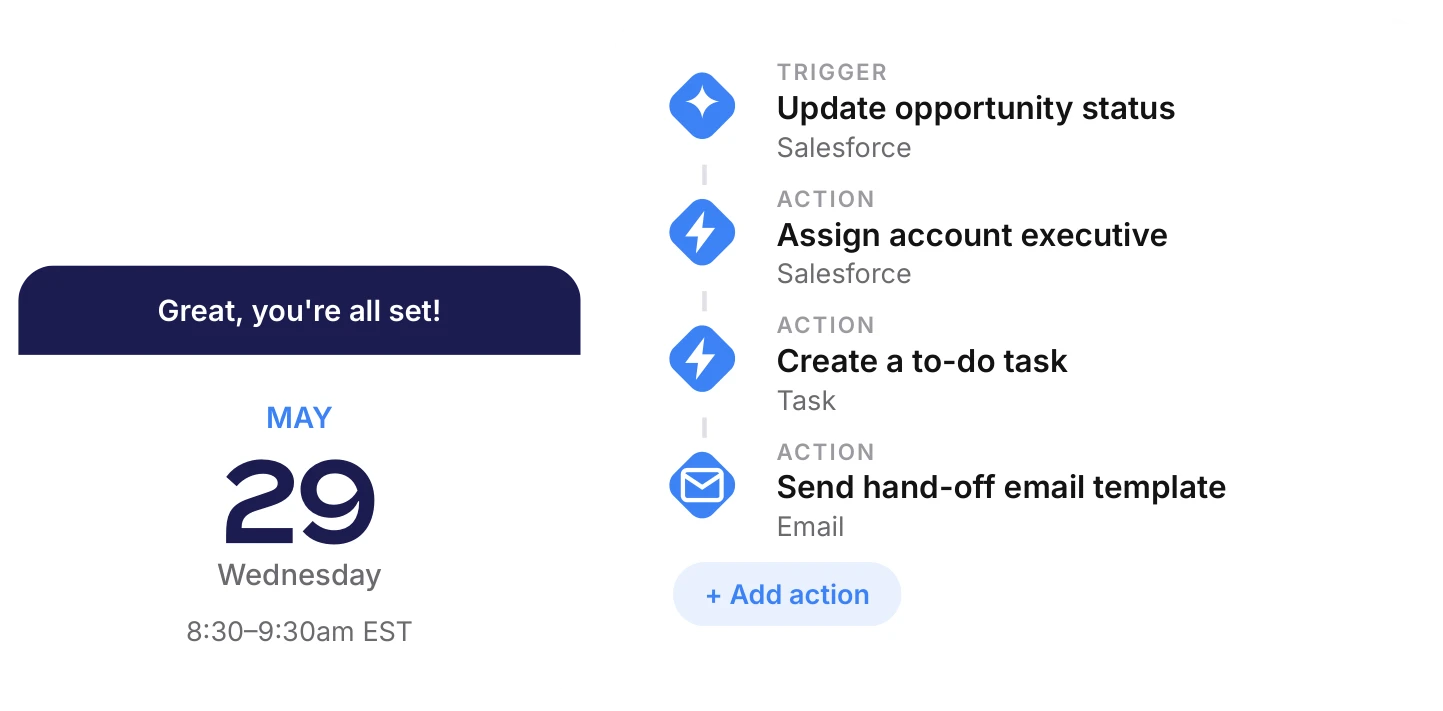
If-this-then-that for sales. When a prospect hits certain criteria, trigger a sequence, update Salesforce, ping Slack, or all three. You set the rules, Mixmax runs them.
Salesforce auto-sync
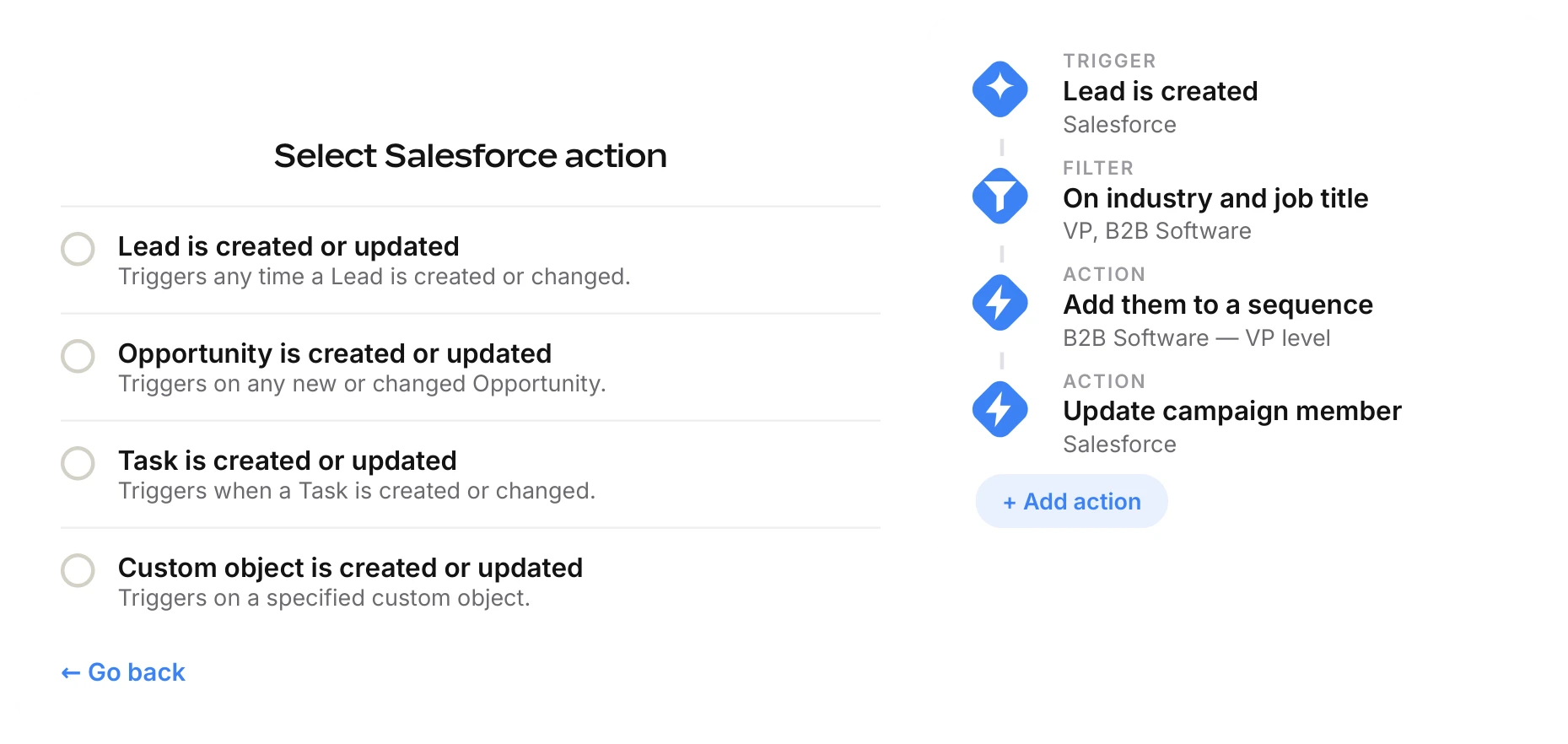
Every email, call, and meeting logged automatically. Leads created, fields updated, activities tracked. Your CRM reflects reality without anyone touching it.
Inbox collaboration
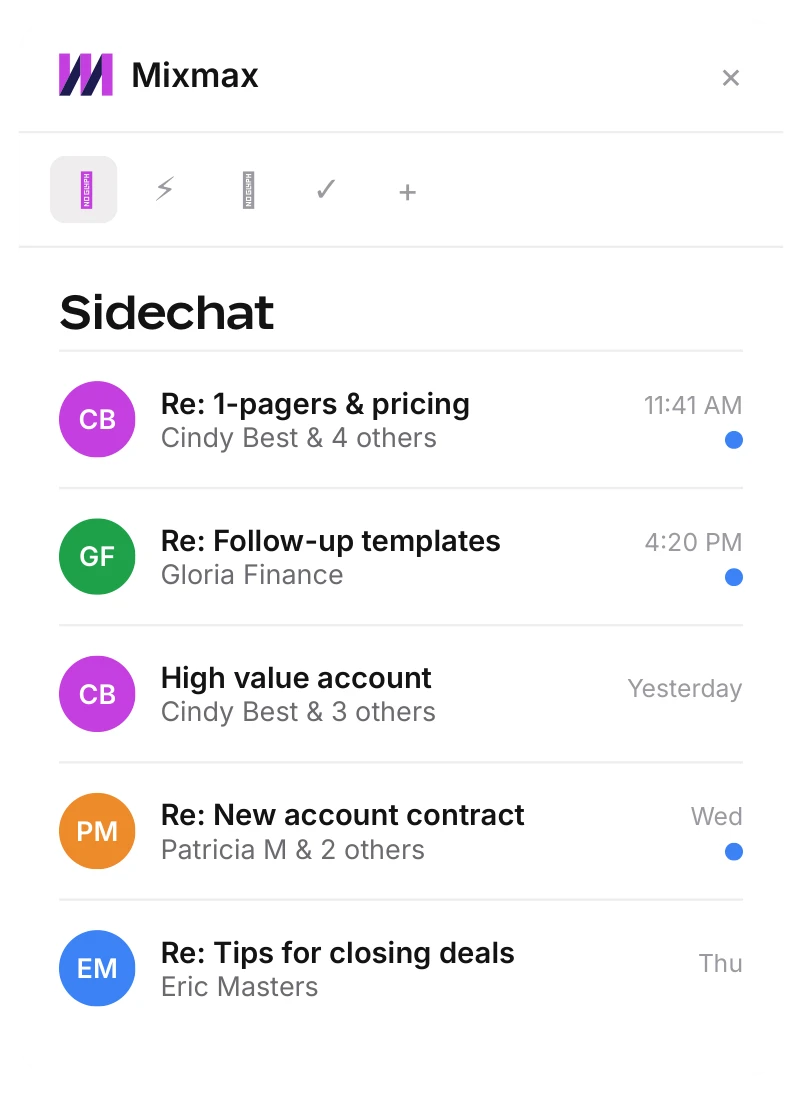
Private sidebar chat between teammates on any email thread. Discuss strategy, get approval, or loop in a manager — without leaving the email.
Sequence enrollment
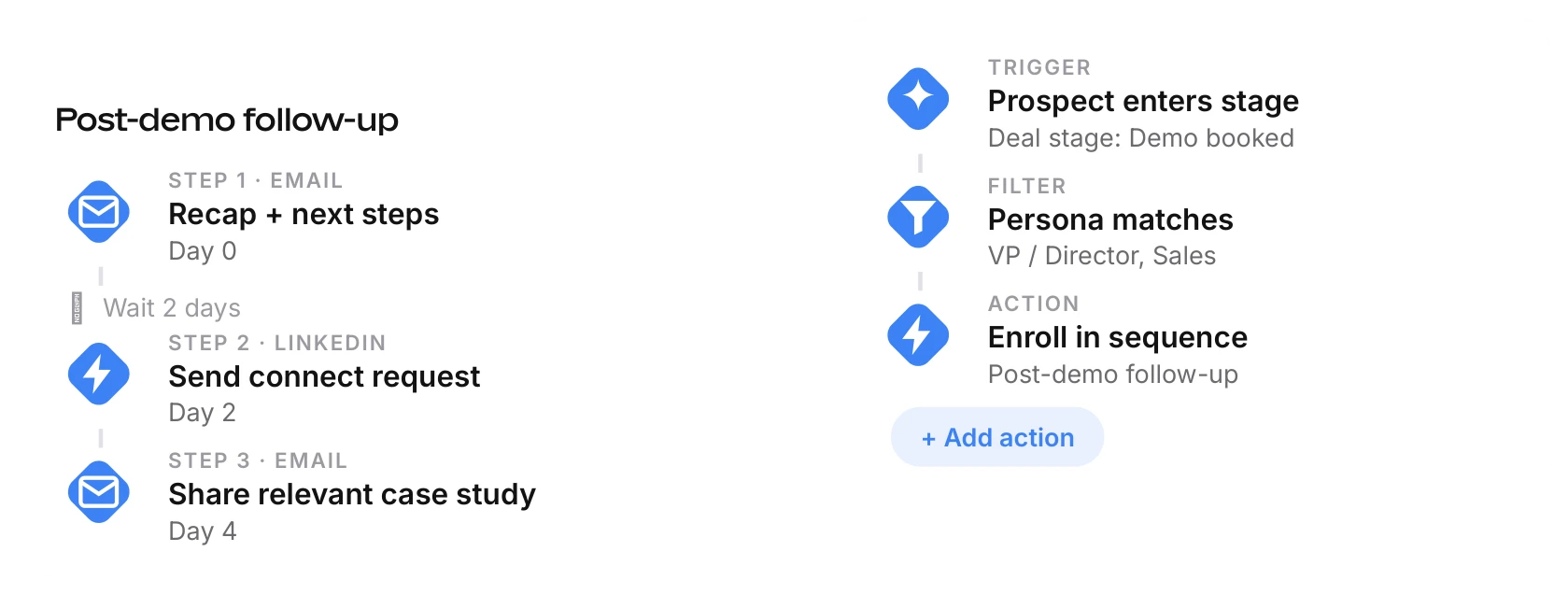
Automatically enroll prospects in the right sequence based on behavior, deal stage, or any CRM field. No manual list management.
I really like the rules engine because I can automate almost anything. This automation saves the Hiretual sales team 90 hours per week.

Frequently asked questions
-
What can the rules engine automate?
The rules engine works like if-this-then-that for sales. When a prospect meets criteria you define, Mixmax can trigger a sequence, update Salesforce, send a Slack alert, or chain several actions together — automatically.
-
Does Mixmax sync automatically with Salesforce?
Yes. Every email, call, and meeting is logged to Salesforce automatically — leads created, fields updated, and activities tracked — so your CRM reflects reality without manual data entry.
-
Can I get notified in Slack when something important happens?
Yes. Custom Slack notifications fire when a deal-critical signal hits, so the right people are looped in the moment it matters instead of finding out later.
-
Will automation make our outreach feel impersonal?
No. Automation handles the repetitive housekeeping — CRM updates, enrollment, alerts — so reps get hours back to spend on the personal, high-judgment parts of selling.
Give your team 90 hours back. Every week.
Automate CRM updates, enrollment, alerts, and multi-step workflows — and put that time back into selling.