
Email tracking
See who’s paying attention.
Who opened your email, who read it twice, who replied. Per person, inside Gmail.
✓ Inside Gmail and Outlook✓ Per person✓ Free to start
- dana@northwind.example Re: samples for the spring menu
- marcus@halcyon.example Intro: Northwind + your team
- priya@brightlabs.example Pricing for the 40-seat plan
Used by people at







Why tracking
A receipt says one email was opened. This says who to call.
Tracking is the door people come in through. Knowing who’s interested is why they stay.
All of it, per person
Opened, read, replied, and how many times, on everything you send.
Opened, unreplied
The people who keep opening your email but haven’t written back yet.
Know when it’s a no
If they haven’t opened anything, stop chasing. Some silence means no.
Send when they’ll read it
Smart Send picks the hour each person usually opens email.
What it does
Who’s there, and when to write back
Four things you can see without leaving your inbox.
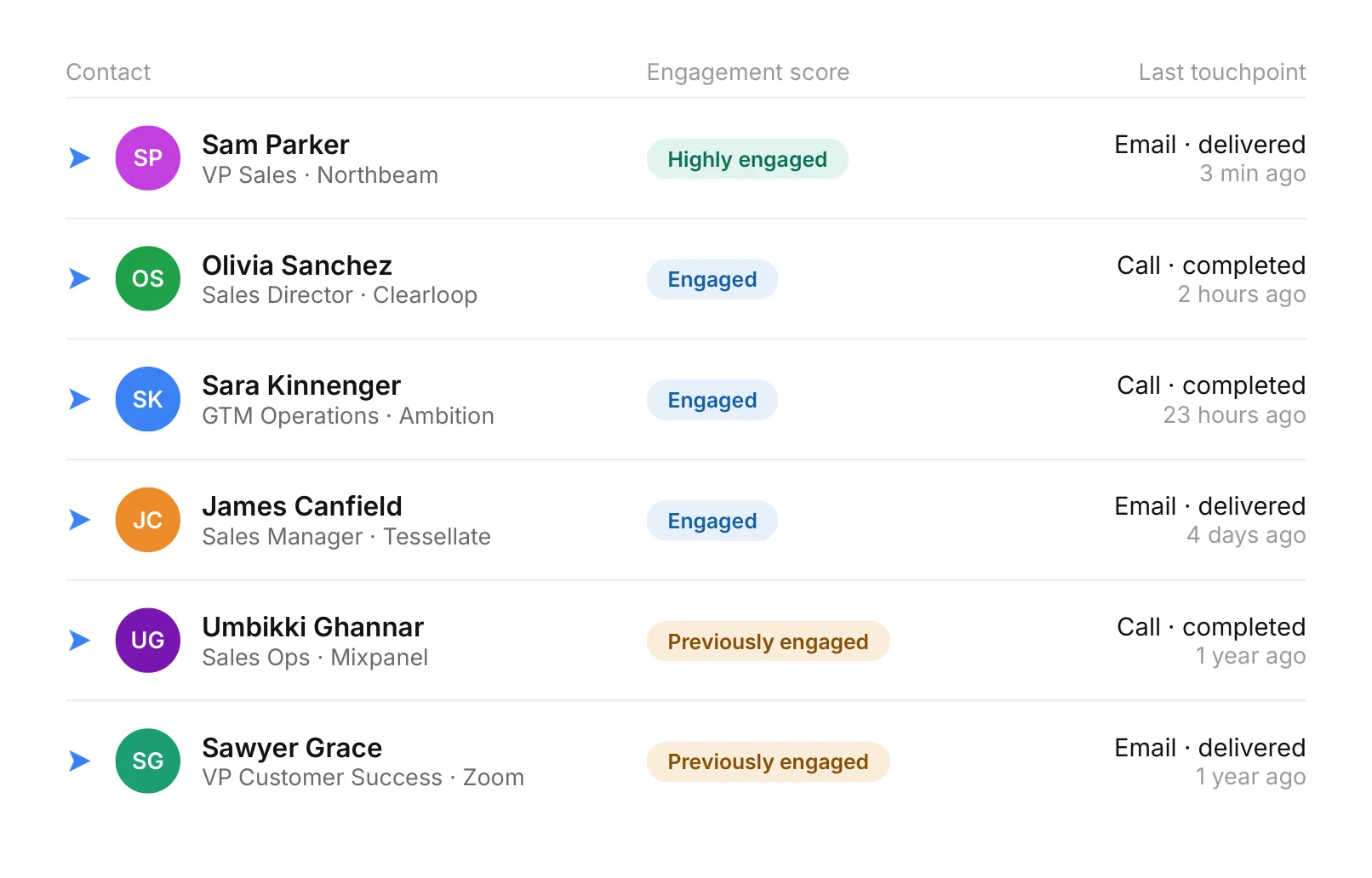
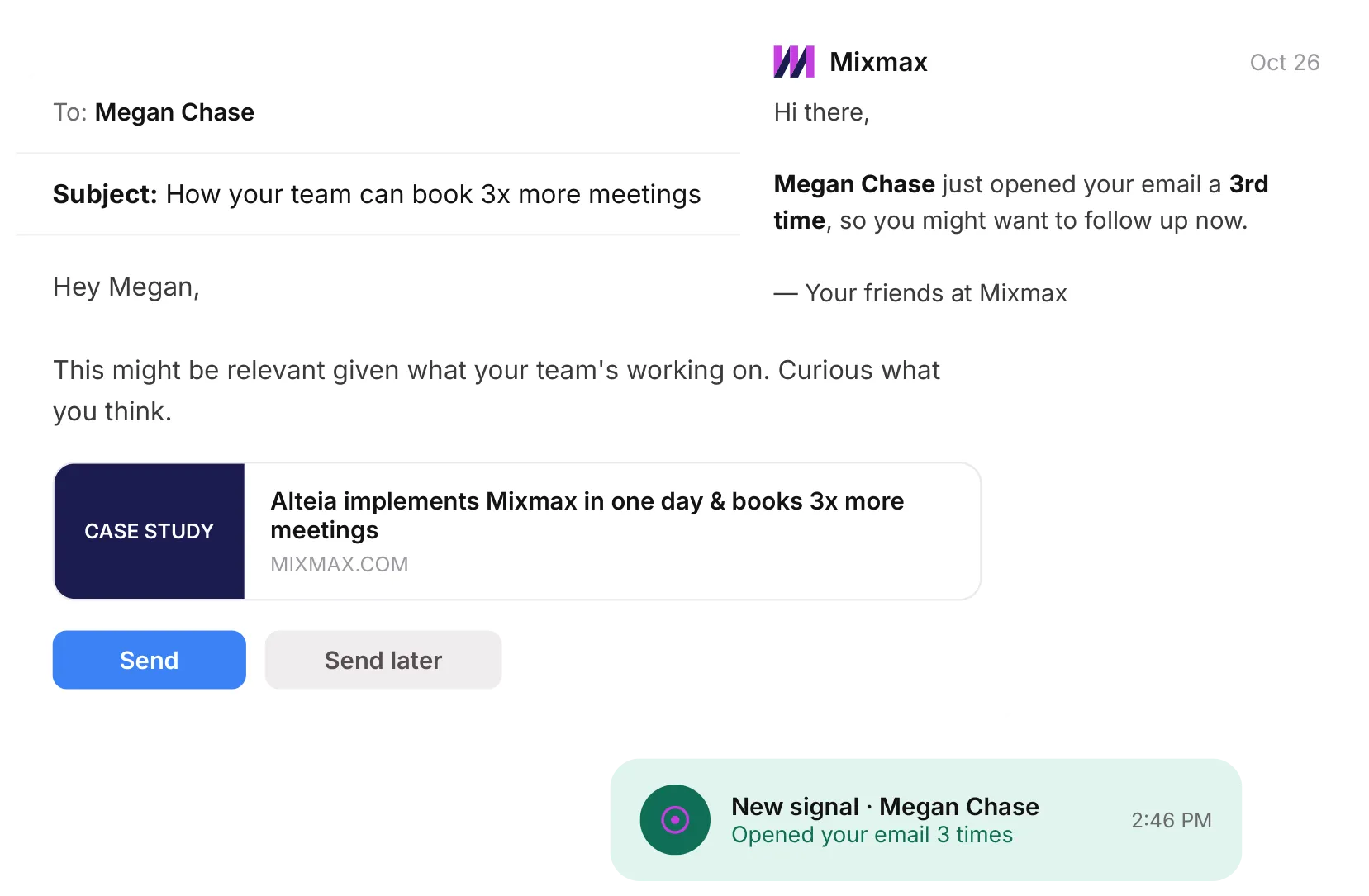
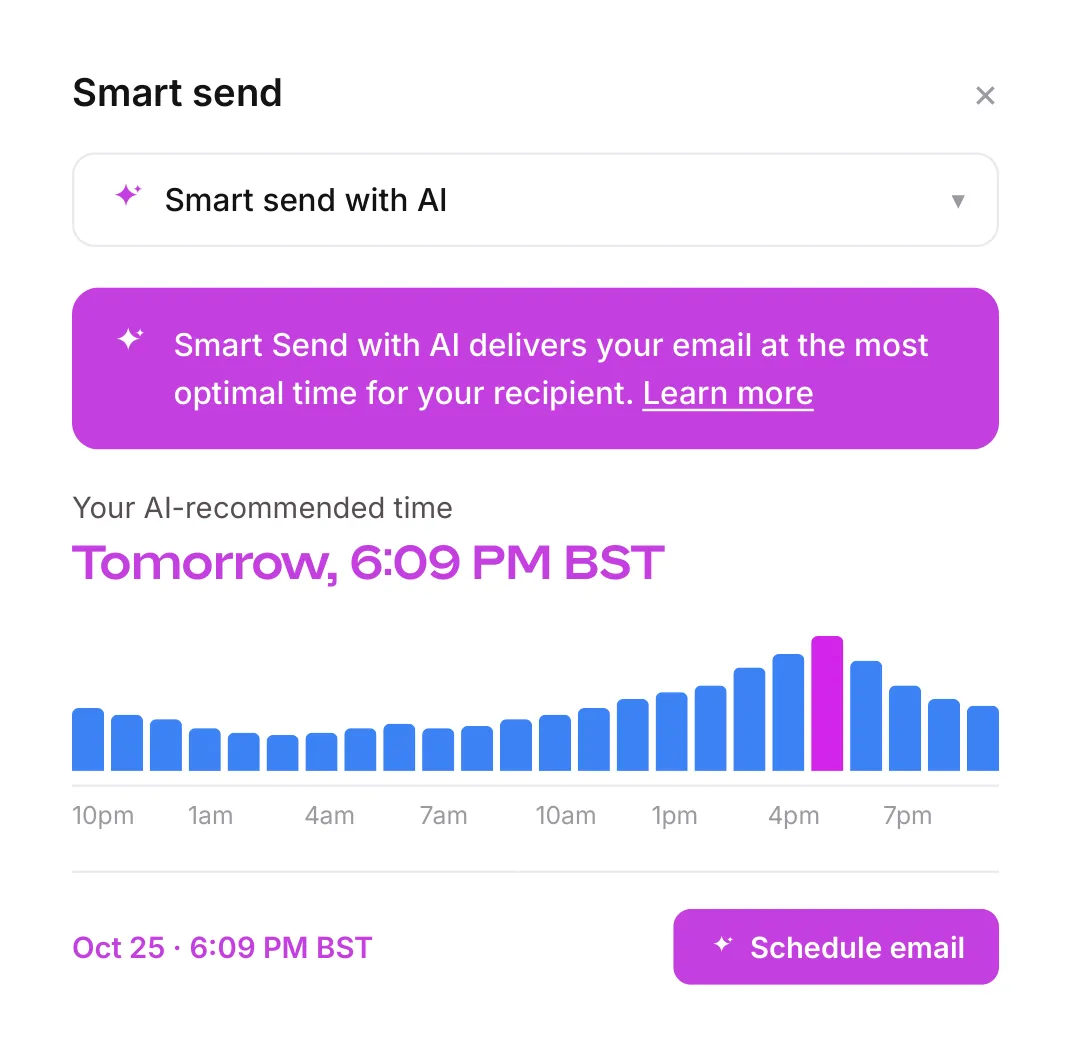
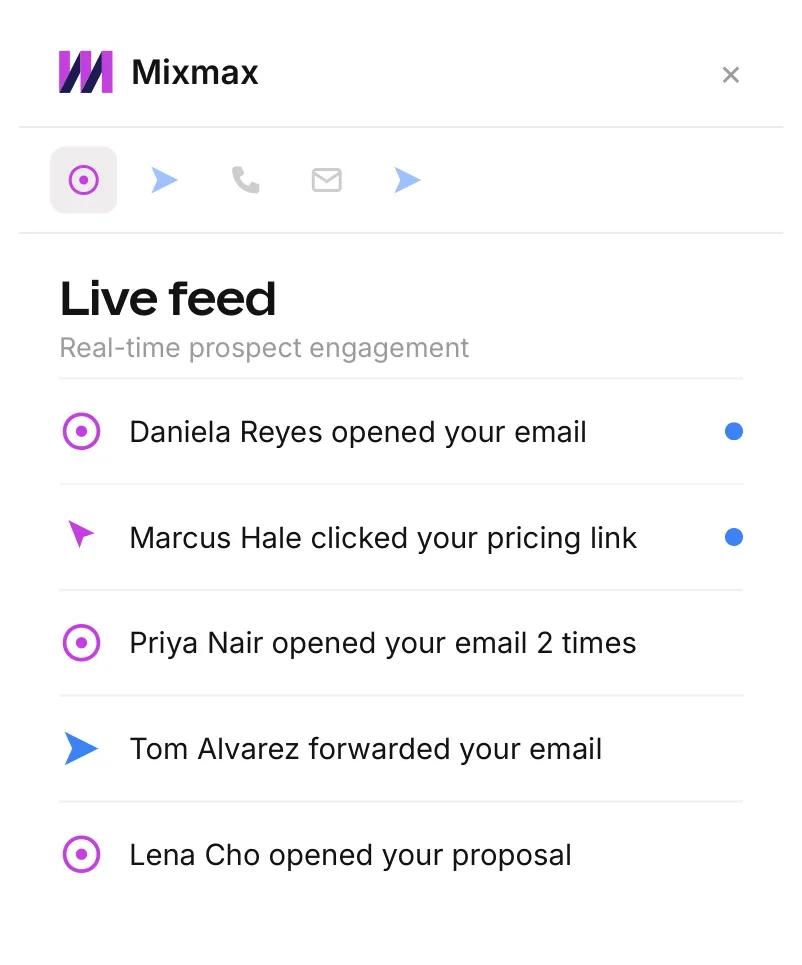
We are more aware of what they want, and what they don’t want. If we see that they are not interested and haven’t interacted with our messages, we don’t bother them. If we detect interest, we follow up.
Frequently asked questions
Does Mixmax track email opens in Gmail?
Yes. Mixmax records who opened, clicked or replied to each email you send, and shows it in a live feed next to your inbox.
What is “Opened, unreplied”?
It’s a saved search in the live feed. It lists everyone who opened what you sent and hasn’t answered yet.
Can I see everything one person has opened?
Yes. Search the live feed for a name and you get everything they’ve opened, clicked or replied to.
What is Smart Send?
Mixmax suggests a send time from when that person has opened your emails before. Accept it, or pick your own.
Does tracking work in Outlook, or only Gmail?
Both. It also works in the Mixmax web app.
Do I need a CRM?
No. If you use Salesforce or HubSpot, activity syncs there. If you don’t have one, you aren’t missing anything.
Stop guessing who’s there.
See who’s paying attention, then follow up. Inside Gmail.