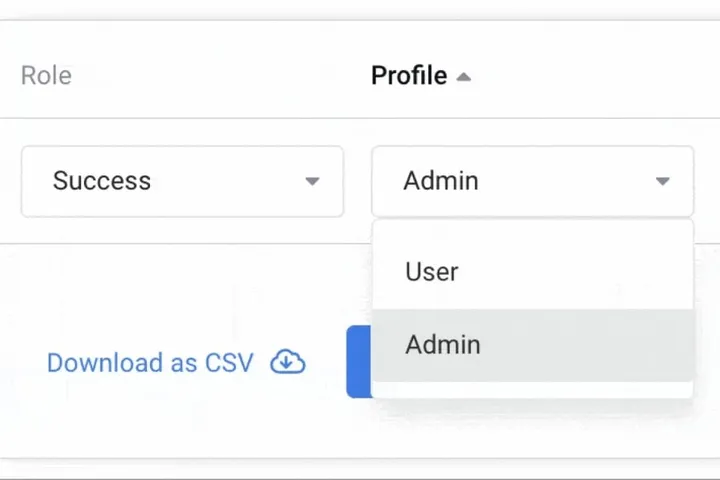
Today we’re excited to announce a new release - Profiles & Roles, which will radically improve how you manage your team on Mixmax.
Profiles

Our Profiles feature lets you set permissions for particular sets of users. There are currently two types of Profiles:
Admins, who have complete access to your Workspace. They manage users and Roles, billing, configure Workspace-level rules, delete/archive team assets, and pause/resume sequence recipients etc.
Users, who only have permission to manage their personal preferences i.e., their signature, compose preferences, who their delegated senders are, etc.

These controls have been centralized and can be accessed from Settings, where Personal settings are available to all users, and Admin settings restricted to those with the Admin profile.
Roles

Our Roles feature lets admins configure default settings for particular sets of users. E.g.;
- Tracking ⚡ : disable tracking of EU recipients for GDPR, for everyone in marketing.
- Unsubscribe 📧 : enforce unsubscribe links in all sequences, for the sales team.
- Salesforce ☁️ : customize how activity syncs for your sales vs. success teams.
- & more
You can create as many roles as you wish. We recommend creating roles for each of your teams.
Stay tuned for more admin goodness later this year!