Sequences in Mixmax are a powerful way to automate drip campaigns to your prospects, clients, and candidates. Today, we’re making sequences even more effective for your teams.
Find recipients in any sequence or folder
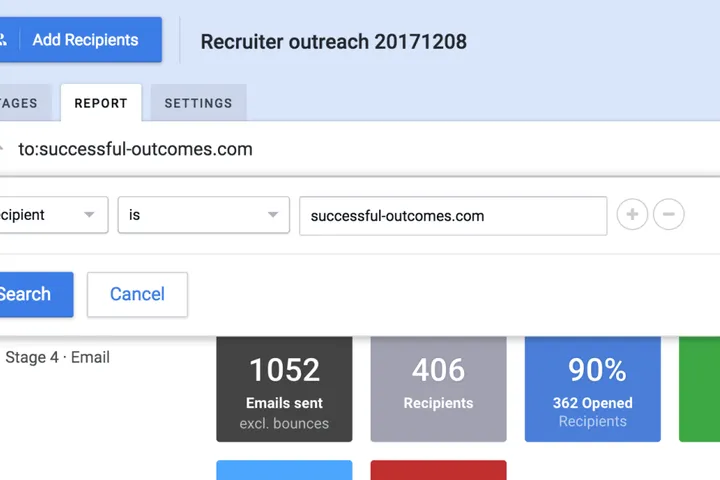
You often wonder which sequence a particular recipient or group of recipients (domain, SFDC account or opportunity) is in. To solve this, we’ve added a Recipients tab to all sequence folders and search results. This makes it easy for you to see groups of recipients, so that you can check on their status, and then personalize, reschedule, or exit them.

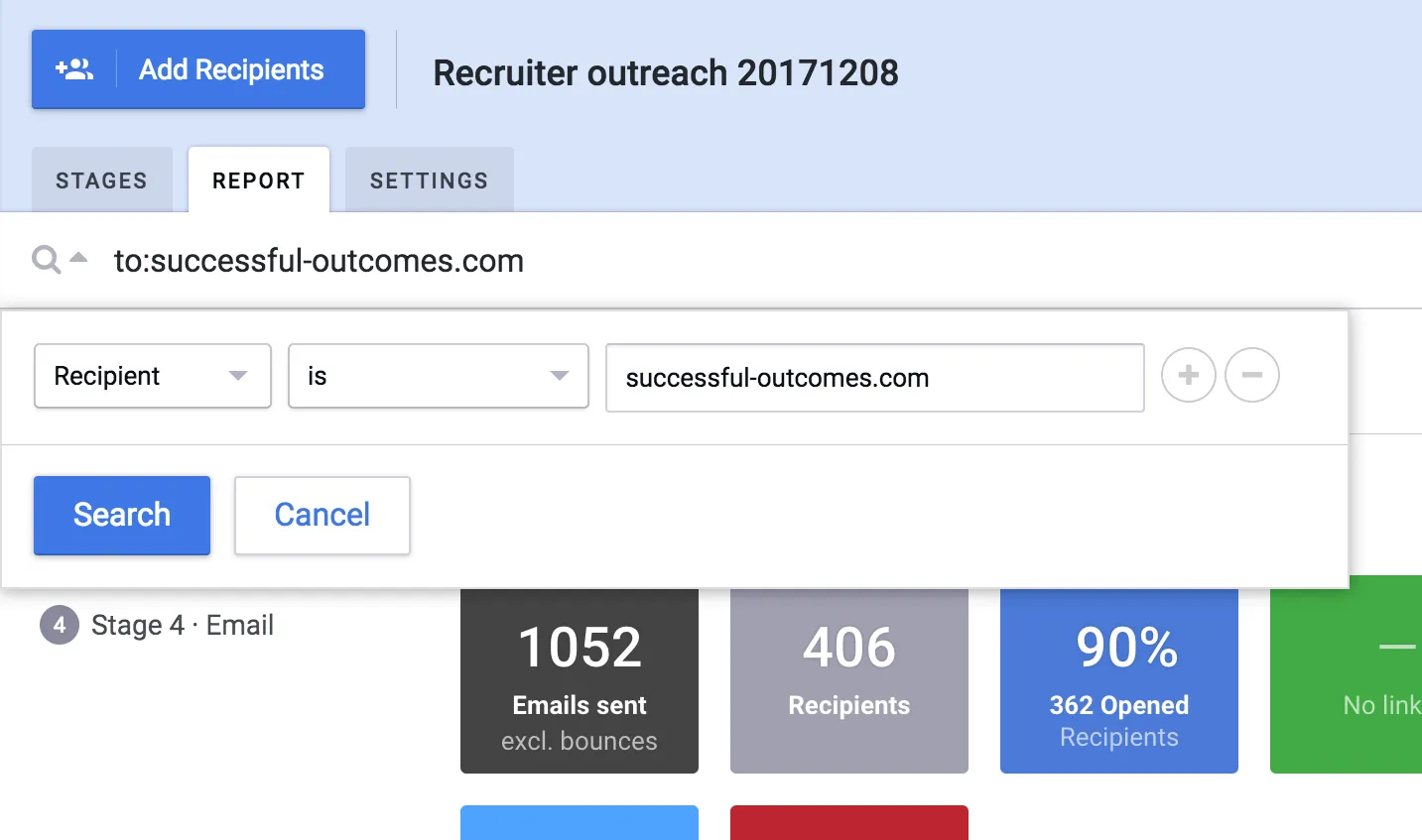
If you’re in a report for an individual sequence, we’ve also added a recipient search field to make it easy for you to find a specific recipient or group. And if you want to ensure recipients are only active in one sequence at a time, across teams, we’ve enabled that too:)
Share any sequence folder
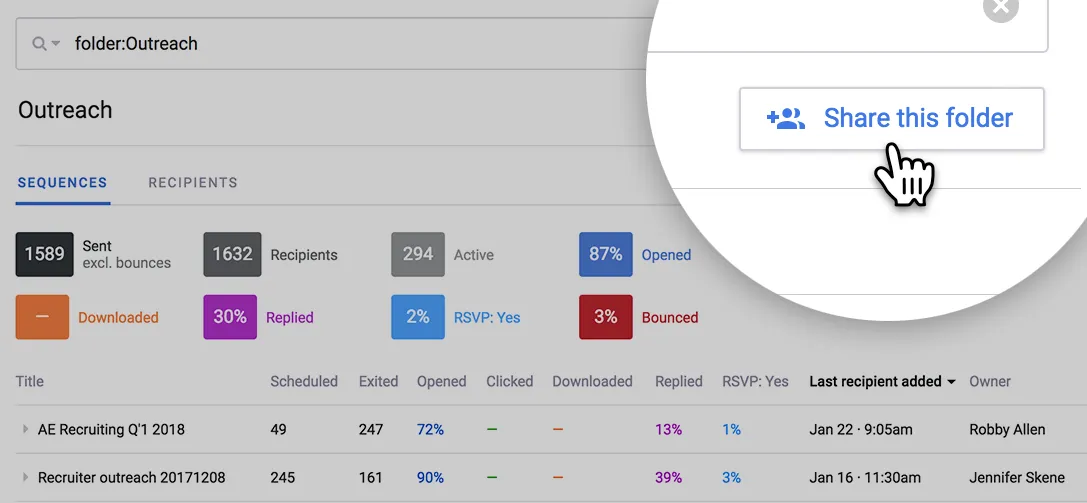
Recently, we enabled you to organize sequences into folders. Now, you can share these folders with your team. If you have a large number of sequences in your team, this keeps them organized and neat for everyone. Just click Share this folder in the top right of any sequence folder
If you’re already on the Mixmax Growth plan, you can start sharing sequences right away. And if you haven’t tried the power of sequences yet, get it free for 14-days.