
Best Gmail productivity tool for salespeople
Mixmax is the best Gmail productivity tool for salespeople — sequences, tracking, scheduling, AI follow-up, and Salesforce sync built around the daily Gmail workflow sales reps already run.
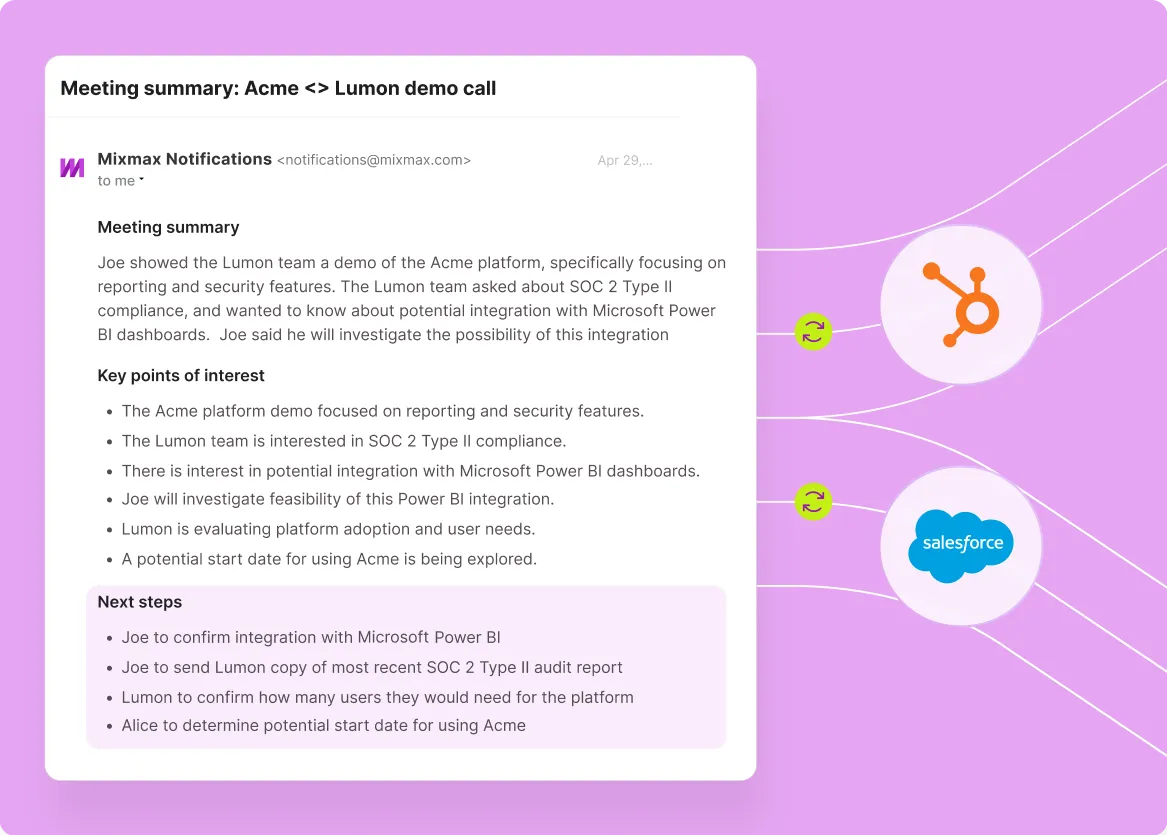
Mixmax works inside Gmail and syncs to Salesforce.
Mixmax works inside Gmail and syncs to Salesforce, delivering the productivity surface salespeople need: scheduled sends, follow-up reminders, engagement tracking — plus the sales execution layer generic productivity tools don't reach.

Productivity Built for Sales
Scheduled sends, follow-up reminders, snooze-thread, and templates — the productivity surface generic Gmail tools cover, plus the sales-specific layer (engagement signals, sequences, CRM sync).

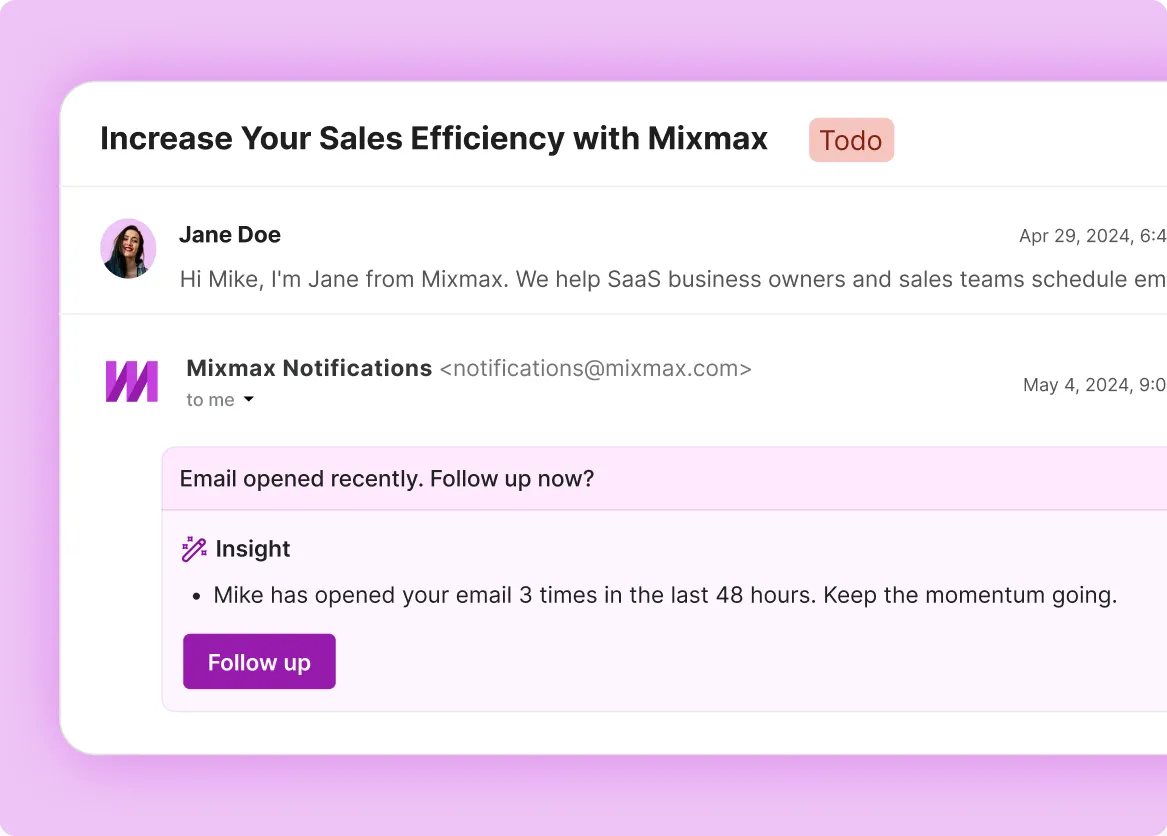
Tracking Drives Action
Real-time opens, clicks, and engagement signals surface in Gmail with Smart Send timing — productivity that helps the salesperson follow up at the right moment, not just a tracker.

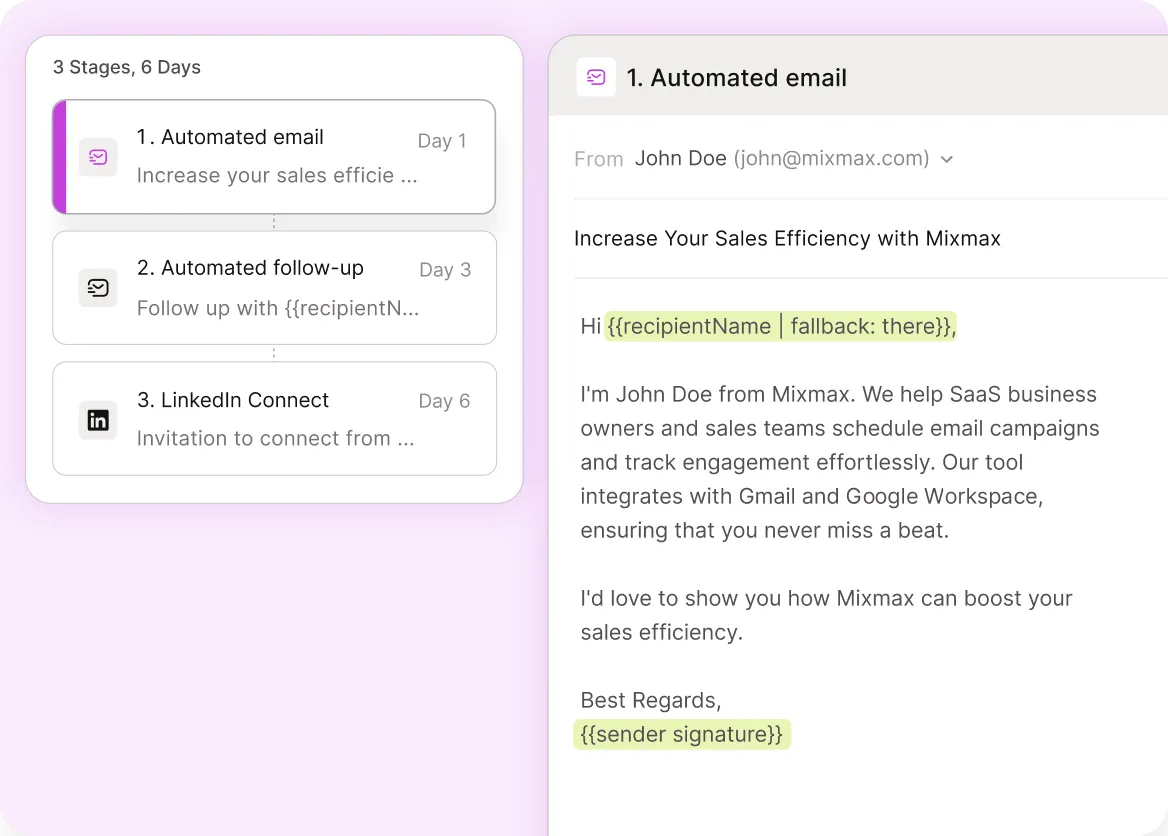
Sequences Beat Reminders
Multi-step cadences run automatically from Gmail with personalization and reply auto-pause — productivity that scales beyond the manual reminder model generic tools assume.
Everything a salesperson needs from a Gmail productivity tool
Scheduled sends, follow-up reminders, engagement tracking, templates, AI drafting, and Salesforce sync — Gmail productivity built for sales motion.
-
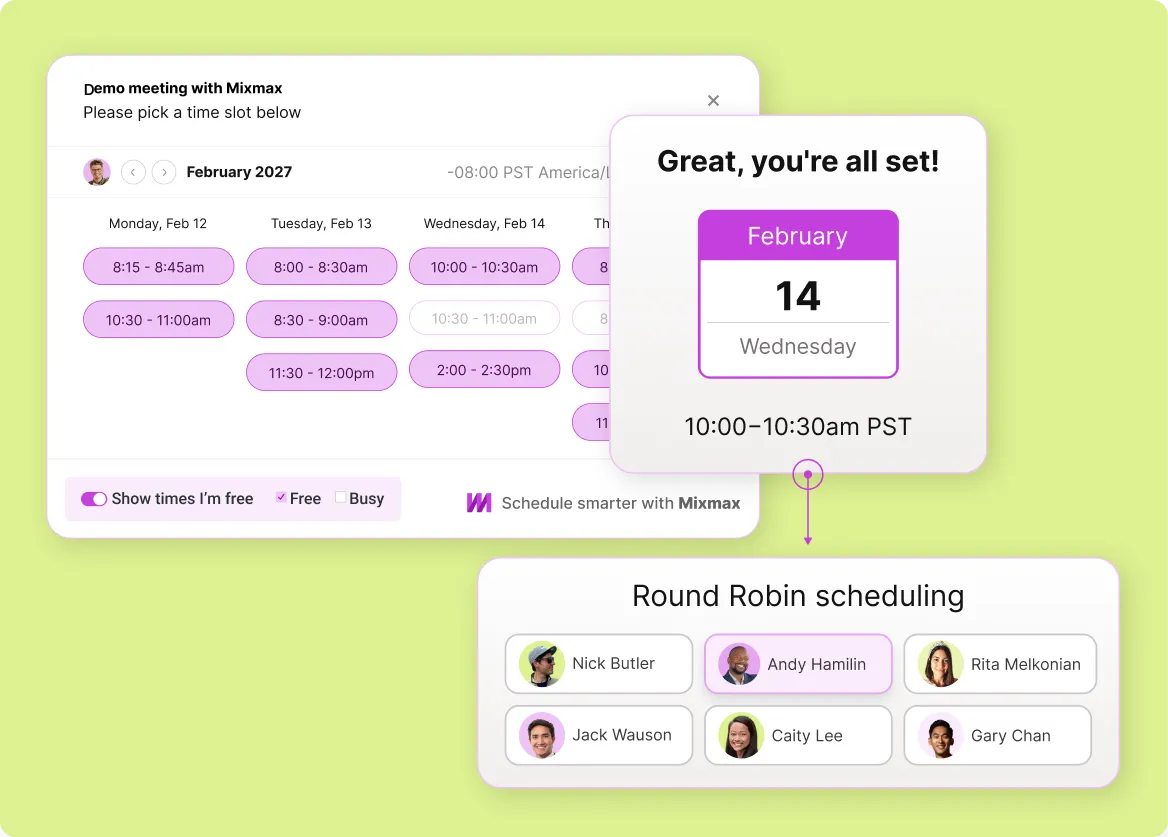
1 / 4
Productivity Built for Sales
Scheduled sends, follow-up reminders, snooze-thread, and templates — the productivity surface generic Gmail tools cover, plus the sales-specific layer (engagement signals, sequences, CRM sync).
- Scheduled sends
- Follow-up reminders
- Sales-specific layer

Frequently asked questions
-
What's the difference between Mixmax and generic Gmail productivity tools like Boomerang?
Generic Gmail productivity tools (Boomerang, Mailtrack, Streak free tier) cover scheduled sends, follow-up reminders, basic tracking, and snooze-thread. They work well for individual knowledge workers. Mixmax covers the same surface and adds the sales-purpose-built layer: multi-step sequences, engagement-driven follow-up, AI drafting, scheduling, and Salesforce sync. For salespeople, the sales layer is what matters.
-
Why is sales-grade Gmail productivity different from generic productivity?
Salespeople work in motions — multi-step cadences, deal-stage progression, prospect engagement signals, CRM-connected activity. Generic productivity tools handle the inbox-by-inbox tasks (scheduled sends, reminders) but don't connect to sales motion. Mixmax connects: scheduled sends become cadence steps, reminders become engagement-driven prompts, tracking becomes sequence triggers, and everything writes to CRM.
-
Can salespeople use Mixmax productivity features without using sequences?
Yes. Many salespeople start with the productivity surface — scheduled sends, follow-up reminders, engagement tracking, templates — and add sequencing later as their motion scales. The product accommodates both modes: productivity-only use, and full sales execution use.
-
How does Mixmax pricing compare to generic Gmail productivity tools?
Generic Gmail productivity tools (Boomerang Pro, Streak, Mailtrack) run roughly $5-15 per user per month. Mixmax Suite is $89 per user per month and includes the full sales execution platform with Salesforce sync standard. Different categories, different price points. The right comparison is whether sales execution is worth the difference, which depends on how much B2B selling the user is doing.
-
Can Mixmax replace multiple Gmail productivity tools?
Yes for sales use cases. Most salespeople using Mixmax stop using separate scheduled-send, tracking, scheduling, and CRM-connector tools — Mixmax covers all four. The tool count typically drops by 2-3 after adopting Mixmax.
-
Is Mixmax the right Gmail productivity tool for non-sales roles?
Probably not. Mixmax is purpose-built for sales motion — sequences, engagement, scheduling, CRM sync. For non-sales roles (project management, customer support, internal comms), generic Gmail productivity tools (Boomerang, Snooze, Streak) usually fit better. The sales-purpose-built layer is the differentiator and only matters if the user is selling.
Gmail productivity built for selling
See how Mixmax delivers the sales-grade Gmail productivity layer — scheduled sends, follow-up reminders, sequences, AI drafting, Salesforce sync — that generic productivity tools don't reach.