
Inbox Copilot
Turn inbox chaos into a clear next step.
Inbox Copilot sorts what matters, flags what’s slipping, and drafts the follow-up. You decide what sends.
✓ Works inside Gmail✓ Syncs to Salesforce✓ You decide what sends
Used by people at







Why Inbox Copilot
Your inbox, prioritized.
Less to read, and nothing slips.
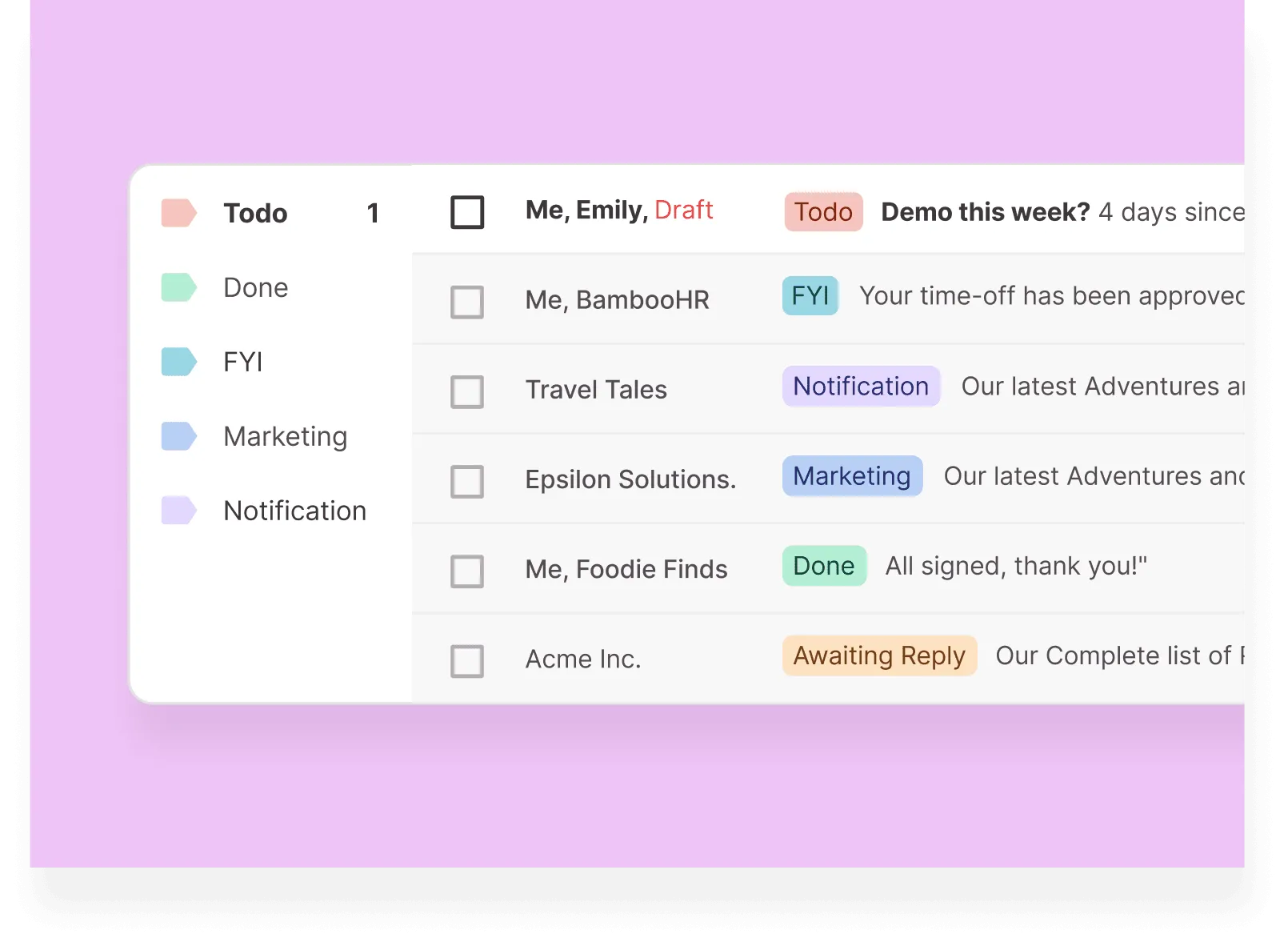
See what needs you now
The messages that matter, first.
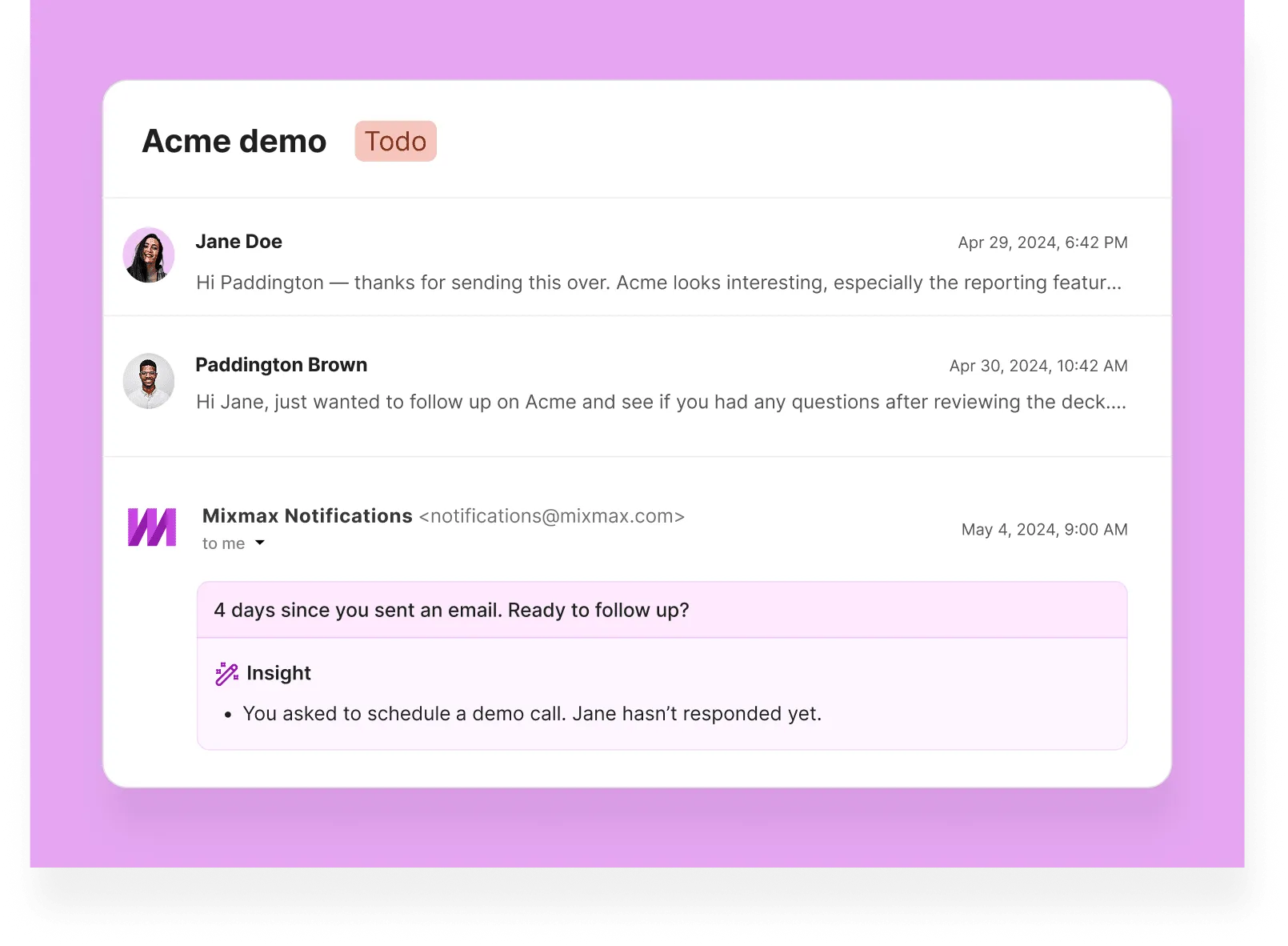
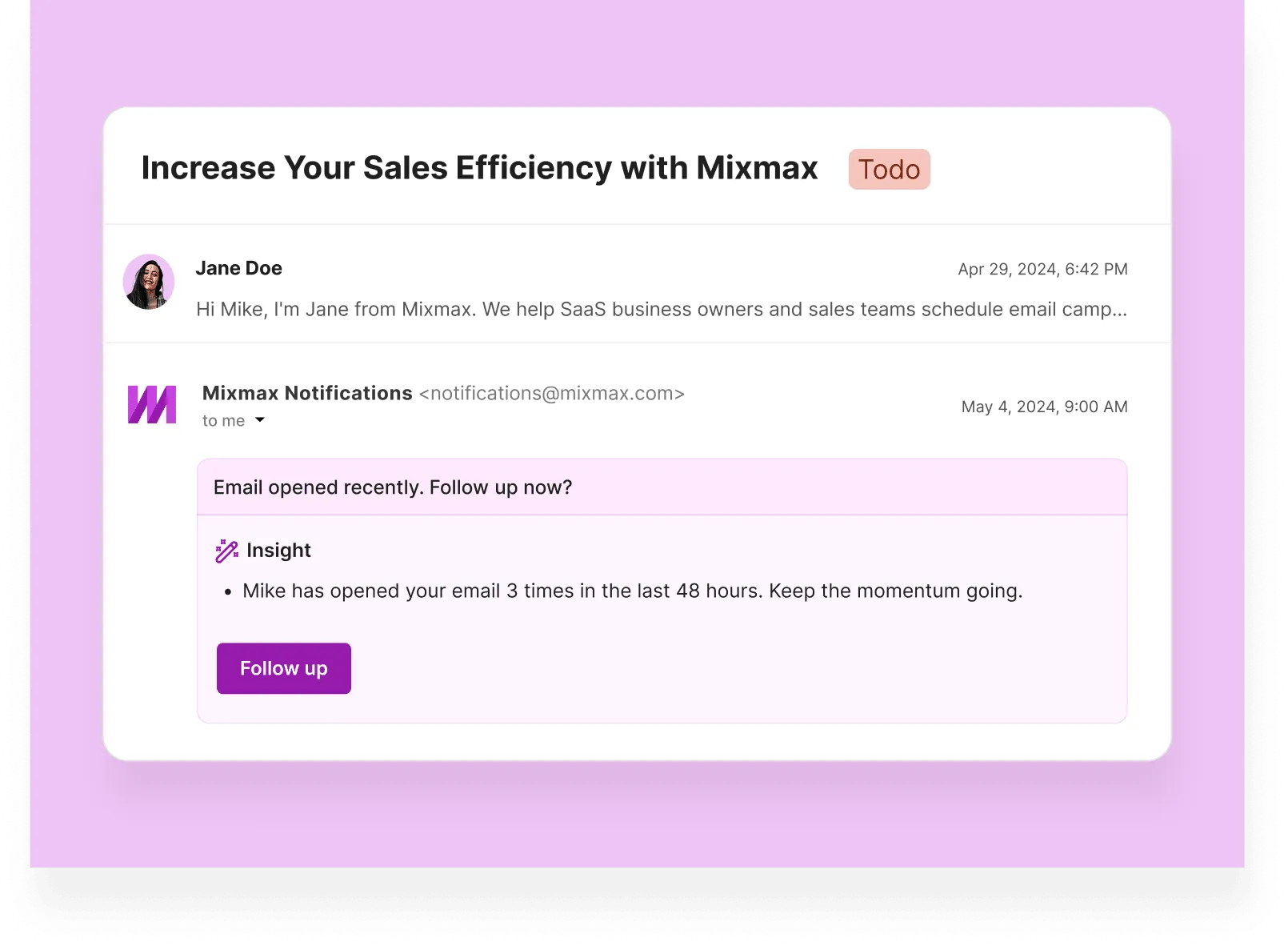
Never miss a follow-up
When someone goes quiet, a reminder at the right time.
Cut the noise
Low-value mail steps aside. The conversations that count don’t.
Reply with the context
Calendar and CRM details, next to the thread.
Know what to do next
Even when the inbox is full.
Features
Everything the inbox should have done for you
Six things Inbox Copilot handles so you don’t have to.

Sellers who stopped losing threads
- ★★★★★
“Mixmax is my sales engagement tool of choice because it's simple enough to set up in an afternoon. But powerful enough to support your entire sales org.”
Jason BayCEO & Founder · Outbound Squad -
 Leslie VenetzFounder · The Sales-Led GTM Agency
 - ★★★★★
“Mixmax makes it quick and effective to schedule meetings with customers while combining your team's calendar availability into one view. Along with their templates and sequences for outbound outreach.”
Patrick SurcoufCommercial Account Manager · Amplitude - ★★★★★
“Switching to Mixmax [from Outreach], the data syncing problem with Salesforce evaporated overnight, plus we saved 45% on tech costs. It was a no-brainer.”
Pete MickartzDirector of Sales · Veraset - ★★★★★
“The team loves using CTAs to book a meeting. It's been really successful for us instead of just having an ugly link posted.”
Rana MohamedSr. Operations Manager · Braintrust -
 Chris FloresVP of Marketing · Bennie
 - ★★★★★
“Mixmax has the features of Outreach or Salesloft, but lives in your inbox. There is no learning curve for implementation, resulting in high adoption and usage.”
John MooreRevenue Operations Manager · Meltwater -
 Federico DominguezSales Operations Director · Hostfully
 - ★★★★★
“The fact that Mixmax is not trying to divert people into a web application, and has built its functionality to ride on top of and within Gmail with nice touches like the slash command... I think it's one of the best things on the face of the planet.”
Jeffrey LyonsDirector of Sales · Gatewise


Frequently asked questions
How will Inbox Copilot help me?
It sorts your conversations, surfaces the ones that matter, and reminds you before a follow-up slips.
What is Inbox Categorization?
Mixmax tags and sorts your email as things change. A thread moves from “To do” to “Done” once you reply.
How do reminders work?
When an email needs you, its tag flips to “To do.”
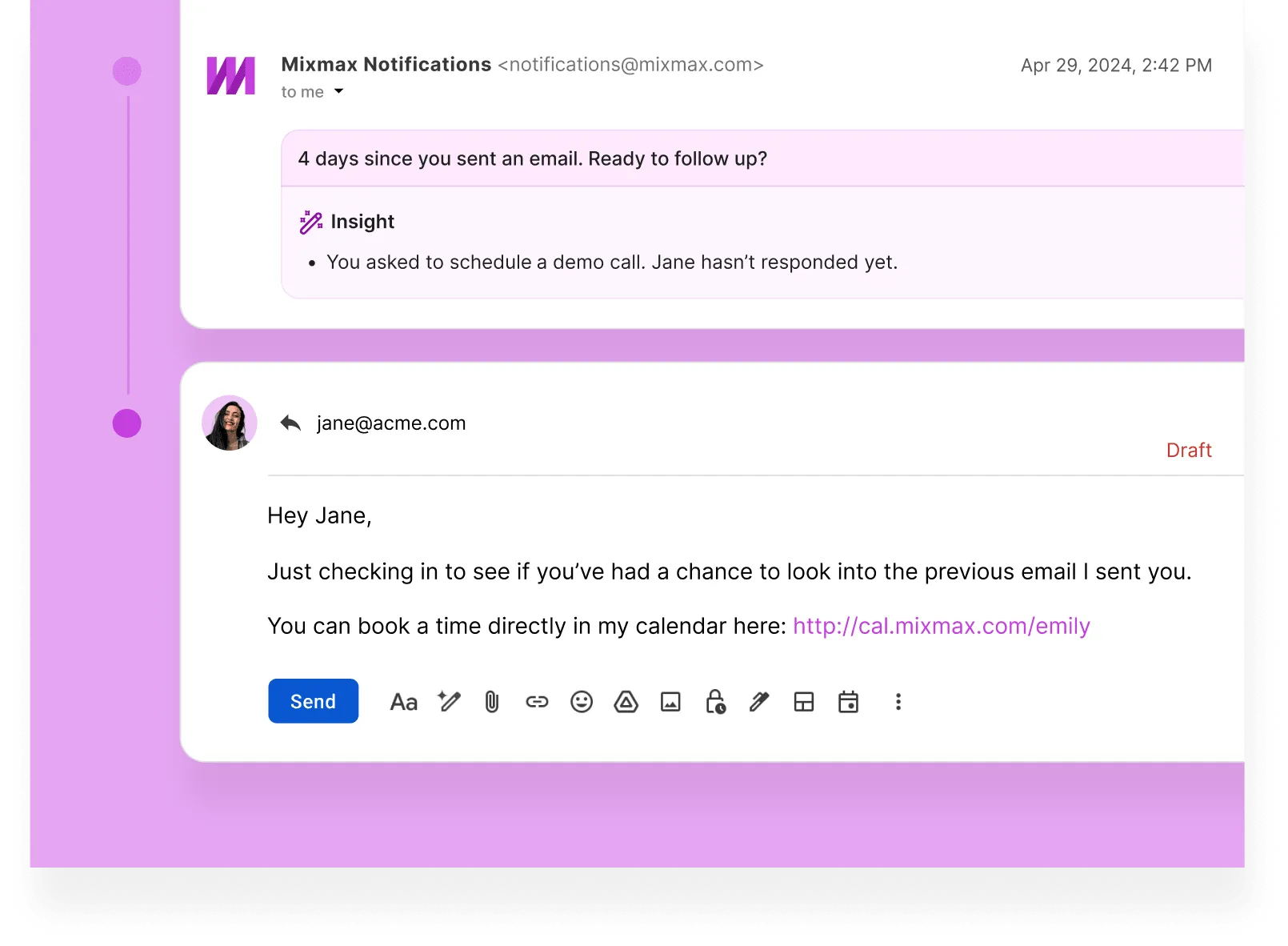
Does Inbox Copilot send emails automatically?
No. It finds the follow-up and prepares the reply. You send.