Automated Follow-Up Emails for SaaS Sales Teams
Never drop a follow-up again. Mixmax automates your post-demo, post-trial, and re-engagement follow-ups — timed to when prospects actually read them, personalized with CRM data, and all from Gmail.
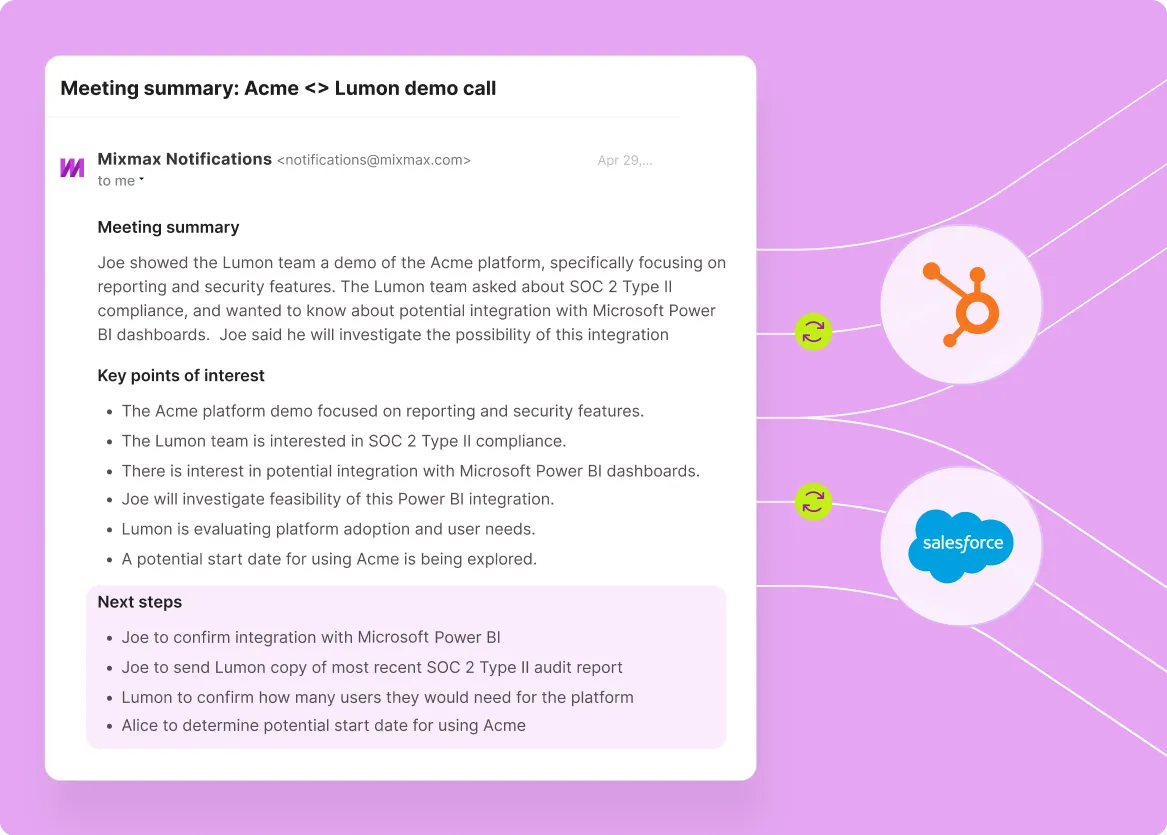
Mixmax works inside Gmail and syncs to Salesforce.
Mixmax works inside Gmail and syncs to Salesforce. Automate follow-up cadences with Smart Send timing and CRM personalization — so every follow-up feels written for that prospect.

Timed follow-up sequences
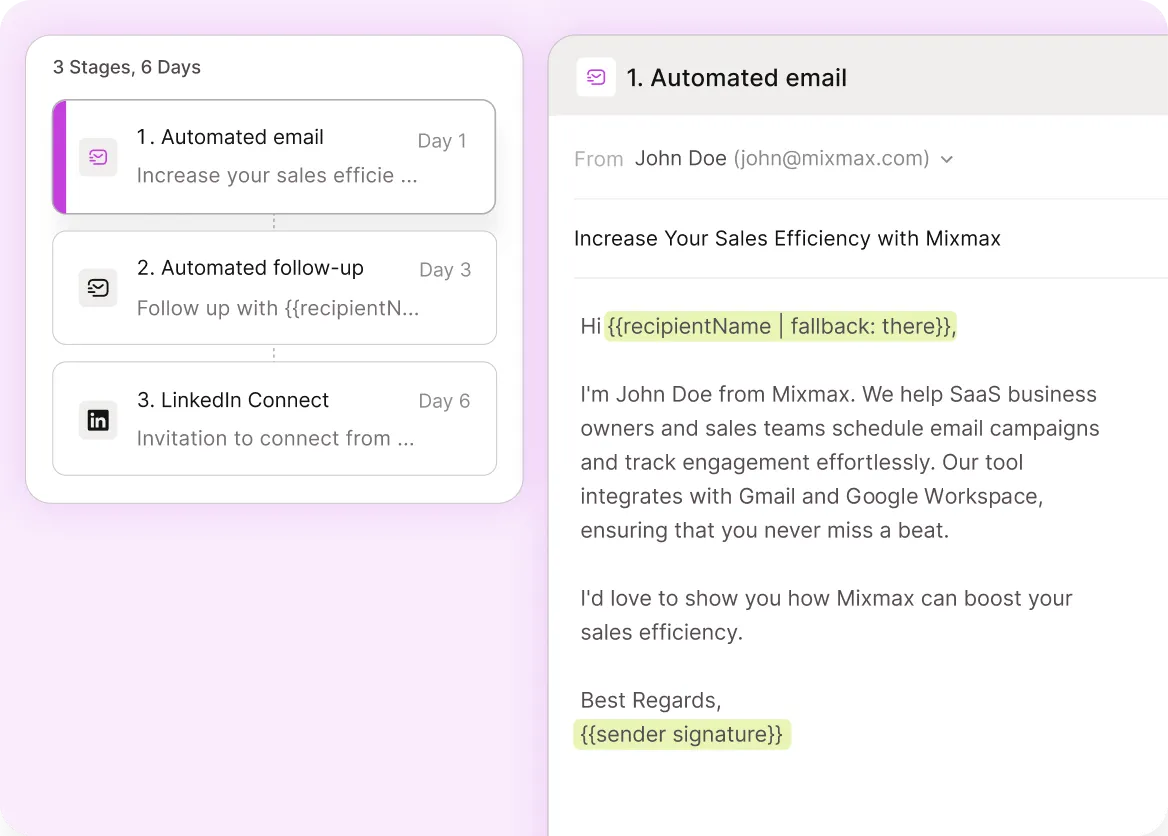
Build follow-up cadences for every stage of the sales process — post-demo, post-trial, re-engagement, deal nurture. Set the wait time between steps, add conditions for non-responders, and the sequence runs until the prospect replies or you close the deal. No more sticky notes or calendar reminders.

Engagement-aware timing
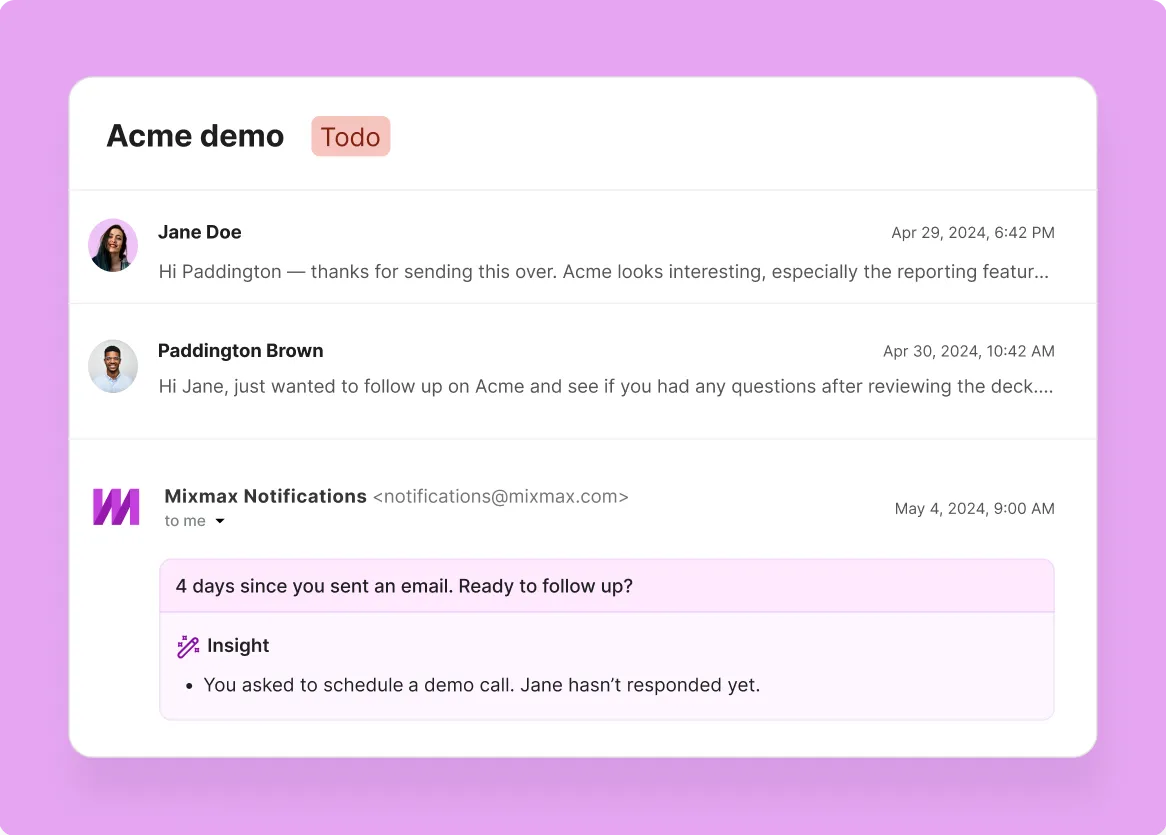
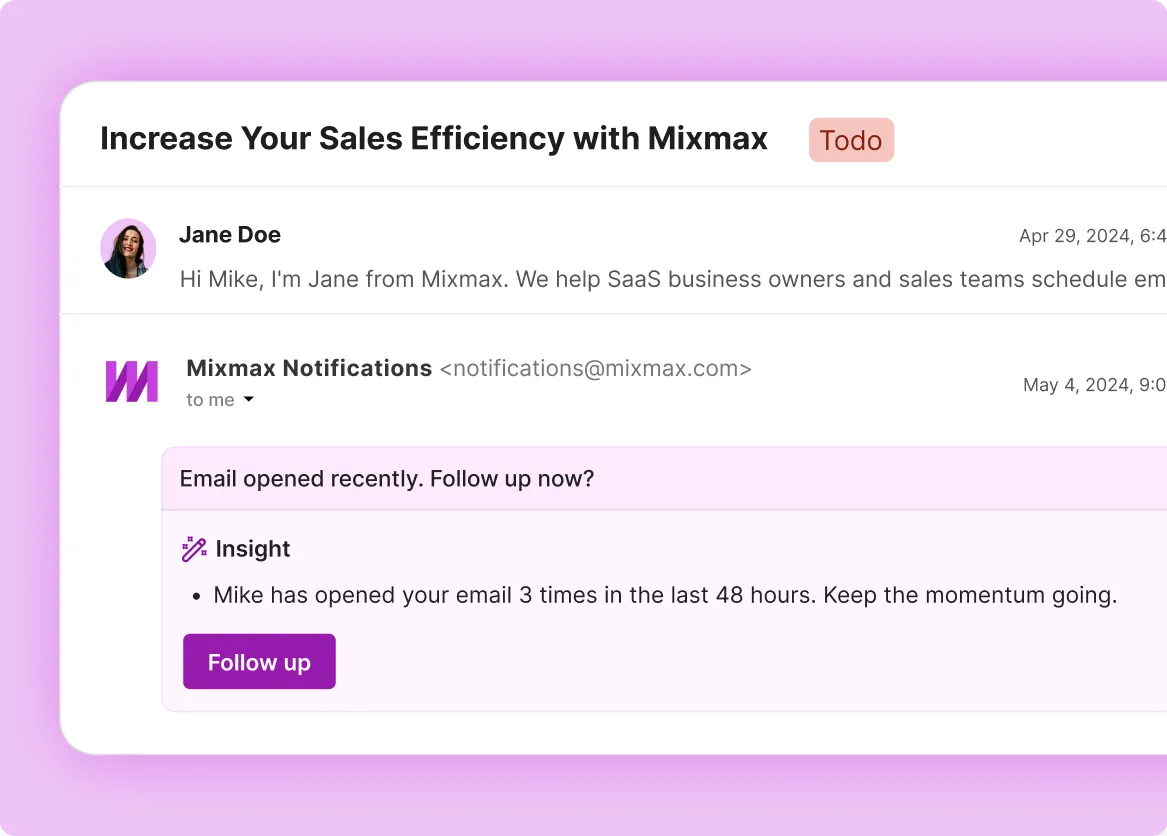
Not all follow-ups should go out on a fixed schedule. When a prospect re-opens your proposal or clicks your pricing link, Mixmax nudges you to follow up right then — when interest is live. Smart Send handles the rest, delivering scheduled follow-ups when recipients are most active.

Personalization with CRM data
Pull Salesforce fields into your follow-up emails — company name, deal stage, last meeting date, custom fields. Every follow-up reads like it was written for that specific prospect, even when you’re running follow-up cadences across dozens of deals at once.
Everything you need to automate follow-ups without losing the personal touch
Mixmax combines timed follow-up sequences, engagement-aware send timing, CRM-powered personalization, and automatic Salesforce logging — so no deal goes quiet because someone forgot to follow up.
-
1 / 4
Timed follow-up sequences
Build follow-up cadences for every stage of the sales process — post-demo, post-trial, re-engagement, deal nurture. Set the wait time between steps, add conditions for non-responders, and the sequence runs until the prospect replies or you close the deal. No more sticky notes or calendar reminders.
- Post-demo and post-trial follow-up cadences
- Re-engagement sequences for gone-dark deals
- Auto-exit when the prospect replies

Frequently asked questions
-
How does Mixmax automate follow-up emails for SaaS sales teams?
Mixmax sequences let you build follow-up cadences that send emails on a schedule you define — post-demo on day 1, check-in on day 3, re-engagement on day 7. You set the timing and conditions, add personalization with Salesforce merge fields, and the sequence runs automatically. When a prospect replies, they exit so you can have a real conversation.
-
Can Mixmax follow-ups be personalized with CRM data?
Yes. Any Salesforce field — company name, deal stage, last meeting date, custom fields — can be merged into follow-up emails. That means every follow-up reads like it was written for that specific prospect, even when you’re running cadences across dozens of active deals.
-
How does Smart Send improve follow-up email performance?
Smart Send analyzes when each recipient is most likely to be in their inbox and delivers your follow-up at that time. Instead of sending at 9 AM regardless of timezone or habits, your email arrives when the prospect is actively reading. That’s how Mixmax users see 67% open rates on follow-up emails.
-
Does Mixmax prevent follow-ups from sounding robotic?
Mixmax automates the timing and cadence, not the message itself. You control what each follow-up says. You can use templates for common scenarios and personalize with CRM data, or mix automated emails with manual steps where you write a personal note. The result is consistent follow-up that still sounds like a real person.
-
Does Mixmax sync follow-up activity to Salesforce?
Yes. Every follow-up email, reply, open, and click syncs to the relevant Salesforce record automatically. Managers see follow-up activity in pipeline reviews and can identify deals that need attention based on real engagement data — not just whatever reps remembered to log.
-
How easy is it to set up automated follow-ups in Mixmax?
Mixmax works inside Gmail, so there’s no new tool to learn. Build a follow-up sequence in a few minutes using the visual sequence builder, add Salesforce personalization, and start enrolling prospects. Most SaaS teams are running follow-up sequences within their first day.
Never drop a follow-up. Never sound robotic.
Automate your follow-up cadences, personalize with CRM data, and send every email at the right time — all from Gmail.