

Today we’re happy to announce that you can write perfect, readable code directly in email.
Writing code in email is terrible. It’s nearly impossible to indent correctly and syntax highlighting is non-existent. We’re here to help!
To solve this, we used the Mixmax SDK to build an app that lets you painlessly write code snippets with perfect formatting directly in your emails.
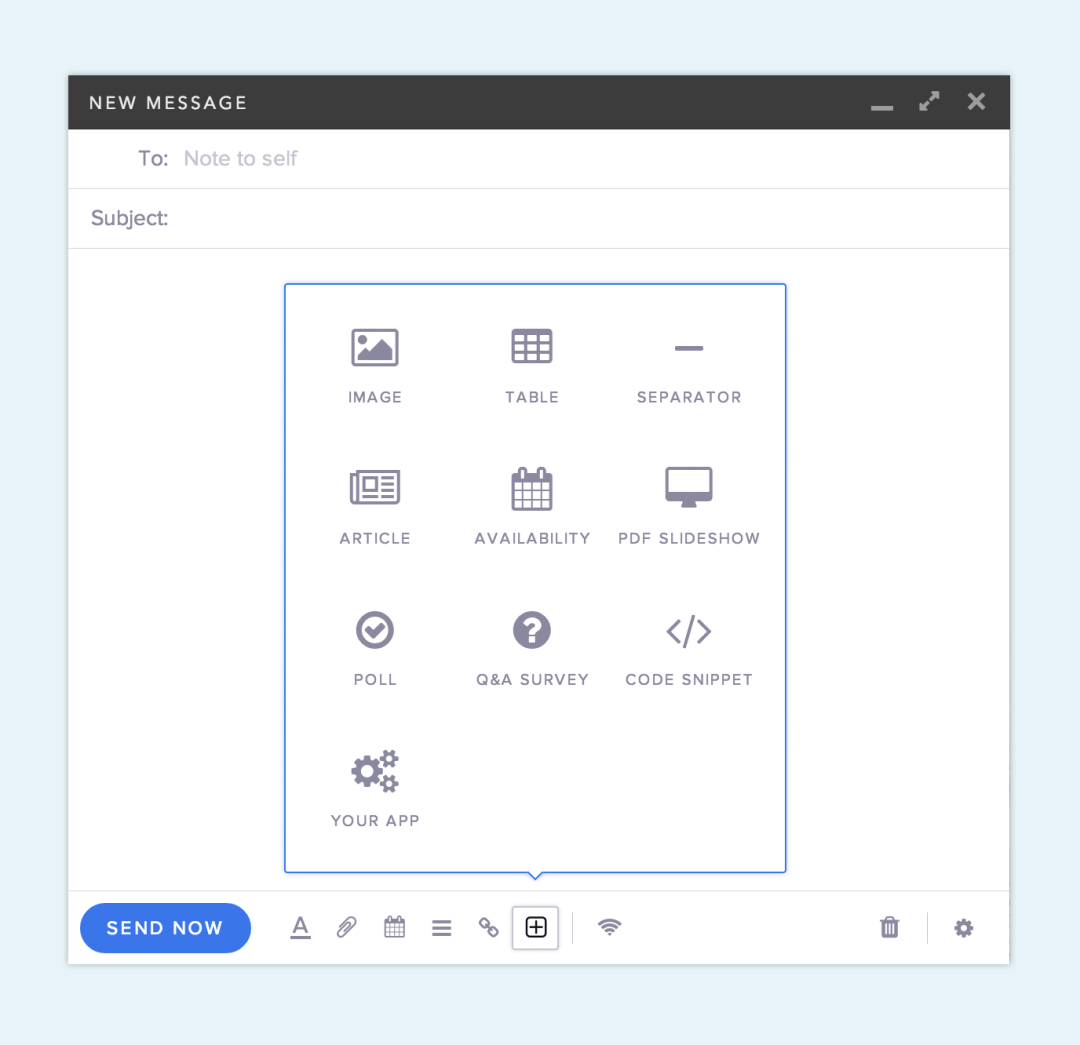
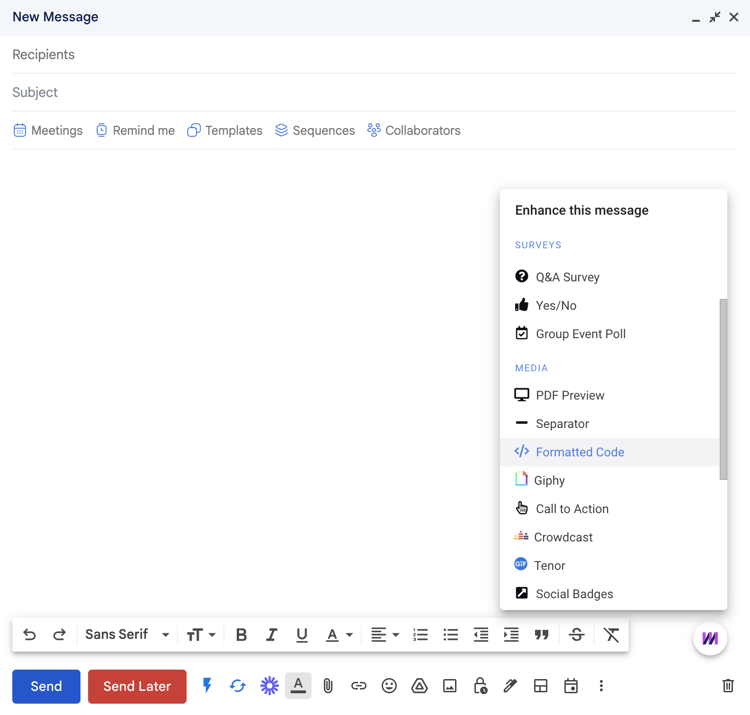
To create a code snippet, head to the App menu in Mixmax (via Gmail), and select Formatted Code:
In the pop-up, add an optional title and choose the language of your code, then paste or type code into the text box and choose your favorite theme. Click Insert Code Snippet at the bottom to put the code right in your email.
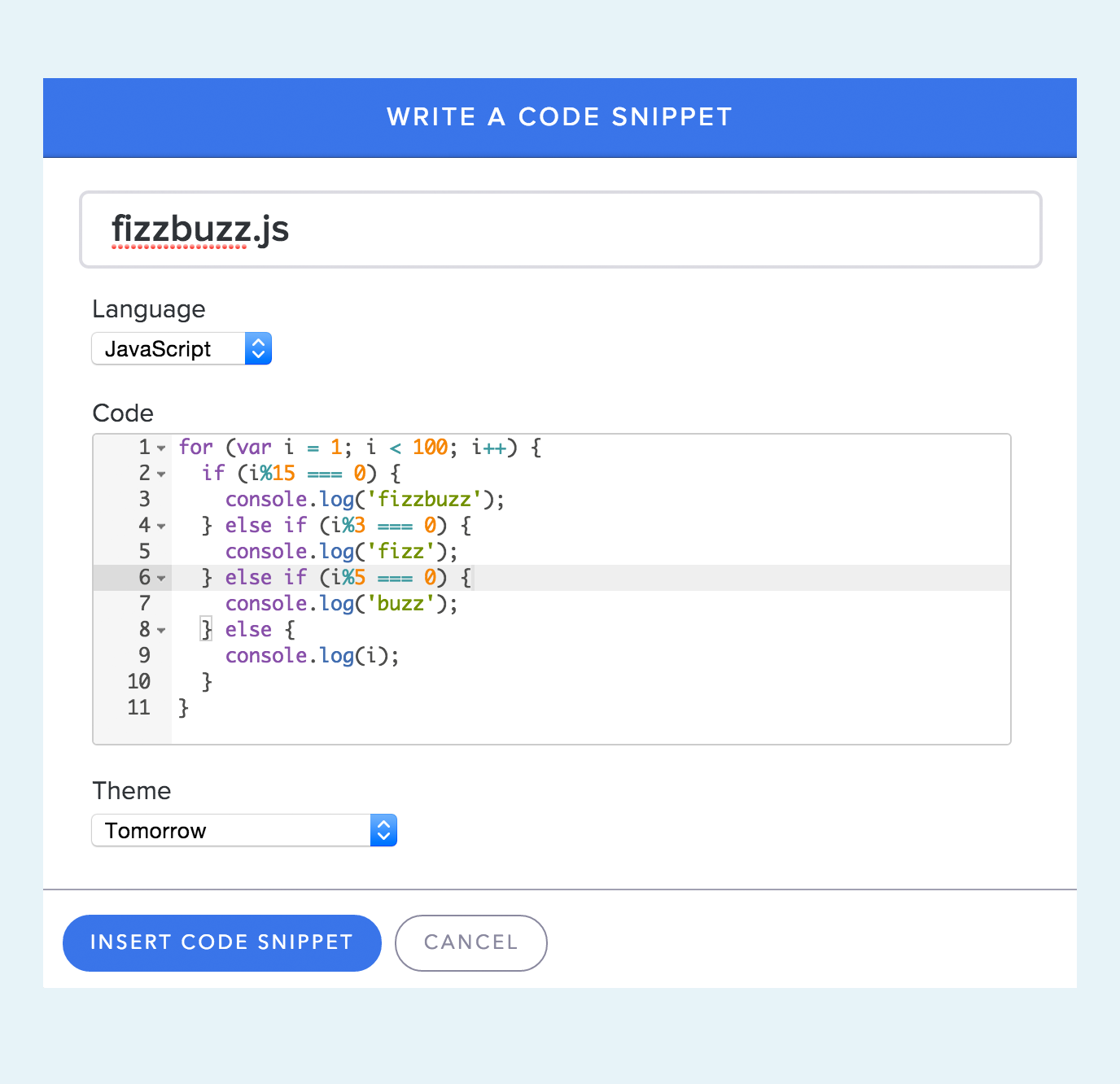
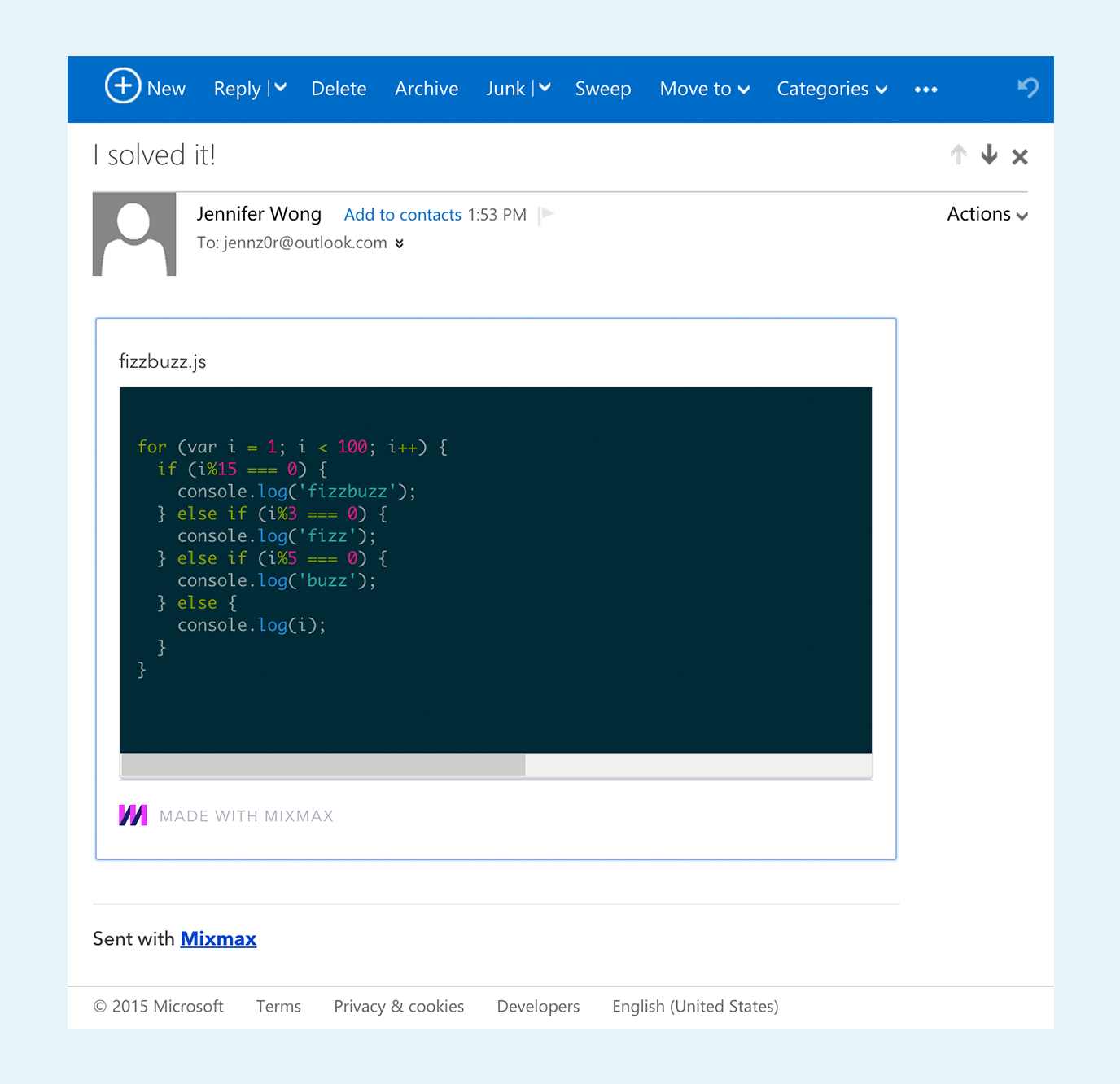
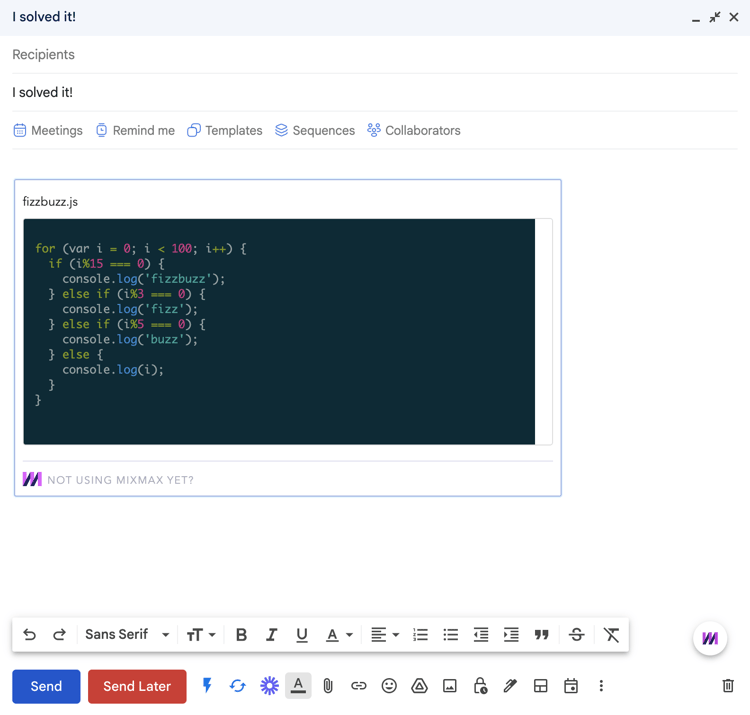
And that’s it. Your code appears with all its original formatting, indentation, and syntax highlighting according to the language and theme you chose:
.png?width=750&height=716&name=2%20(1).png)
Our code snippets work in all email clients including Outlook. And for night owls, we even have dark background themes:
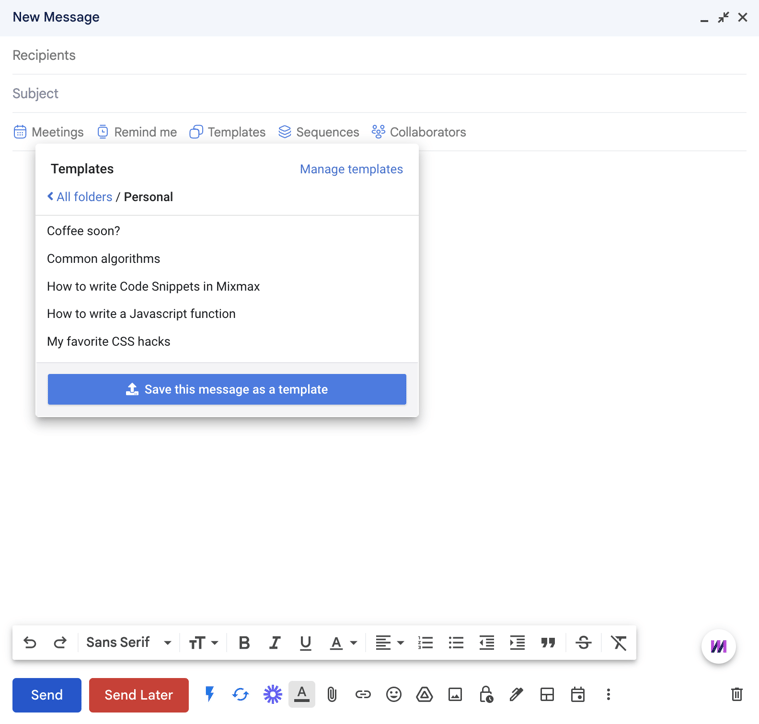
As a bonus — the code creator is extra powerful when used with templates. If you have a bunch of code snippets that you send frequently, save them by selecting the templates menu and Save this message as a template. They’re super helpful for evangelism, customer support, or sales with engineers and developers.
We rely on Ace Editor for syntax highlighting and the themes we provide. We simply walk the DOM provided by Ace and scrape the CSS styles.
Again, because many email clients require inline CSS, we inject those styles inline. We grab any dark background-color styles from Ace and apply them client-side so those themes will look great in any inbox. We also use the same overflow-x: scroll property from our Gists to enable scrolling for longer lines of code on mobile and desktop.
The most complicated part of the implementation was debugging a display issue on any Apple devices — our code snippets were appearing completely blank. Turns out, the solution was some quick editing in our HTML by making sure our <pre> were contained within <table> instead of <div>.
Try it out by adding our extension to Gmail and sending your best code snippets over — we’d love to hear from you. And stay tuned. In a later post, we’ll show you how we built this app with the Mixmax SDK.
This is yet another of the many in-email apps you can create on the Mixmax sales engagement platform to power up your email. Email us careers@mixmax.com or tweet us @Mixmax if you’d like to make one of your own!


.png?width=450&height=250&name=Image%20Light%20Version%20(1).png)