
Keep every customer relationship moving.
Customer relationships rarely break all at once. They drift—when follow-ups slip, action items get lost, or important accounts go quiet. Mixmax helps CSMs stay on top of renewals, check-ins, and next steps without leaving the inbox.
Mixmax works inside Gmail and syncs to Salesforce.
Customer success work gets messy when everything depends on memory. Threads get buried. Next steps live in scattered notes. A renewal risk shows up late. Mixmax gives CSMs a clearer view of which accounts need attention, then makes it fast to follow up, schedule, and capture activity from Gmail.

Know which accounts need attention
Mixmax helps surface the conversations that matter so important customers do not go quiet unnoticed.

Follow up consistently
Use templates, reminders, and sequences to keep check-ins, recap emails, and renewal motions from slipping.

Keep Salesforce trustworthy
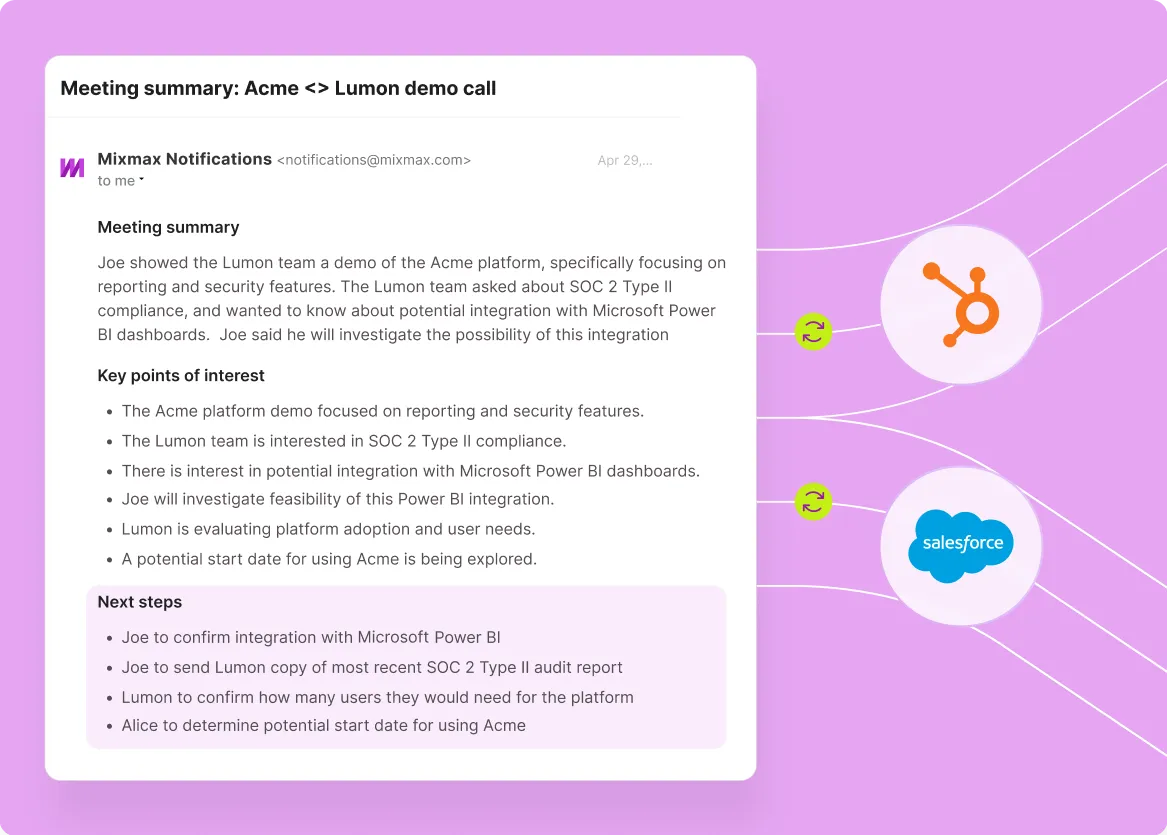
Automatically capture customer activity so account history, handoffs, and forecasting are not built on missing data.
Everything you need to manage customers from the inbox
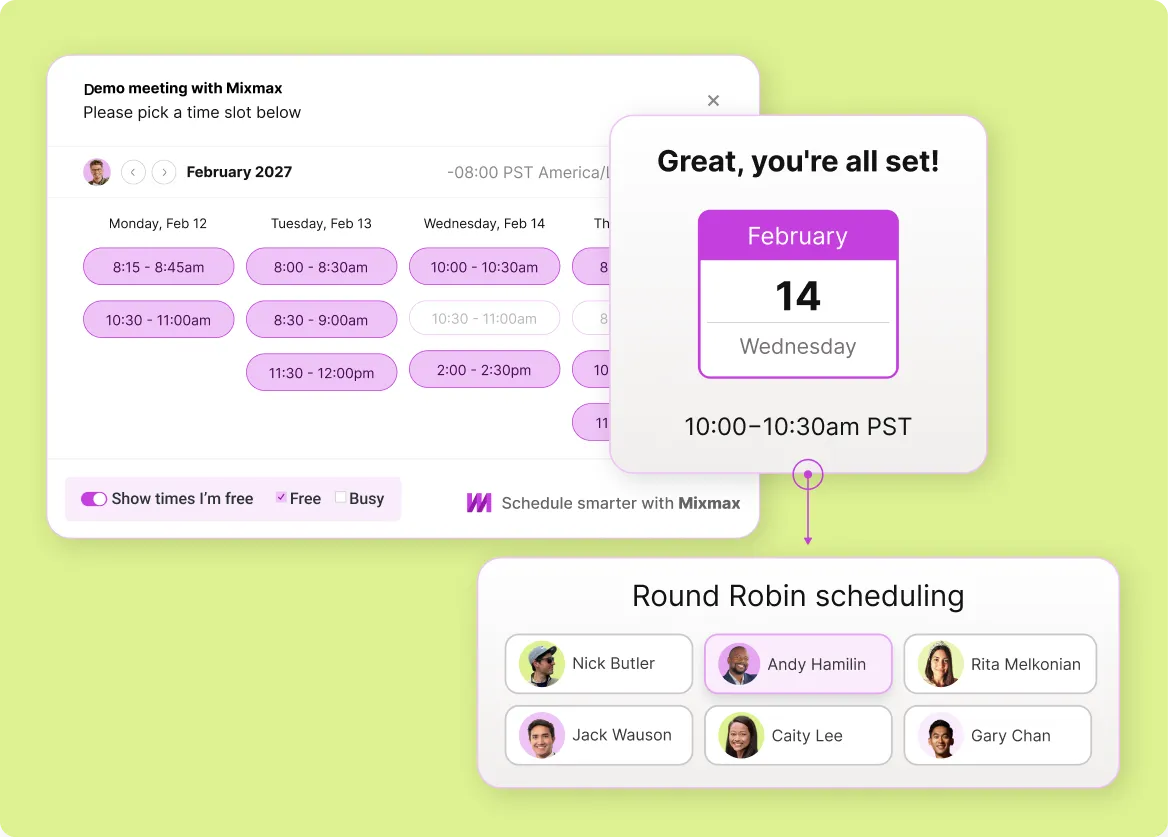
Mixmax combines inbox prioritization, meeting follow-up, scheduling, and Salesforce activity capture so CSMs can stay organized and responsive with less manual work.
-
1 / 4
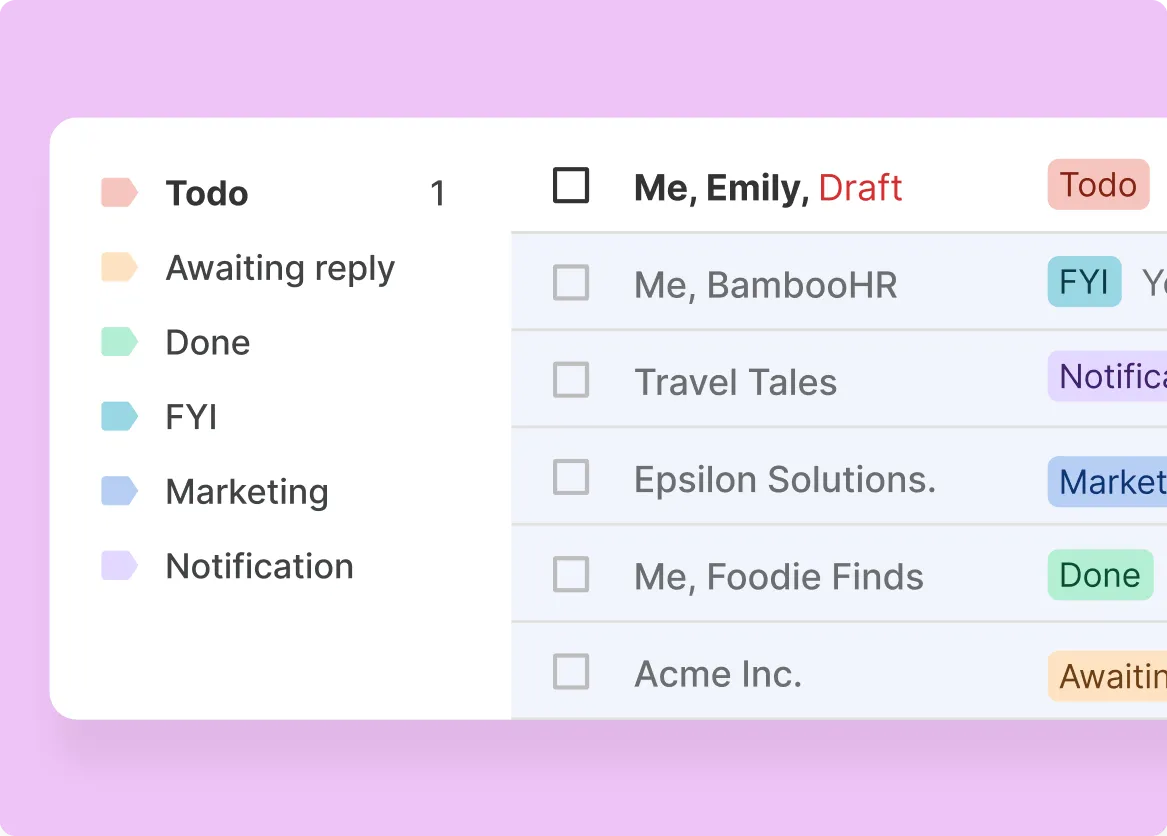
Account prioritization
Focus on the customers that need attention now. Mixmax helps CSMs spot quiet threads, recent engagement, and accounts that may need a nudge before momentum slips.
- Spot quiet accounts faster
- Catch “opened but silent” moments
- Stay ahead of renewal and expansion conversations

Frequently asked questions
-
How does Mixmax help customer success teams?
Mixmax helps customer success teams stay on top of customer conversations from Gmail by surfacing the threads that need attention, making follow-up faster, and keeping Salesforce activity more complete.
-
Is Mixmax a CRM?
No. Mixmax works inside Gmail and syncs with Salesforce, so CSMs can manage follow-ups, meetings, and activity capture without living in the CRM all day.
-
How does Mixmax help prevent customers from going quiet?
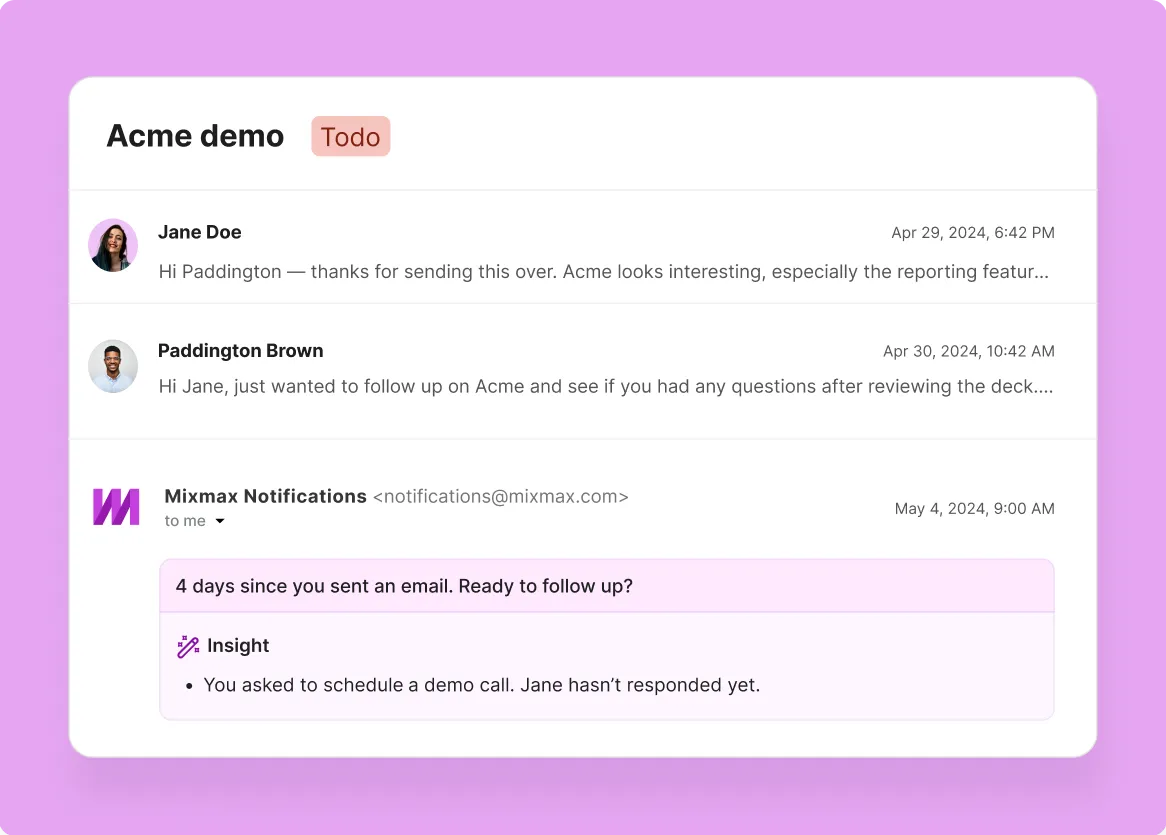
Mixmax makes it easier to spot when an account has gone silent, when engagement happens without a reply, or when a follow-up is overdue, then helps CSMs take the next step quickly.
-
Does Mixmax sync customer activity to Salesforce?
Yes. Mixmax helps capture email and meeting activity to Salesforce so customer history stays more complete without constant manual logging.
-
Can Mixmax help with renewals and expansion follow-up?
Yes. Mixmax helps teams stay consistent with the emails, reminders, meeting recaps, and scheduling that keep renewal and expansion conversations moving.
-
Who gets the most value from Mixmax for customer management?
Mixmax is especially useful for teams managing active customer relationships in Gmail and Salesforce, where consistent follow-up, clear next steps, and clean account history matter.
Ready to keep customers moving?
See how Mixmax helps your team stay on top of renewals, follow-ups, and customer conversations with clearer priorities and more reliable Salesforce activity.