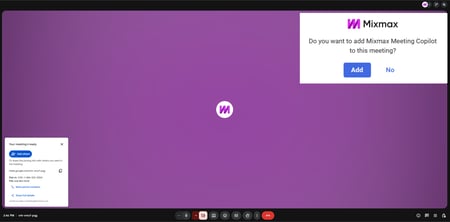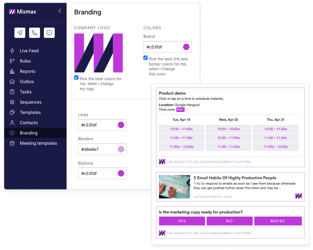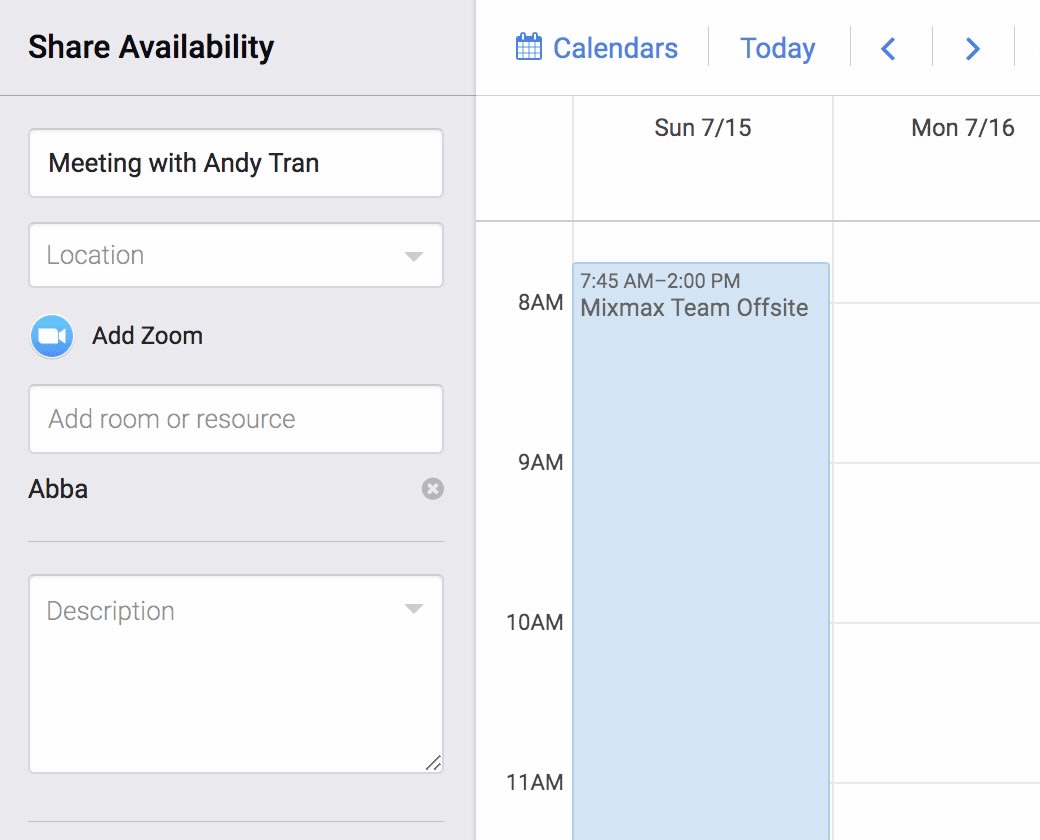


Today we up your meeting game with two updates to our calendar — plus one customer favorite:
- Create a unique Zoom link for each meeting
- Automatically book a meeting room
- Add a call-to-action button that links to your online calendar
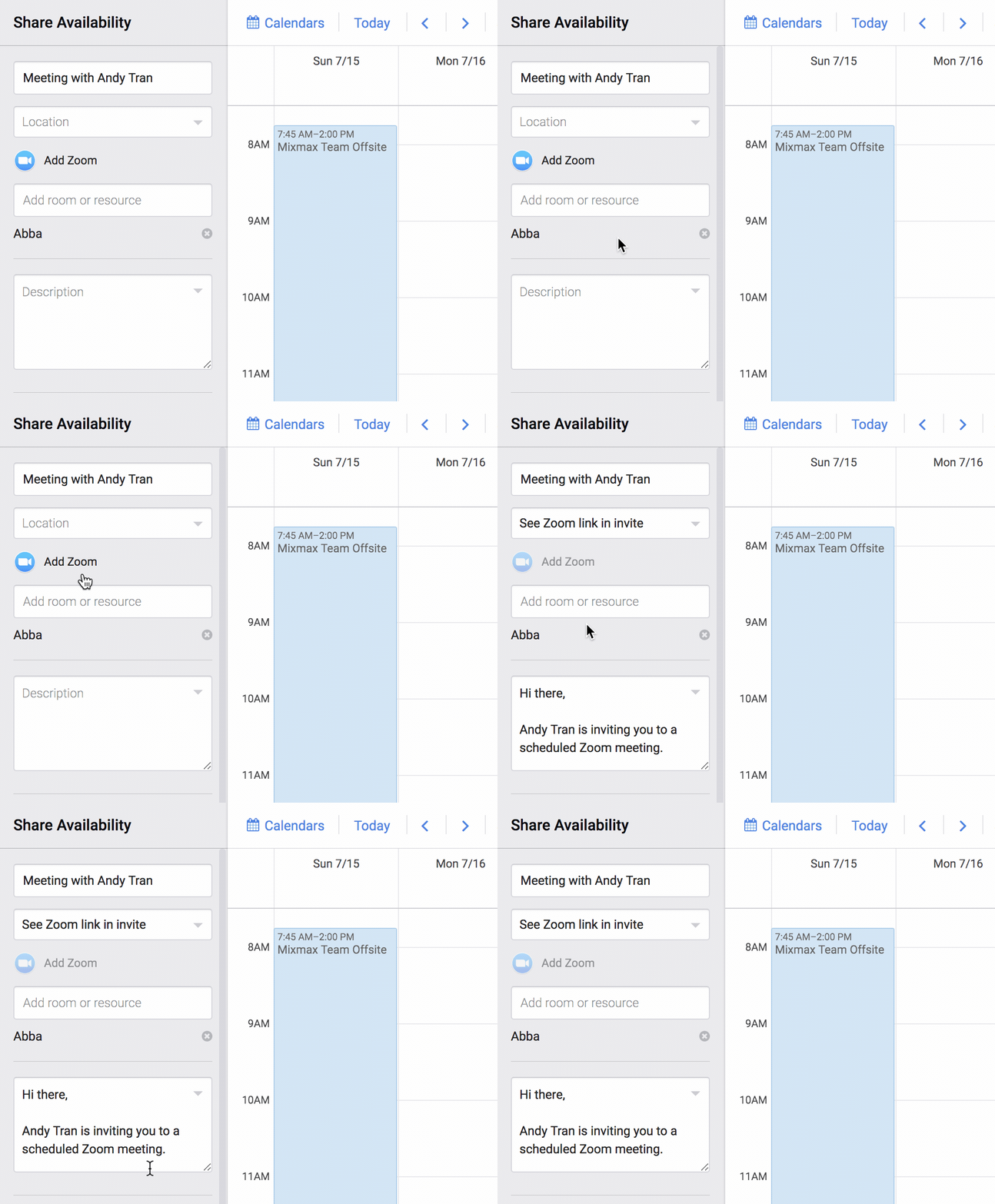
With our new Zoom integration, you can add a unique Zoom link to each meeting — when you choose meeting times using Share Availability, or when you use a Meeting Template. No more awkward overlapping meetings! Learn more about the Zoom integration.
Related Post: 5 Tips for Booking Meetings That Prospects Will Actually Attend
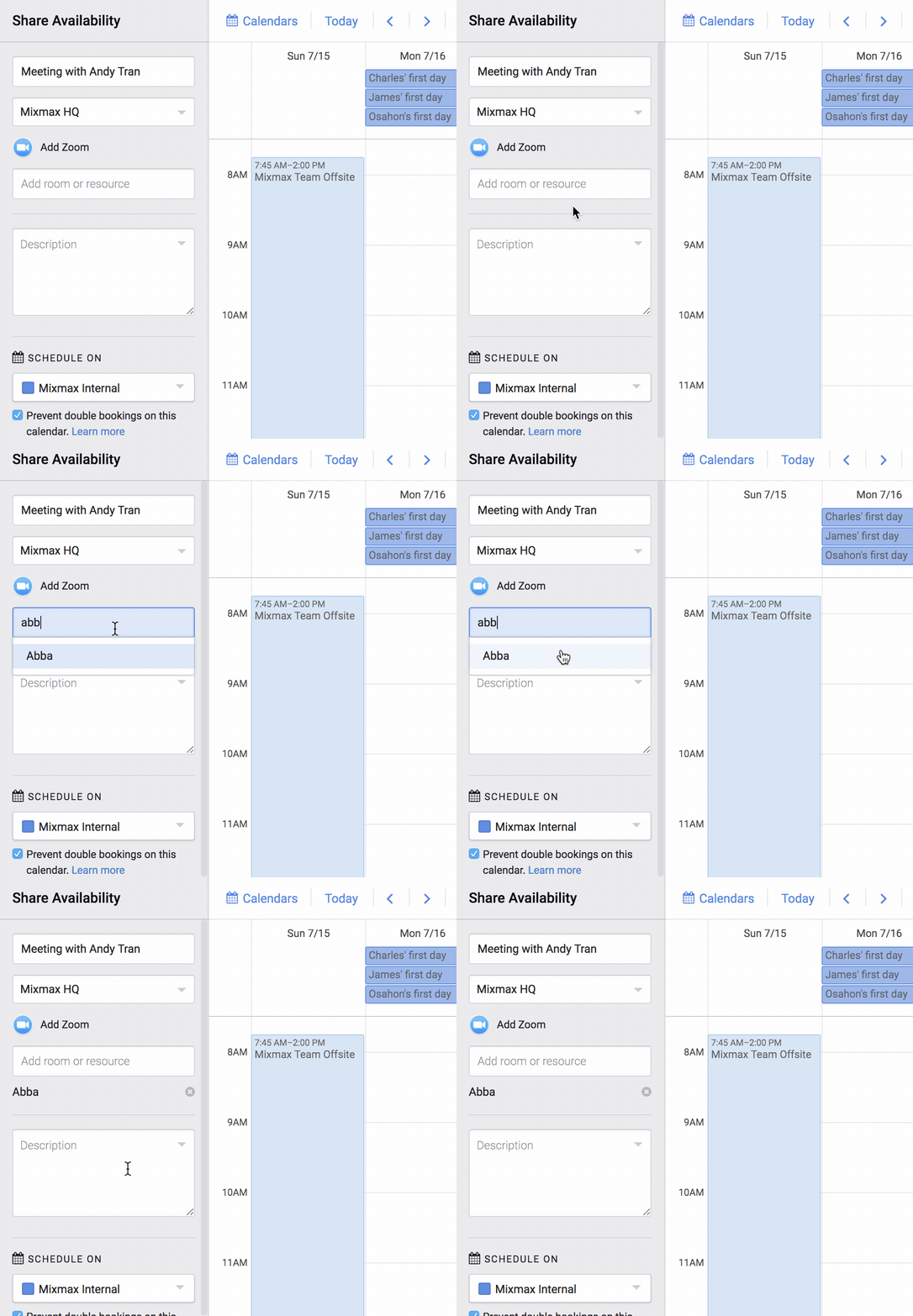
You’re set for video meetings — but what if your meeting is in real life? Now you can book a room, automatically. Specify the room you want, or choose any available room:
We also want to share a customer favorite that helps sales reps book more meetings, and makes their emails stand out from the crowd. Here’s how to create a call-to-action button that links to your personal meeting booking page.
PS - Want to be a Mixmax beta tester? You’ll get early access to new features, like our Pipedrive integration and “Beast Mode” for sales teams. Apply here.


.png?width=450&height=250&name=Image%20Light%20Version%20(1).png)