









AI needs your sales data. But most sales tools are standalone apps disconnected from the inbox. Mixmax runs inside Gmail, captures everything, and serves it to Claude and ChatGPT through MCP — so AI gets data from where work actually happens.

Inbox Data Flows
Mixmax captures sales activity from inside Gmail — every email, meeting, click, and reply. The MCP server delivers all of it to AI. Standalone tools miss inbox-level data because they're not in the inbox.

Engagement Others Miss
Open patterns, click timing, forward-to-colleague behavior, and reply cadence — inbox-level signals that standalone tools can't capture because they don't run inside Gmail. Mixmax sees them all and MCP delivers them to AI.

Zero Tools Added
Reps don't install a new app, learn a new UI, or change their workflow. They email in Gmail, Mixmax captures the data in the background, and MCP serves it to AI. The adoption problem that kills most sales tools doesn't exist.
Inbox-sourced data, engagement signals standalone tools miss, zero workflow disruption, and a single connection bridging Gmail and CRM — all through the Mixmax MCP server.
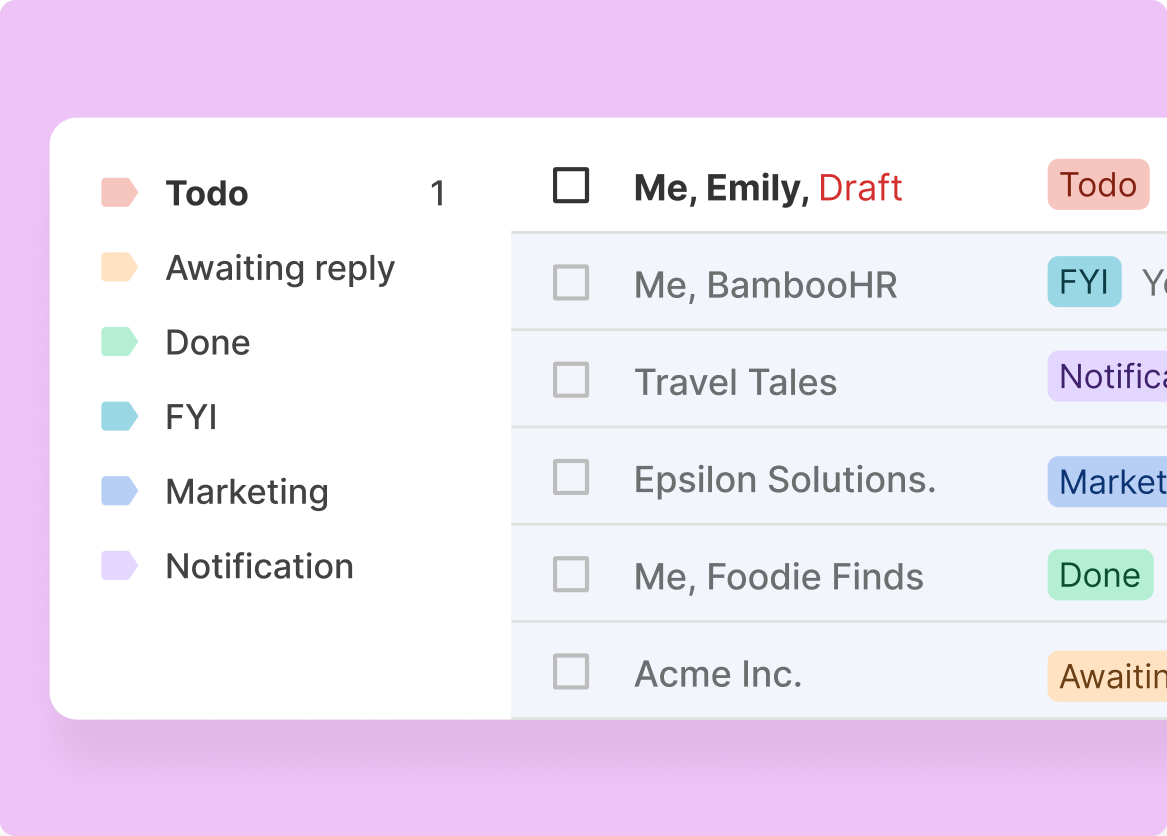
1 / 4 Inbox Data Flows
Mixmax captures sales activity from inside Gmail — every email, meeting, click, and reply. The MCP server delivers all of it to AI. Standalone tools miss inbox-level data because they're not in the inbox.
- Email activity from Gmail
- Meeting data from Calendar
- Engagement signals in real time
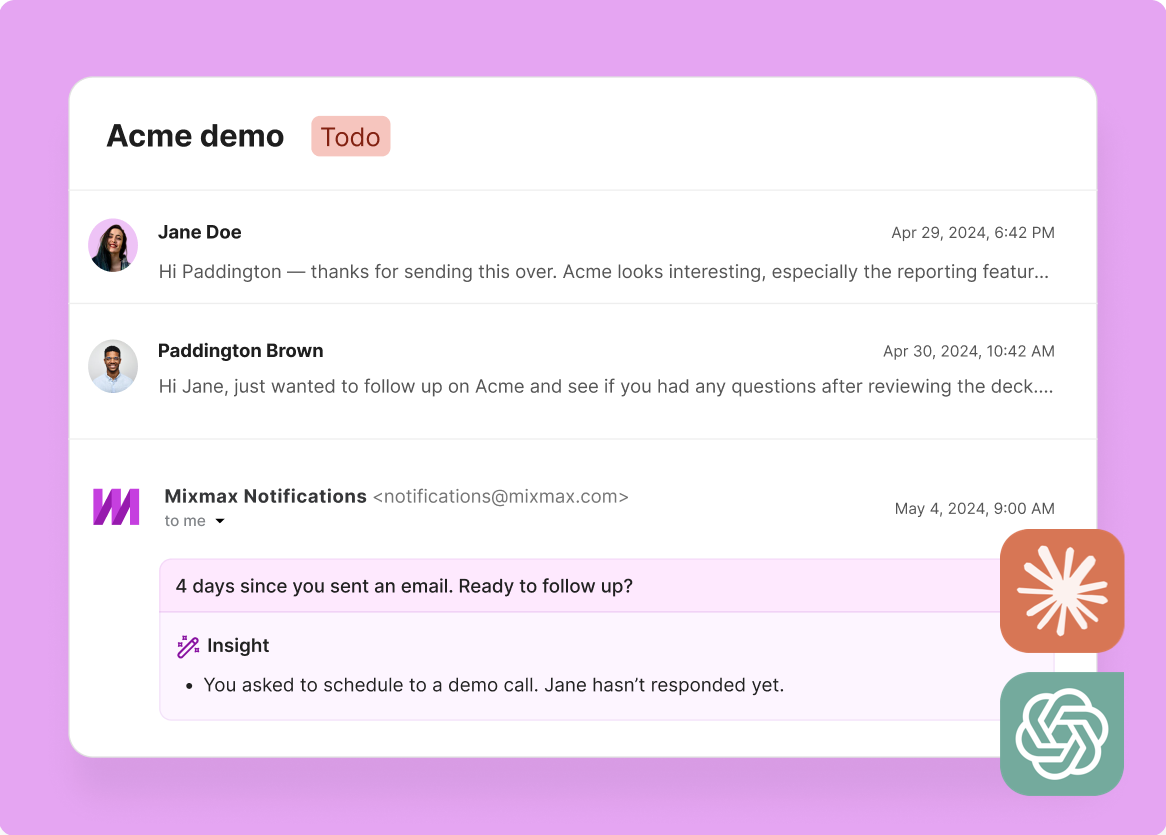
2 / 4 Engagement Others Miss
Open patterns, click timing, forward-to-colleague behavior, and reply cadence — inbox-level signals that standalone tools can't capture because they don't run inside Gmail. Mixmax sees them all and MCP delivers them to AI.
- Multi-open detection
- Forward detection
- Reply pattern analysis

3 / 4 Zero Tools Added
Reps don't install a new app, learn a new UI, or change their workflow. They email in Gmail, Mixmax captures the data in the background, and MCP serves it to AI. The adoption problem that kills most sales tools doesn't exist.
- No new app to learn
- No workflow disruption
- Background data capture

4 / 4 Systems Bridge Naturally
Mixmax bridges Gmail inbox activity and Salesforce CRM data in a single MCP connection. AI doesn't need separate servers for email and CRM — Mixmax provides both through one integration.
- Gmail + Salesforce in one
- Single MCP connection
- Unified data model

Frequently asked questions
Why does a Gmail-native MCP server matter?
Because sales work happens in Gmail. A Gmail-native MCP server captures data from where reps actually work — emails, meetings, engagement signals — rather than from a separate app that reps may or may not use consistently. Richer data input means better AI output.
How is Mixmax MCP different from a Salesforce MCP server?
A Salesforce MCP server provides CRM records — deals, contacts, pipeline state. The Mixmax MCP server provides inbox-level data — email engagement, meeting transcripts, sequence performance, and follow-up activity — plus CRM data through the Mixmax-Salesforce integration. You get both systems through one MCP connection.
What Gmail activity data does the Mixmax MCP server expose?
Email opens (with timestamps and frequency), link clicks, reply detection, forward detection, meeting scheduling from Gmail, calendar event data, sequence enrollment and performance, and follow-up/reminder activity. All captured from inside Gmail with no manual logging.
Does this work for teams not using Salesforce?
Yes. The Gmail-side data — emails, meetings, engagement signals, sequences — flows through MCP regardless of your CRM. If you also use Salesforce or HubSpot, the MCP server includes CRM data too. If not, you still get the rich inbox-level data.
How does inbox data differ from CRM data for AI?
CRM data tells you the deal stage and logged activities. Inbox data tells you the engagement reality — who's opening emails, clicking links, replying quickly, or going silent. For AI, the combination is far more valuable than either alone because it reveals intent, not just state.
Can I use other MCP servers alongside Mixmax?
Yes. MCP is designed for multiple servers to work in parallel. You can use the Mixmax MCP server alongside servers for other tools in your stack. Claude and ChatGPT can query multiple MCP servers in a single conversation.

Sales data from Gmail, inside your AI
See how the Mixmax MCP server — built natively inside Gmail — delivers richer sales data to Claude and ChatGPT than any standalone tool.

