









Pipeline data lives in Salesforce. Sales activity lives in Gmail. The Mixmax MCP server gives AI both through one connection — so deal intelligence, prep briefs, and coaching insights draw from the complete picture, not just one system.

Both Systems Connected
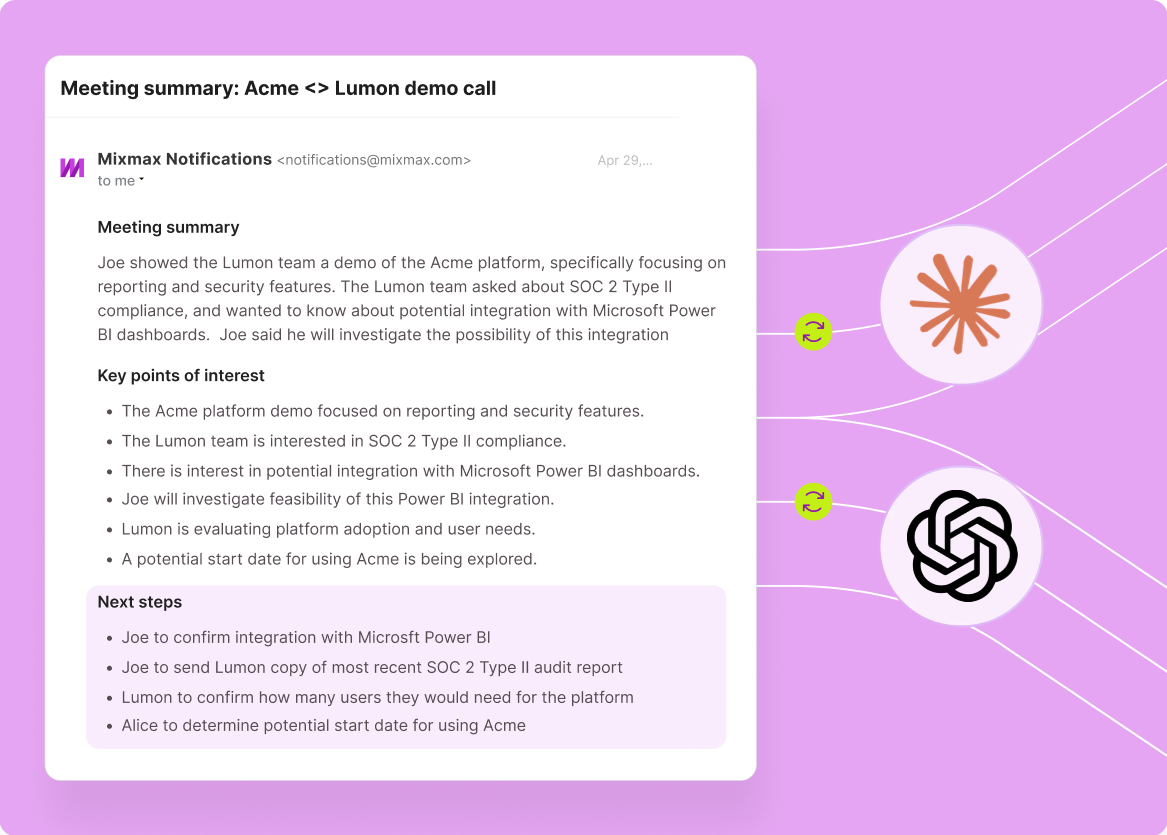
AI queries Salesforce pipeline data and Gmail activity data through a single Mixmax MCP connection. Deal stage, engagement signals, meeting transcripts, and CRM activity — all in one context.

Full Picture Available
CRM tells you the deal is in 'negotiation.' Gmail tells you the prospect hasn't opened an email in two weeks. AI with both data sources spots the mismatch and flags it. Neither system alone gives you this.

Gaps Get Bridged
The best sales intelligence lives between systems — the meeting discussed on a call shows up as an email thread that updates a deal stage. AI with MCP traces these connections automatically because it sees both sides.
Cross-system intelligence, unified deal context, simplified setup, and reasoning that bridges CRM records with inbox reality — all through one MCP connection.
1 / 4 Both Systems Connected
AI queries Salesforce pipeline data and Gmail activity data through a single Mixmax MCP connection. Deal stage, engagement signals, meeting transcripts, and CRM activity — all in one context.
- Pipeline + inbox in one
- Single authentication
- Unified data model
2 / 4 Full Picture Available
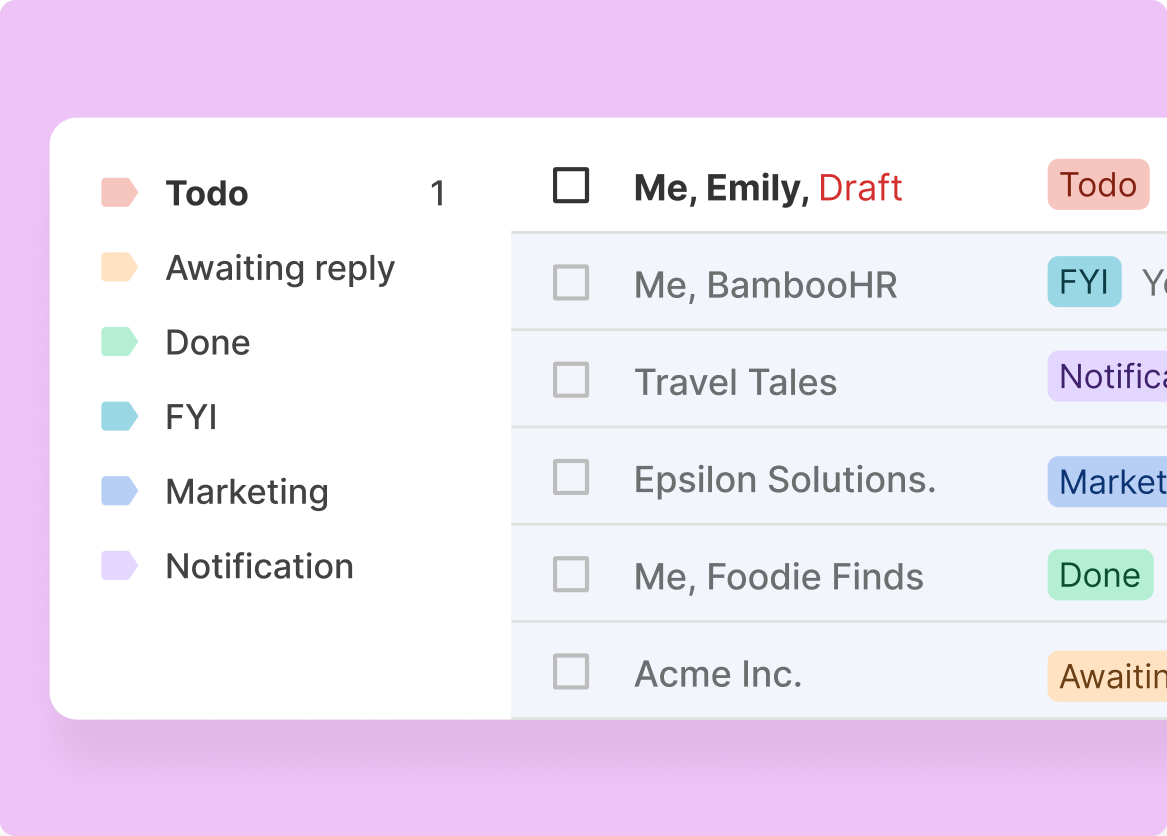
CRM tells you the deal is in 'negotiation.' Gmail tells you the prospect hasn't opened an email in two weeks. AI with both data sources spots the mismatch and flags it. Neither system alone gives you this.
- CRM-inbox mismatch detection
- Engagement-stage validation
- Complete deal intelligence

3 / 4 Gaps Get Bridged
The best sales intelligence lives between systems — the meeting discussed on a call shows up as an email thread that updates a deal stage. AI with MCP traces these connections automatically because it sees both sides.
- Cross-system reasoning
- Activity-to-pipeline connection
- Relationship context

4 / 4 Assembly Stays Simple
One MCP server. One authentication. Both Salesforce and Gmail data. No need to configure and maintain separate integrations for each data source. Mixmax already bridges these systems — MCP extends the bridge to AI.
- Single setup process
- One server, all data
- No maintenance overhead

Frequently asked questions
Why use one MCP server for Salesforce and Gmail?
Because the most useful sales intelligence requires both systems. Deal stage is in Salesforce; actual engagement is in Gmail. AI needs both to flag mismatches, generate complete prep briefs, and score deal health accurately. One MCP server that bridges both is simpler to set up and provides richer context than two separate servers.
How does Mixmax MCP bridge CRM and inbox data?
Mixmax already integrates bidirectionally with Salesforce — syncing email, meeting, and engagement data between Gmail and the CRM. The MCP server extends this bridge to AI tools. When Claude or ChatGPT queries the MCP server, it gets unified data from both systems through one connection.
Is this different from Salesforce's own MCP server?
Yes. Salesforce's MCP server provides CRM records — pipeline data, contacts, opportunities. The Mixmax MCP server provides CRM records PLUS inbox-level data — email engagement, meeting transcripts, sequence performance, and follow-up activity. If you use both, that's fine — but Mixmax alone covers both data sources.
What data from each system does the MCP server expose?
From Salesforce: deal stages, amounts, close dates, contacts, and opportunity metadata. From Gmail (via Mixmax): email engagement signals, meeting transcripts and summaries, sequence enrollment and performance, follow-up activity, and scheduling data. From both: activity timelines that connect CRM state with inbox reality.
Does this work with HubSpot instead of Salesforce?
Yes. Mixmax integrates bidirectionally with both Salesforce and HubSpot. If your team uses HubSpot + Gmail, the MCP server provides the same bridged data model — CRM records plus inbox activity through one connection.
Can I use the Mixmax MCP server if I already have a Salesforce MCP server?
Yes. MCP supports multiple servers working in parallel. You can use both — Salesforce's MCP for direct CRM queries and Mixmax's MCP for inbox-enriched data. However, most teams find the Mixmax server covers both needs because it already includes CRM data through the Salesforce integration.

Both systems, one AI connection
See how the Mixmax MCP server connects Salesforce pipeline data and Gmail activity to Claude and ChatGPT in a single connection — so AI has the complete picture.

