









Stop building pipeline review decks by hand. The Mixmax MCP server gives AI direct access to deal stages, engagement history, and activity timelines — so pipeline summaries, risk flags, and coaching insights generate in seconds.

Ask Your Pipeline
Natural language queries against live pipeline data: 'show me deals over $50K in negotiation with no activity in 10 days.' The AI pulls from Salesforce pipeline state enriched by Mixmax engagement data.

Reviews Skip Slides
AI generates pipeline review summaries from live data — deal count by stage, total value, velocity metrics, and risk flags. Updated in real time, not assembled the night before the forecast call.

Risk Shows Early
AI flags deals where engagement doesn't match the stage — the 'negotiation' deal with no opens in two weeks, the 'closing this month' opportunity with a stale close date and no next step. Risk surfaces before the forecast call.
Natural language queries, automated pipeline reviews, risk detection, and coaching insights — all powered by real pipeline and activity data flowing through the Mixmax MCP server.
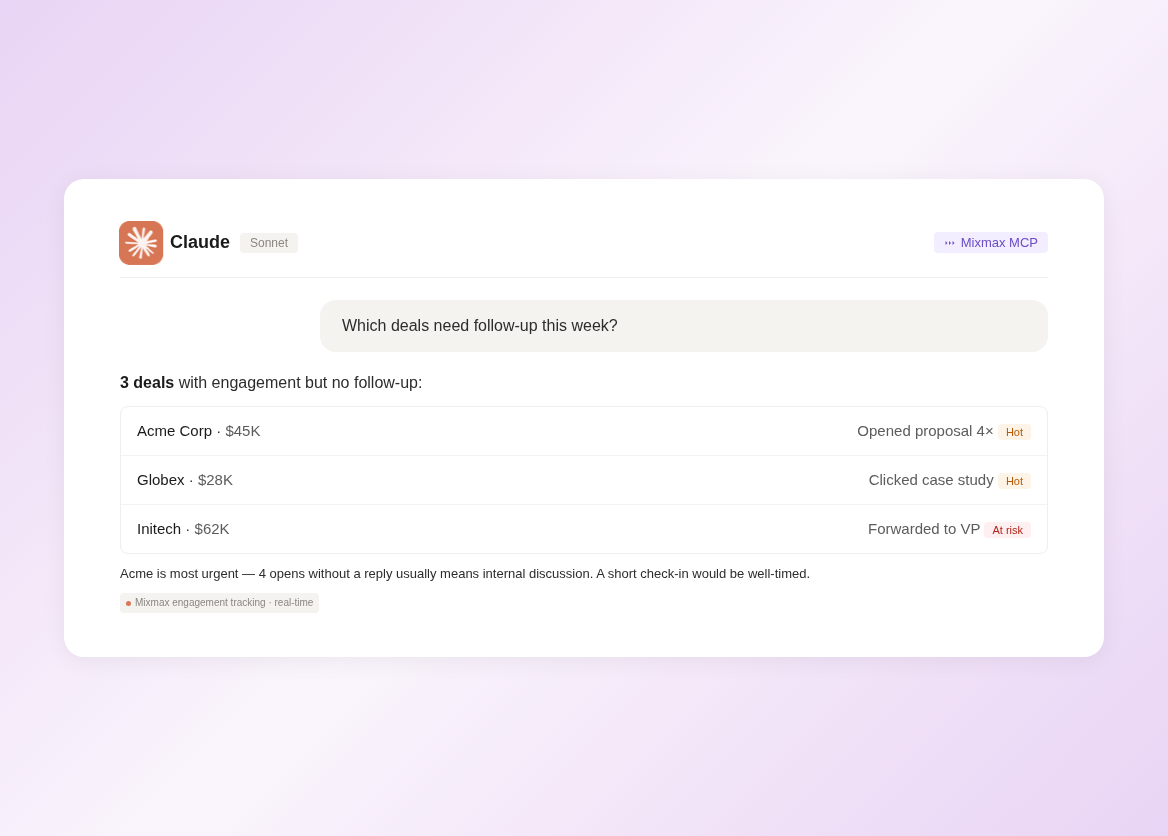
1 / 4 Ask Your Pipeline
Natural language queries against live pipeline data: 'show me deals over $50K in negotiation with no activity in 10 days.' The AI pulls from Salesforce pipeline state enriched by Mixmax engagement data.
- Natural language queries
- Combined CRM + activity data
- Instant answers
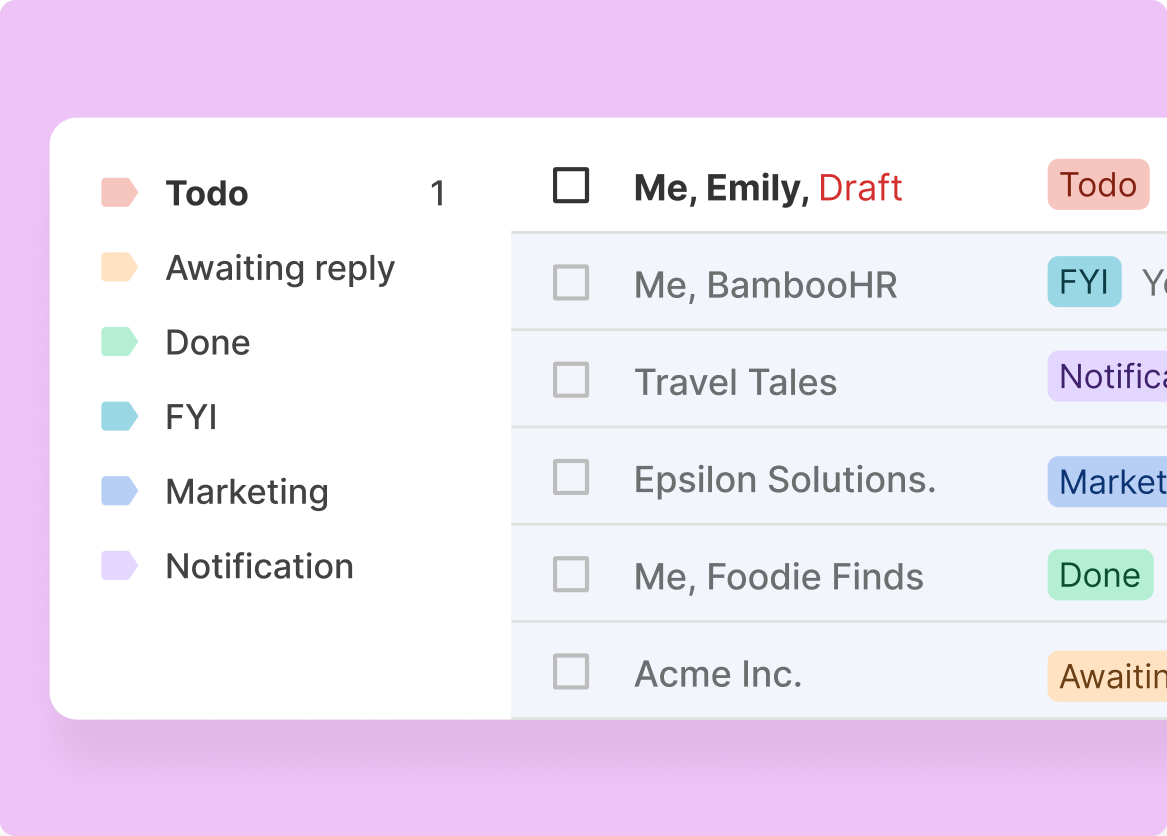
2 / 4 Reviews Skip Slides
AI generates pipeline review summaries from live data — deal count by stage, total value, velocity metrics, and risk flags. Updated in real time, not assembled the night before the forecast call.
- Live pipeline summaries
- Stage-by-stage breakdown
- No manual assembly

3 / 4 Risk Shows Early
AI flags deals where engagement doesn't match the stage — the 'negotiation' deal with no opens in two weeks, the 'closing this month' opportunity with a stale close date and no next step. Risk surfaces before the forecast call.
- Engagement-stage mismatch flags
- Stale close date alerts
- Missing next-step detection

4 / 4 Coaching Runs Deeper
Managers ask 'show me deals where the champion went quiet' or 'which reps have the longest average time in discovery?' — and get answers backed by activity data, not anecdotes.
- Pattern-based coaching
- Per-rep deal analysis
- Activity-backed insights

Frequently asked questions
What pipeline data does the Mixmax MCP server provide?
The MCP server provides access to deal metadata (stage, amount, close date, owner), activity timelines (emails, meetings, tasks logged by Mixmax), engagement signals (opens, clicks, replies tied to deals), and relationship context (contacts, roles, last activity dates). The data combines Salesforce pipeline state with Mixmax-captured activity.
Does this replace my CRM dashboard?
No — it complements it. CRM dashboards are good for visual pipeline snapshots. AI through MCP is better for ad-hoc queries ('show me deals with no next step'), pattern recognition ('which deals have gone quiet?'), and generating summaries for specific contexts (1:1 prep, forecast calls, board reporting).
How fresh is the pipeline data in AI?
Mixmax syncs activity to Salesforce in real time. When AI queries the MCP server, it pulls the latest data. There's no batch delay — if a deal stage changed five minutes ago and activity was logged this morning, AI sees both.
Can AI identify at-risk deals from pipeline data?
Yes. AI can cross-reference deal stage with engagement recency, activity density, and close date proximity to flag deals where the data doesn't match the story. A deal in 'negotiation' with no engagement in two weeks is a risk signal that AI catches automatically.
Which CRM does this work with?
Mixmax integrates bidirectionally with Salesforce and HubSpot. The pipeline and activity data exposed through the MCP server comes from whichever CRM your team uses. Most of the pipeline query and analysis capabilities work the same way with either system.
Is pipeline data shared across my AI workspace?
The MCP server respects Mixmax's permission model. You see pipeline data for deals you own or have access to. Managers with team-level visibility in Mixmax can access team-wide pipeline data through AI. No one gets access through MCP that they don't already have in Mixmax.

Ask your pipeline anything
See how the Mixmax MCP server connects pipeline data and activity signals to Claude and ChatGPT — so pipeline reviews, risk detection, and coaching run on facts.

