









Your prospects leave a trail of engagement signals every day — opens, clicks, forwards, and silence. The Mixmax MCP server makes all of it available to AI so you can act on patterns no human would catch manually.

Intent Signals Surface
AI watches for the patterns that indicate real interest — repeated opens, link clicks, forward-to-colleague behavior — and surfaces them so you act on intent, not on your call list order.

Silence Gets Flagged
AI identifies deals going quiet before you notice — using actual engagement timestamps, not your memory of when you last heard from someone. A 7-day silence on a previously hot deal is a signal, and AI catches it.

Timing Gets Optimized
AI analyzes when each prospect engages — which hours, which days, how quickly they respond — and recommends send times that match their actual behavior patterns, not generic 'best time to email' advice.
Buying signal detection, silence monitoring, timing optimization, and pipeline intelligence — all powered by real engagement data flowing through the Mixmax MCP server.

1 / 4 Intent Signals Surface
AI watches for the patterns that indicate real interest — repeated opens, link clicks, forward-to-colleague behavior — and surfaces them so you act on intent, not on your call list order.
- Multi-open detection
- Link click tracking
- Forward-to-boss alerts
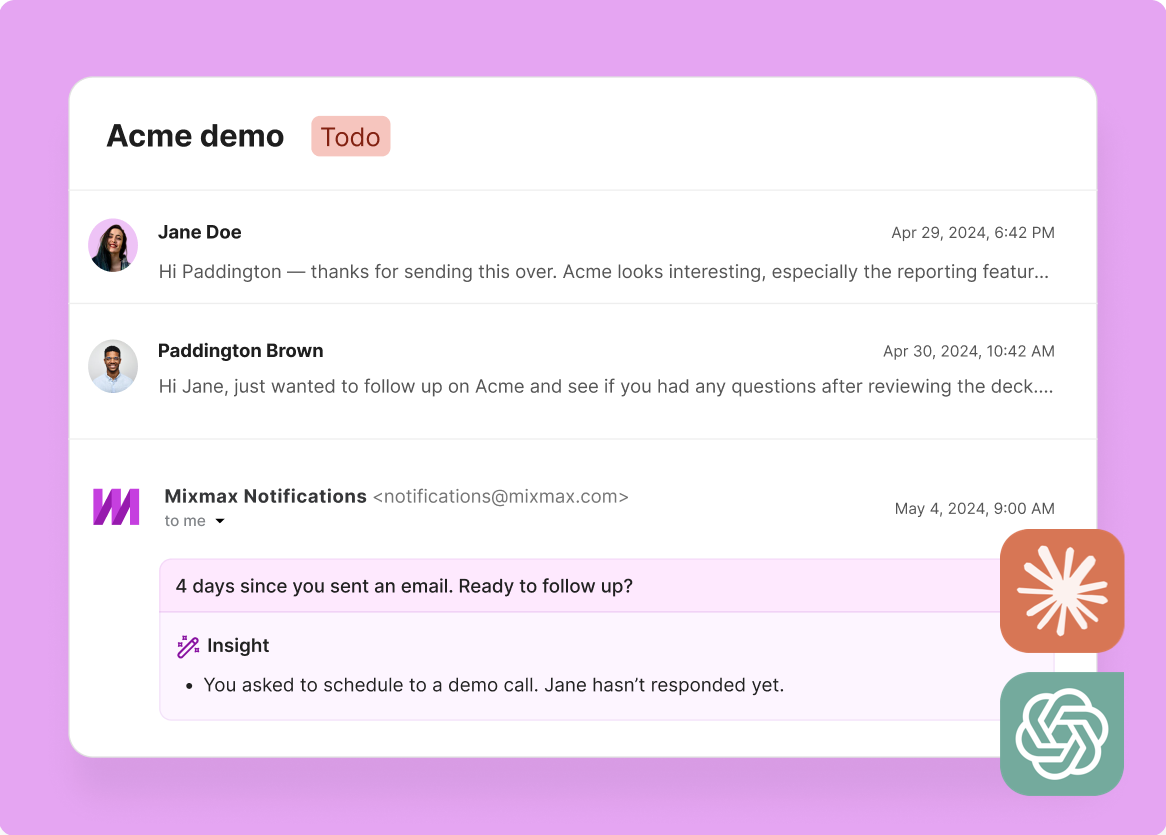
2 / 4 Silence Gets Flagged
AI identifies deals going quiet before you notice — using actual engagement timestamps, not your memory of when you last heard from someone. A 7-day silence on a previously hot deal is a signal, and AI catches it.
- Engagement gap detection
- Stalled-deal alerts
- Risk scoring from silence
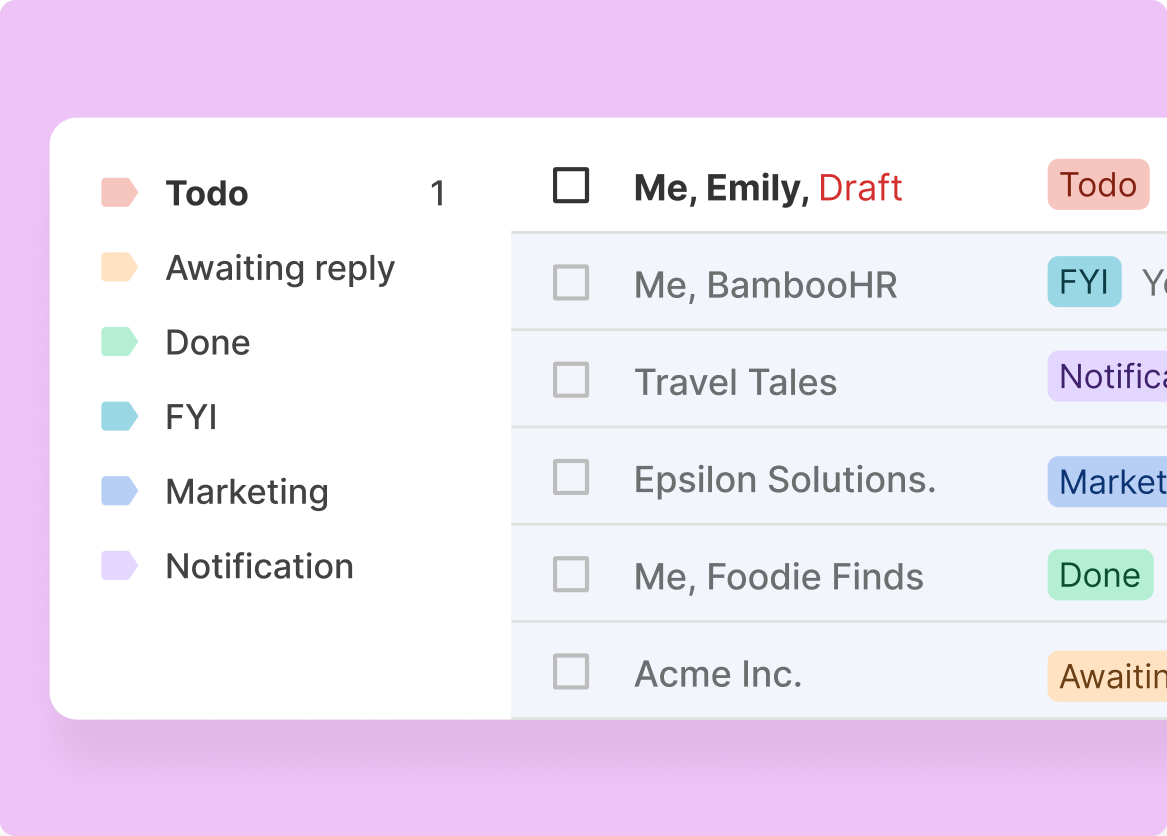
3 / 4 Timing Gets Optimized
AI analyzes when each prospect engages — which hours, which days, how quickly they respond — and recommends send times that match their actual behavior patterns, not generic 'best time to email' advice.
- Per-prospect patterns
- Optimal send windows
- Engagement-based timing

4 / 4 Pipeline Tells Truth
Deal reviews powered by actual engagement data — not rep memory of who's 'warm.' AI cross-references deal stage with recent engagement activity and flags mismatches: the 'closing this month' deal that hasn't opened an email in two weeks.
- Stage-vs-engagement audit
- Forecast risk flags
- Data-backed deal reviews

Frequently asked questions
What engagement signals does the Mixmax MCP server track?
The MCP server provides access to email opens (with timestamps and frequency), link clicks (which links, how many times), reply detection, forward detection, attachment opens, and engagement absence patterns. All signals include timestamps so AI can analyze recency and patterns over time.
How can AI use my email engagement data?
AI can identify buying signals (repeated opens, multiple clicks), flag disengagement (silence after previous activity), optimize send timing (based on when each prospect engages), score deal health (by cross-referencing engagement with pipeline stage), and recommend next actions based on engagement patterns.
Is engagement data real-time or delayed?
Mixmax tracks engagement signals in real time — opens and clicks are recorded as they happen. The MCP server provides access to the latest data each time AI queries it. There's no batch delay or nightly sync.
Which AI tools support Mixmax engagement signals?
Any MCP-compatible tool — Claude (Desktop and Code), ChatGPT, Cursor, and Windsurf. The engagement data is the same regardless of which AI tool accesses it through MCP.
Can AI detect buying signals from engagement data?
Yes. AI can be prompted to watch for specific patterns — like a prospect opening the same email 4+ times, clicking a pricing link, or forwarding your email to a colleague. These are strong buying signals that Mixmax tracks and MCP delivers to AI for interpretation.
How is this different from the engagement insights Mixmax already shows?
Mixmax shows engagement signals in the inbox sidebar and on individual email threads. The MCP server makes that same data available to AI tools for deeper analysis — cross-account pattern recognition, automated timing optimization, bulk deal health assessment, and natural language queries across your entire engagement history.

Every open and click, queryable in your AI
See how the Mixmax MCP server connects real-time engagement data to Claude and ChatGPT — so buying signals, risk flags, and timing recommendations run on facts.

