









AI follow-up emails are only as good as the context behind them. The Mixmax MCP server gives AI the full meeting transcript, action items, and engagement history — so follow-ups reference what was actually discussed, not generic boilerplate.

Conversations Get Referenced
AI drafts follow-up emails that mention the specific topics discussed, questions raised, and decisions made — because it has the complete meeting transcript, not a vague prompt about 'the meeting we just had.'

Minutes Not Hours
The meeting ends. You ask AI to draft a follow-up. It pulls the transcript from Mixmax, identifies the key points, and generates a polished email in under a minute. You review, tweak the tone, and send.

Action Items Land
Meeting Copilot extracts action items with owner assignments. AI incorporates them into the follow-up email: 'As discussed, you'll send the SOC 2 report by Friday and we'll schedule the technical review for next week.' Nothing falls through.
Transcript-referenced emails, automatic action item capture, instant generation, and your own tone — all powered by real meeting data from Mixmax.
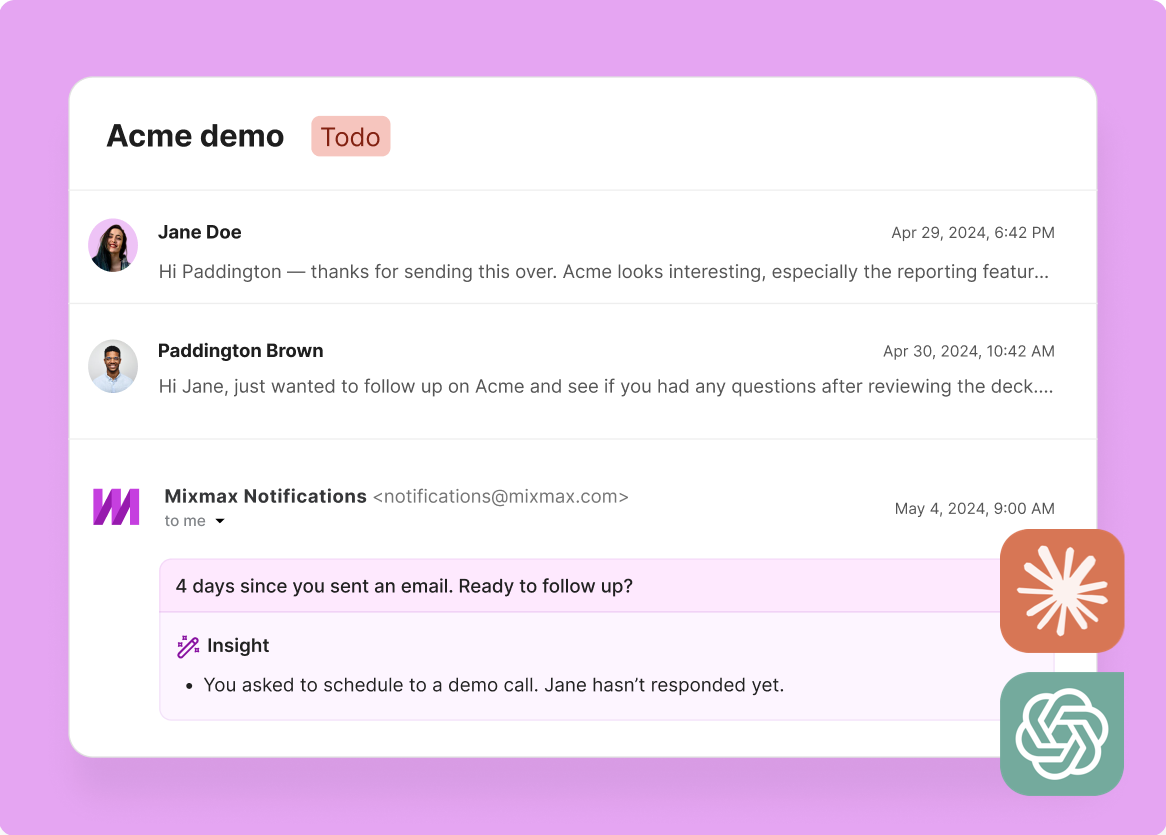
1 / 4 Conversations Get Referenced
AI drafts follow-up emails that mention the specific topics discussed, questions raised, and decisions made — because it has the complete meeting transcript, not a vague prompt about 'the meeting we just had.'
- Specific topic references
- Question follow-through
- Decision documentation
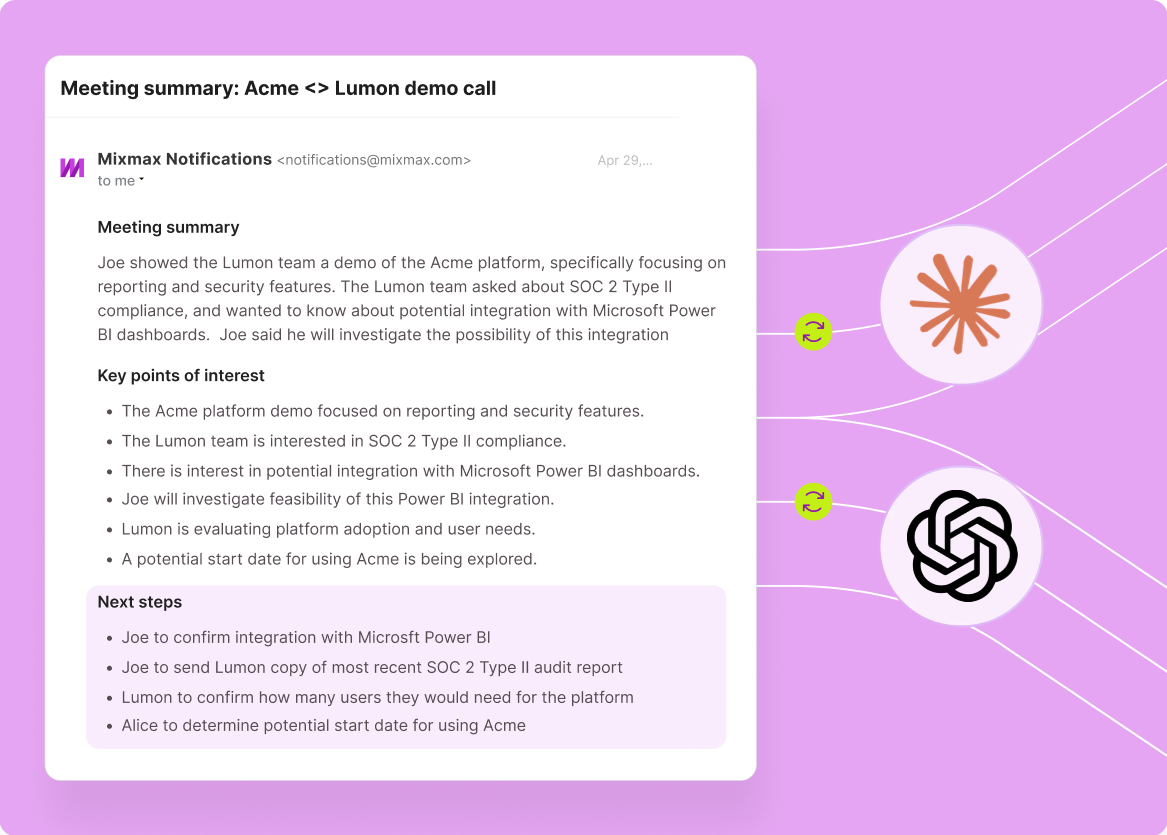
2 / 4 Minutes Not Hours
The meeting ends. You ask AI to draft a follow-up. It pulls the transcript from Mixmax, identifies the key points, and generates a polished email in under a minute. You review, tweak the tone, and send.
- Under 60 seconds to draft
- Transcript-sourced accuracy
- Review and send workflow

3 / 4 Action Items Land
Meeting Copilot extracts action items with owner assignments. AI incorporates them into the follow-up email: 'As discussed, you'll send the SOC 2 report by Friday and we'll schedule the technical review for next week.' Nothing falls through.
- Auto-extracted action items
- Owner assignments included
- Commitment documentation

4 / 4 Tone Stays Yours
AI matches your follow-up style — formal or casual, detailed or brief. You review the draft, adjust anything that doesn't sound like you, and send. The AI does the heavy lifting; you keep the voice.
- Style-matching drafts
- Easy tone adjustment
- Review, don't rewrite

Frequently asked questions
How does AI generate follow-ups from meeting transcripts?
After your meeting, ask Claude or ChatGPT to draft a follow-up. The AI queries the Mixmax MCP server to pull the meeting transcript, auto-generated summary, extracted action items, and deal context. It synthesizes all of this into a follow-up email that references specific topics, questions, and commitments.
Does the AI follow-up reference specific things said in the meeting?
Yes — that's the key differentiator. Because AI has the full meeting transcript through MCP, it can reference specific topics discussed, questions raised, objections surfaced, and decisions made. The follow-up reads like it was written by someone who was in the meeting and took detailed notes.
How long does it take to generate a follow-up email?
Under a minute from prompt to draft. The AI pulls the transcript from Mixmax (a few seconds), identifies key points, and generates the email. You review, adjust tone if needed, and send. The whole process — from meeting end to email sent — takes 2-3 minutes.
Can I customize the AI follow-up tone and style?
Yes. You can instruct the AI on tone (formal, casual, brief, detailed) and it adjusts the output accordingly. Most reps find that after a few follow-ups, the AI learns their style well enough that minimal editing is needed.
Does the follow-up include action items from the meeting?
Yes. Mixmax Meeting Copilot automatically extracts action items with owner assignments. AI incorporates these into the follow-up email — documenting who committed to what, with any deadlines discussed. This ensures nothing from the meeting falls through the cracks.
How is this different from Mixmax's built-in AI email writer?
Mixmax Inbox Copilot writes and suggests emails inside Gmail based on the current thread context. The MCP server gives external AI tools access to the full meeting transcript and broader deal context. The MCP approach is better for post-meeting follow-ups because it has the complete transcript, not just the email thread.

Post-meeting emails that reference reality
See how the Mixmax MCP server connects meeting transcripts and action items to Claude and ChatGPT — so follow-ups reference real conversation points and send in seconds.

