









Mixmax works inside Gmail and syncs to Salesforce. See contact details, deal context, and activity history in a sidebar — and log every touchpoint without leaving your inbox.

Salesforce sidebar in Gmail
The Mixmax sidebar shows contact details, account info, opportunity status, and full activity history right next to your email thread. Edit Salesforce fields, log notes, and update deal stages without opening another tab. It’s bi-directional — changes in the sidebar update Salesforce in real time.

Automatic activity capture
Every email sent, reply received, meeting booked, and engagement event syncs to Salesforce automatically. Reps stop spending their afternoons logging activity — and managers stop chasing them to do it. Pipeline data stays current without anyone changing their workflow.

Salesforce-powered email personalization
Use any Salesforce field as a merge variable in your emails and sequences. Pull in company name, industry, deal stage, or custom fields to personalize outreach at scale — without manually looking up each contact.
Mixmax puts Salesforce context in your inbox, captures activity automatically, personalizes outreach with CRM data, and logs every meeting — so reps stop toggling between tabs.

1 / 4 Salesforce sidebar in Gmail
The Mixmax sidebar shows contact details, account info, opportunity status, and full activity history right next to your email thread. Edit Salesforce fields, log notes, and update deal stages without opening another tab. It’s bi-directional — changes in the sidebar update Salesforce in real time.
- Contact and account details in Gmail
- Edit Salesforce fields from your inbox
- Real-time bi-directional sync
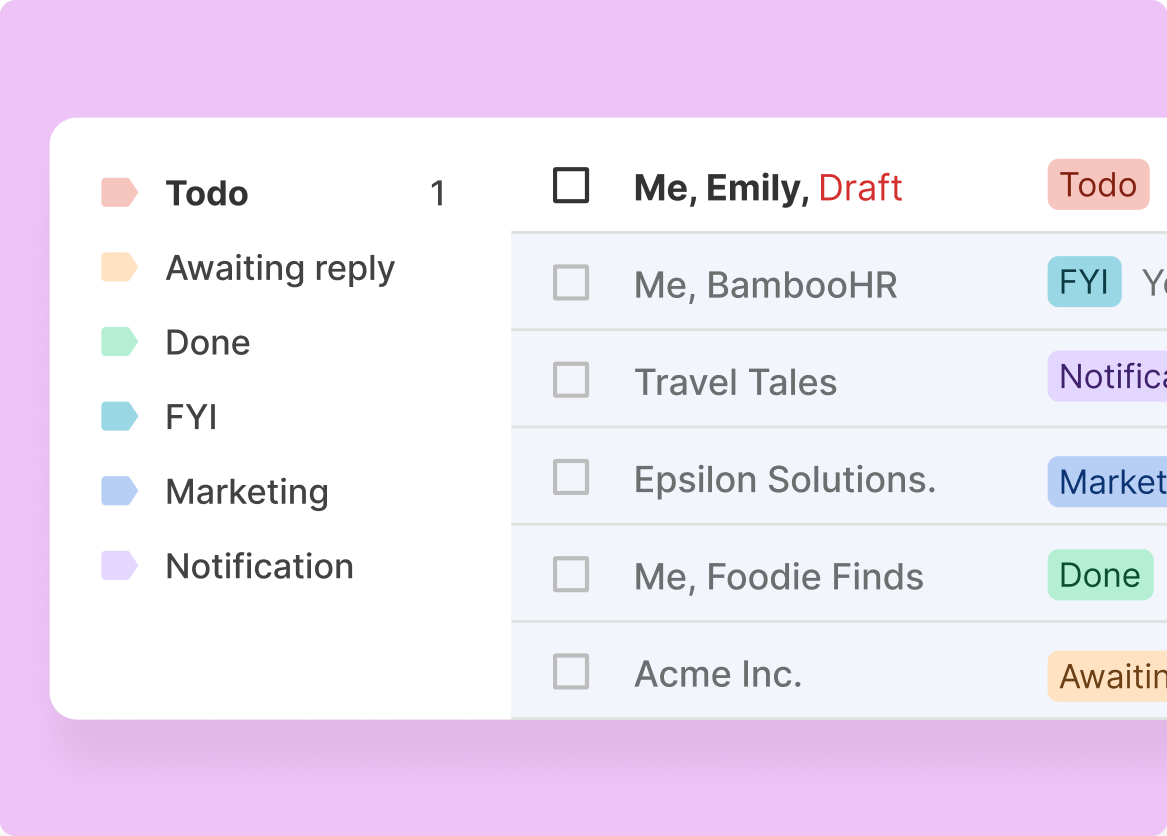
2 / 4 Automatic activity capture
Every email sent, reply received, meeting booked, and engagement event syncs to Salesforce automatically. Reps stop spending their afternoons logging activity — and managers stop chasing them to do it. Pipeline data stays current without anyone changing their workflow.
- Auto-log emails, meetings, and calls
- Engagement data (opens, clicks) in Salesforce
- No manual CRM updates required

3 / 4 Salesforce-powered email personalization
Use any Salesforce field as a merge variable in your emails and sequences. Pull in company name, industry, deal stage, or custom fields to personalize outreach at scale — without manually looking up each contact.
- Merge any Salesforce field into emails
- Dynamic personalization in sequences
- Custom field support for advanced targeting

4 / 4 One-click scheduling with CRM logging
Share your availability directly in an email. When a prospect books, the meeting appears on your calendar and logs to the Salesforce record automatically. No double-entry, no forgotten events — just meetings that show up everywhere they should.
- Meetings auto-log to Salesforce
- Round-robin scheduling for teams
- Calendar sync without manual updates

Frequently asked questions
How does Mixmax integrate Gmail with Salesforce?
Mixmax adds a sidebar to Gmail that shows Salesforce contact details, account information, deal stages, and activity history right next to your email thread. It syncs bi-directionally — you can edit Salesforce fields from Gmail, and every email, meeting, and engagement event logs to Salesforce automatically. No tab-switching required.
Does Mixmax automatically log email activity to Salesforce?
Yes. Every email sent, reply received, open tracked, link clicked, and meeting booked syncs to the relevant Salesforce record automatically. Reps don’t need to manually log activity — it happens in the background while they work in Gmail.
Can I use Salesforce fields to personalize emails in Mixmax?
Yes. Any Salesforce field — standard or custom — can be used as a merge variable in email templates and sequences. That means you can pull in company name, industry, deal stage, account owner, or any custom field to personalize outreach at scale.
How is Mixmax different from other Gmail-Salesforce integrations?
Most integrations either sync data in one direction or require reps to use a separate interface. Mixmax is bi-directional and works inside Gmail itself. Reps see Salesforce data in a sidebar, edit fields without leaving their inbox, and get engagement signals (opens, clicks) that sync back to the CRM. It’s a workflow, not just a connector.
Does Mixmax work with Salesforce custom objects and fields?
Yes. Mixmax supports standard and custom Salesforce objects and fields. Custom fields appear in the Gmail sidebar and can be used as merge variables in emails and sequences. The integration adapts to your Salesforce configuration.
How quickly can our team set up Mixmax with Gmail and Salesforce?
Mixmax connects to Gmail and Salesforce in minutes. There’s no complex setup, no IT project, and no migration. Reps install the Gmail extension, connect their Salesforce account, and start working with CRM data in their inbox right away. Most teams see 90% adoption in the first week.

Your Salesforce data, right inside Gmail
See your CRM data in Gmail, auto-log every touchpoint, and give your team back the hours they spend toggling between tabs.

