
Email Tracking for IT Services & MSPs
When a CTO re-opens your proposal on a Friday afternoon, they're comparing vendors. IT services reps who catch that signal and call within the hour close deals their competitors don't even know were in play. Mixmax tracks opens, clicks, and downloads in real time inside Gmail — and syncs every signal to Salesforce.
Mixmax works inside Gmail and syncs to Salesforce.
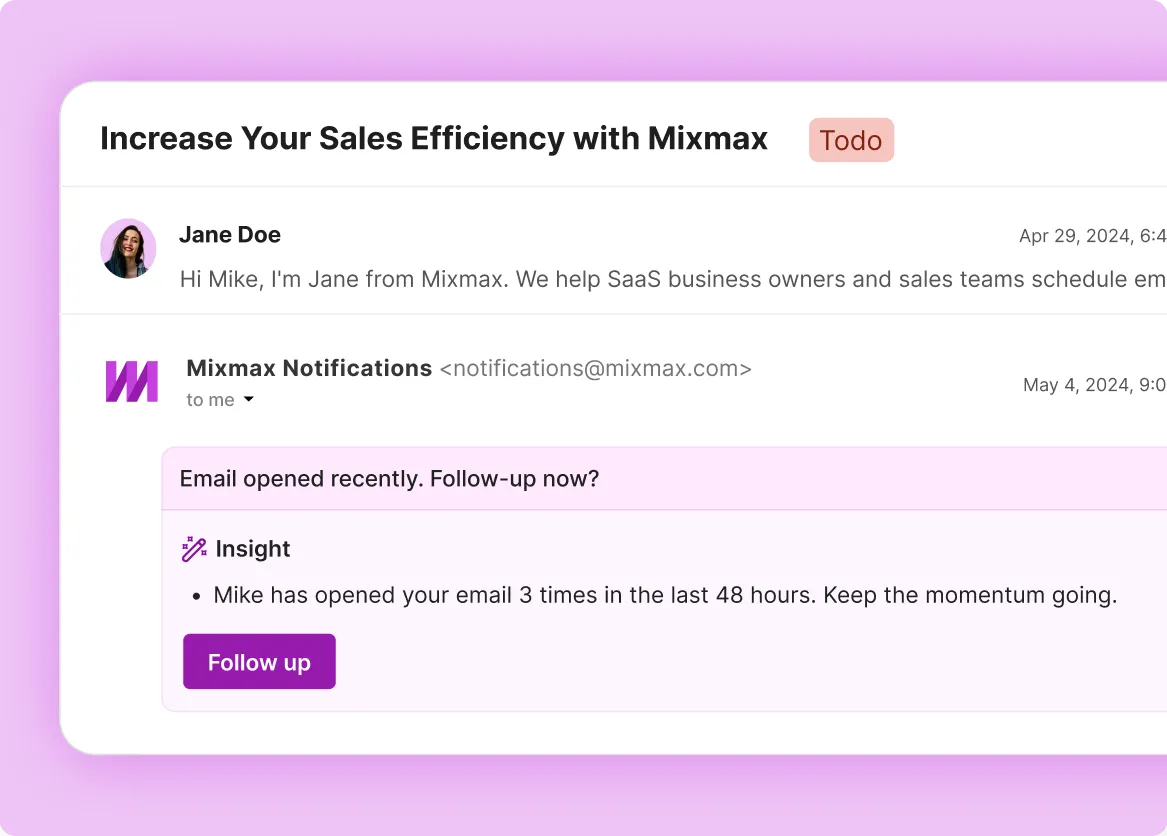
Your prospect just opened your network assessment proposal for the third time today. They're comparing it to a competitor's. Mixmax shows you that signal in Gmail so you can call before they make a decision without you.

Real-time open and click tracking
See when an IT director opens your managed services proposal, which sections they click into, and whether they forward it to their CEO. MSP deals often involve a technical evaluator and a business decision-maker — tracking shows you when both are engaged so you know the deal has internal momentum.

Engagement-triggered follow-up
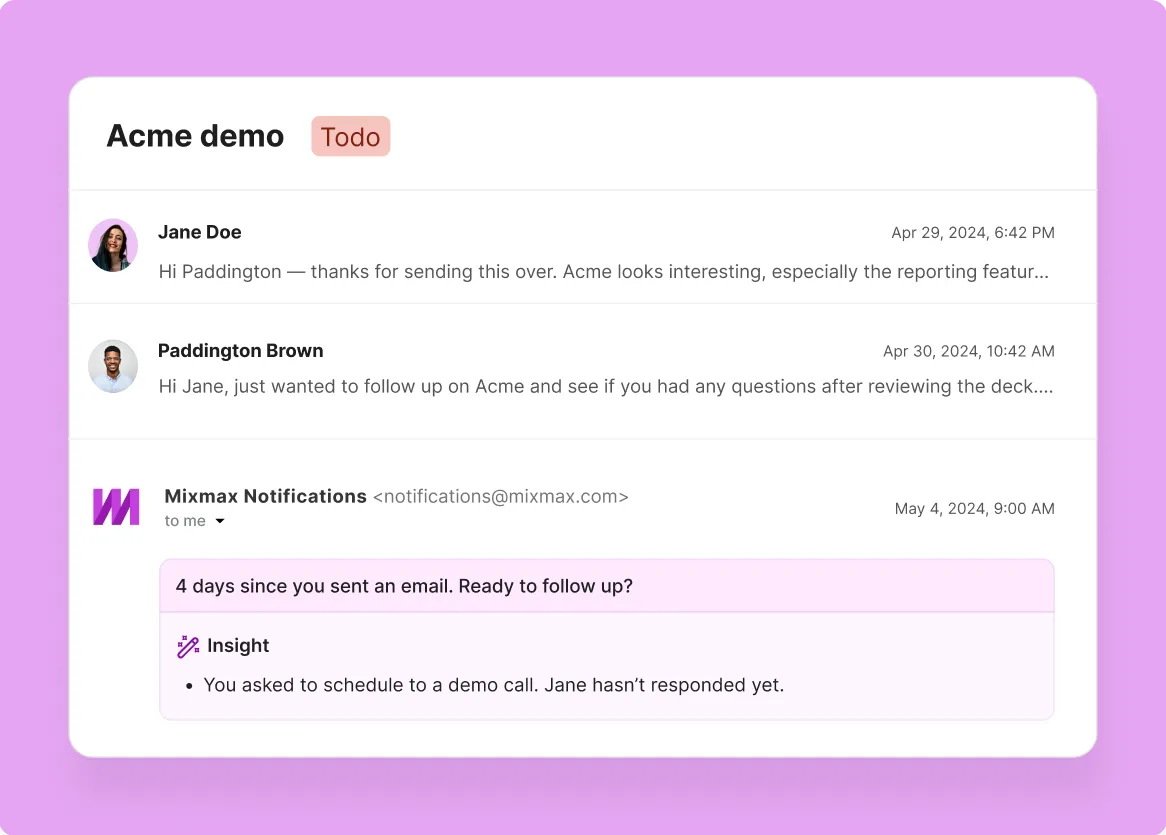
IT buyers don't announce when they're comparing vendors — they just go quiet and evaluate. When Mixmax alerts you that a prospect re-opened your SLA comparison for the third time, that's your window. Follow up with the specific detail they were reviewing, and you're the vendor who was paying attention.

One-click meeting scheduling
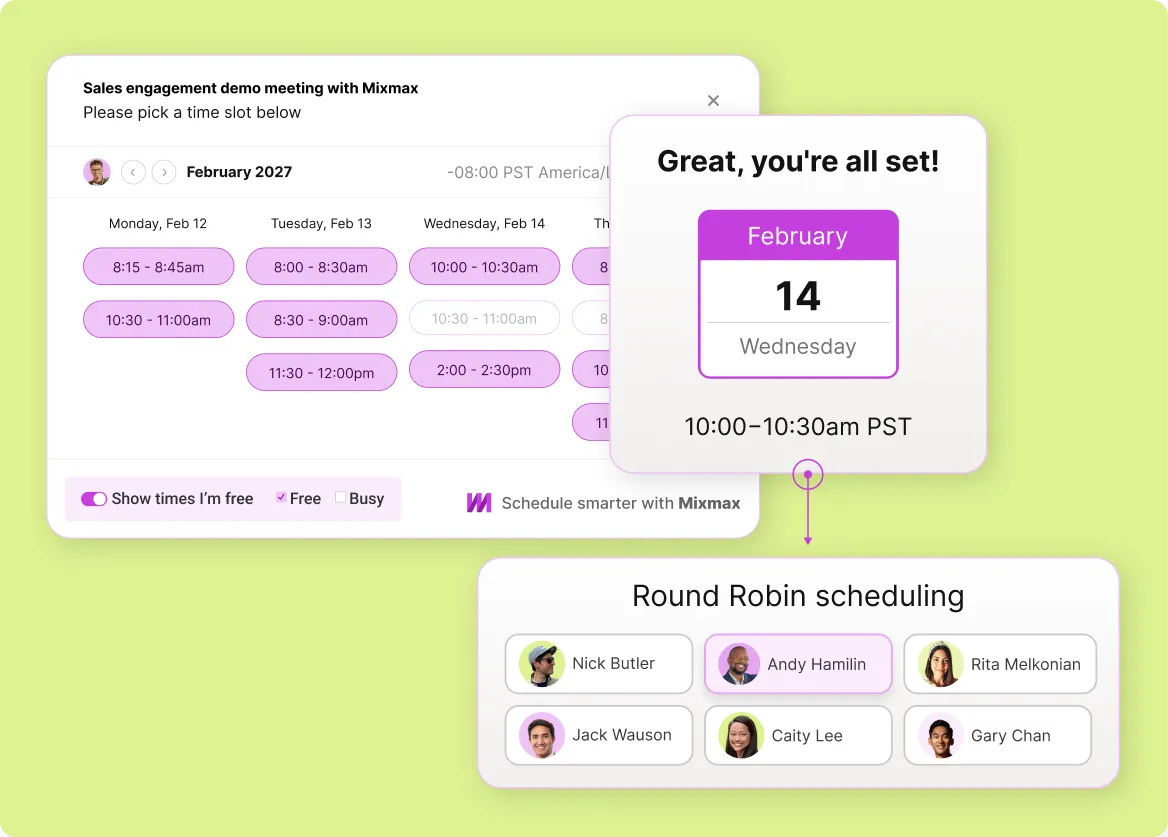
Turn tracking signals into booked meetings. When you see a IT decision-maker is engaged, share your availability in one click. They pick a time, the meeting lands on both calendars, and the back-and-forth disappears.
Everything you need to track it services email engagement
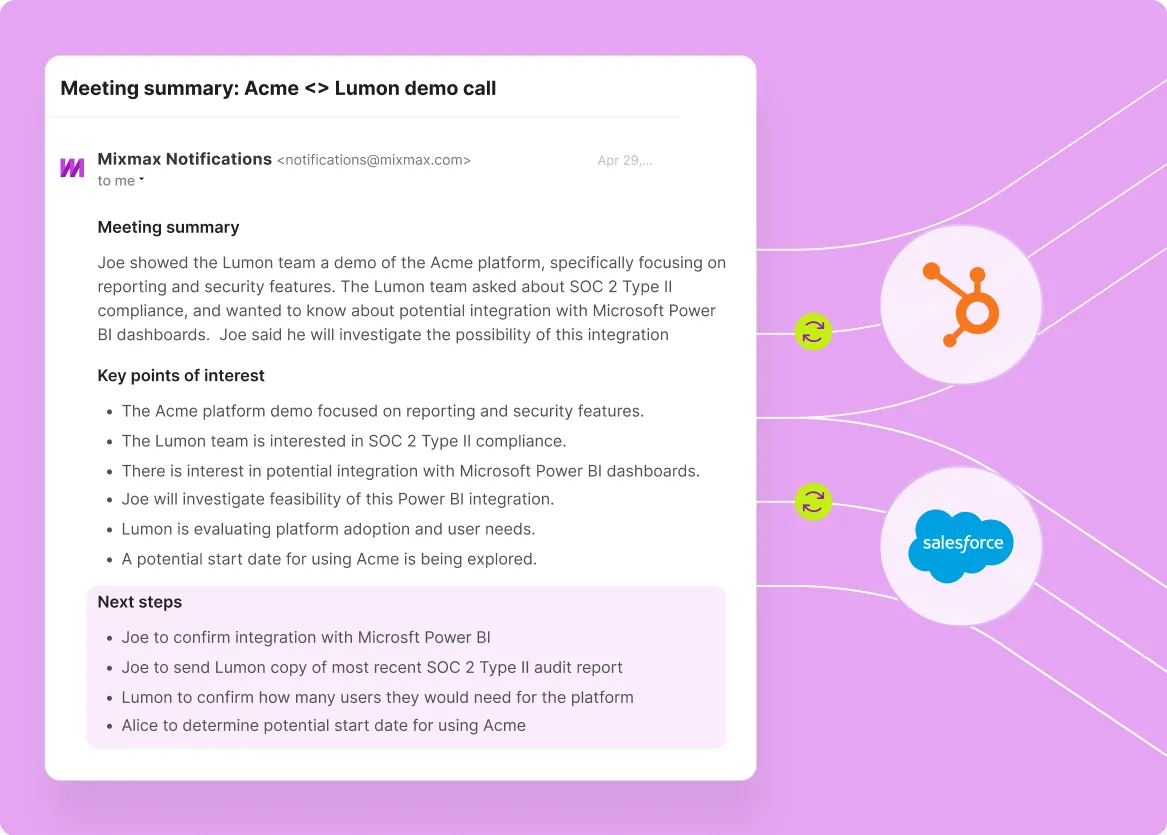
Mixmax combines real-time open and click tracking, engagement-triggered follow-up reminders, one-click scheduling, and Salesforce activity sync — so IT sales reps know who's interested and act before the window closes.
-
1 / 4
Real-time open and click tracking
See when an IT director opens your managed services proposal, which sections they click into, and whether they forward it to their CEO. MSP deals often involve a technical evaluator and a business decision-maker — tracking shows you when both are engaged so you know the deal has internal momentum.
- Real-time open notifications in your inbox
- Link click tracking with timestamps
- Multi-open detection for buying signals

Frequently asked questions
-
How does Mixmax email tracking work for it services & msps?
Mixmax uses a lightweight tracking pixel for opens and redirect-based tracking for link clicks. The data appears in real time right inside Gmail — you see when a IT decision-maker opens your email, which links they clicked, how many times they came back, and when. The engagement signals feed into follow-up nudges and sync to Salesforce automatically.
-
Does tracking work on proposals and attachments, not just email body text?
Mixmax tracks link clicks and attachment downloads — so when a prospect downloads your managed services proposal PDF or clicks through to your SLA page, you see it. You won't get page-by-page tracking inside a PDF, but you'll know the moment they engage with your attached materials.
-
How does email tracking help it services & msps prioritize follow-ups?
Instead of guessing which IT decision-makers to follow up with, tracking gives you a clear signal. A IT decision-maker who opened your proposal four times this morning is a better use of your next 15 minutes than one who hasn't opened in a week. Mixmax surfaces these signals right in Gmail.
-
Can I set up alerts for specific high-value prospects so I never miss their engagement?
Mixmax shows engagement in real time inside Gmail — opens, clicks, and downloads appear as notifications. For prospects in active evaluation, you'll see the signal the moment it happens. Combined with Smart Send, you can also ensure your follow-ups land when each prospect is most active in their inbox.
-
Will tracking still work if a IT decision-maker blocks images?
Open tracking relies on a tracking pixel, so it won't register if images are fully blocked. But click tracking works independently — it's URL-based. If you see clicks without opens, the IT decision-maker read your email with images blocked. You still get the buying signal.
-
How easy is it for a it services team to get started with Mixmax?
Mixmax installs as a Gmail extension and connects to Salesforce in minutes. There's no migration, no new interface. It sales reps keep working in Gmail — they just get tracking data, Smart Send, scheduling, and CRM sync on top. Most teams hit 90% adoption in the first week.
Know who's reading your emails — before you follow up
Know the moment a prospect re-opens your proposal or forwards it to their CEO. Real-time signals for every deal in your pipeline.