









Why Mixmax
Why AI follow-ups from Mixmax actually sound like you were in the meeting
Most AI email tools generate follow-ups from a blank prompt. Mixmax has the transcript, the engagement signals, and the CRM data — so the draft actually matches what happened.

Replies Draft Instantly
After a meeting, Mixmax drafts a follow-up that references the topics discussed, questions raised, and next steps agreed on. The draft appears in your Gmail — review, adjust, send.

Context Fills Drafts
The AI pulls in deal stage, engagement history, and any outstanding action items — so the follow-up includes the right CTA for where the deal actually is, not a generic ask.

Timing Auto-Adjusts
Smart Send analyzes when your prospect typically engages and schedules the follow-up for their peak activity window. You write it now; it lands when they’re most likely to read it.
Meeting transcripts, engagement signals, and CRM data produce follow-up drafts that reference real conversations.
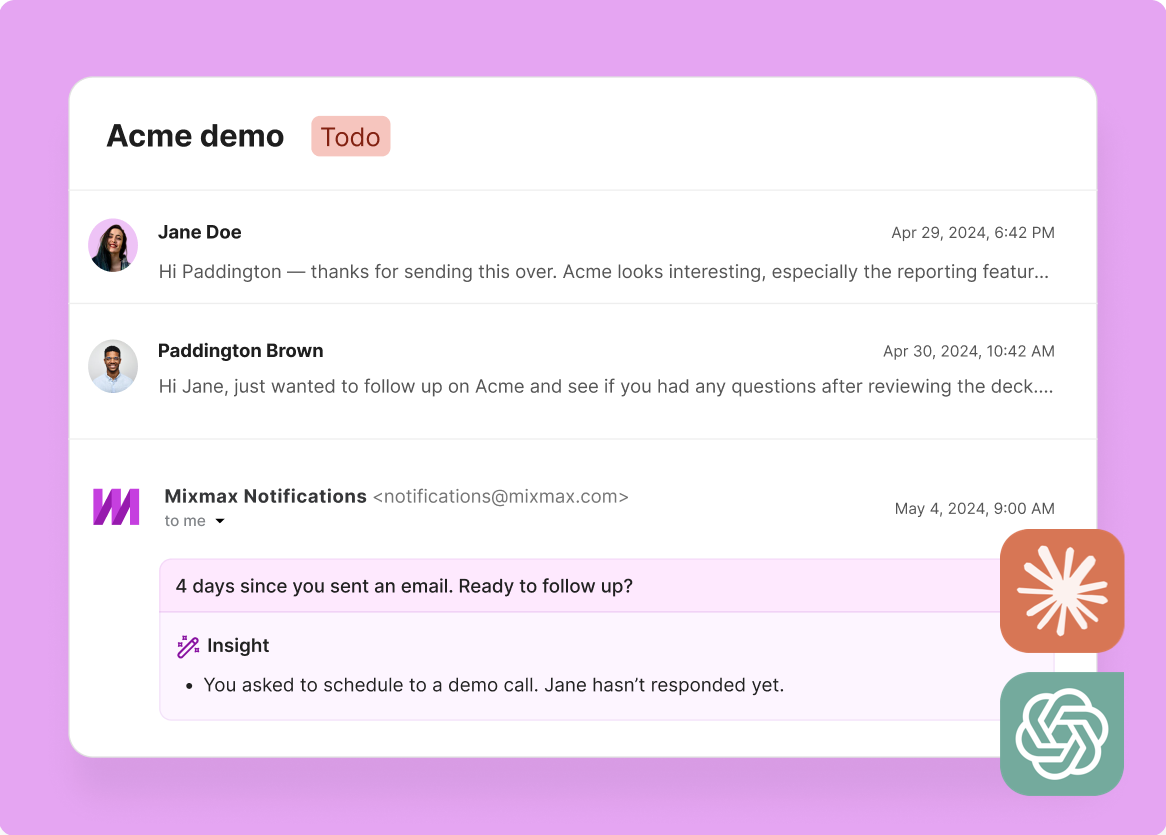
1 / 4 Replies Draft Instantly
After a meeting, Mixmax drafts a follow-up that references the topics discussed, questions raised, and next steps agreed on. The draft appears in your Gmail — review, adjust, send.
- Draft from transcript data
- Specific topics referenced
- Ready in Gmail
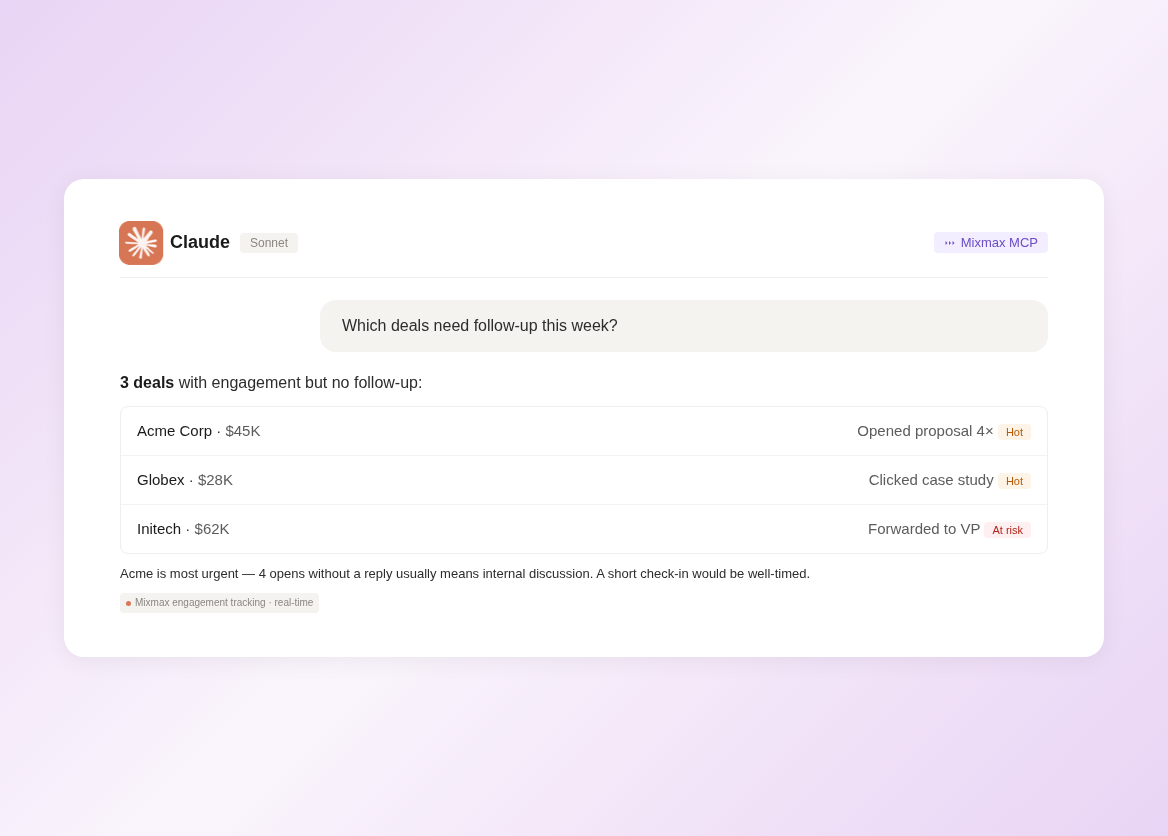
2 / 4 Context Fills Drafts
The AI pulls in deal stage, engagement history, and any outstanding action items — so the follow-up includes the right CTA for where the deal actually is, not a generic ask.
- Deal stage awareness
- Engagement history included
- Right CTA for the moment

3 / 4 Timing Auto-Adjusts
Smart Send analyzes when your prospect typically engages and schedules the follow-up for their peak activity window. You write it now; it lands when they’re most likely to read it.
- Peak engagement windows
- Auto-scheduled delivery
- Higher open rates

4 / 4 Tone Matches Conversation
Because the AI has the transcript, it mirrors the tone and formality of the actual conversation. A casual discovery call produces a casual follow-up; a formal QBR produces a structured recap.
- Tone calibrated to conversation
- Formality matches context
- Sounds like you wrote it

Frequently asked questions
What data does the AI use to write follow-ups?
Meeting transcripts from Meeting Copilot, email engagement data from Inbox Copilot, and deal/contact data from Salesforce. The AI combines all three to draft a follow-up that reflects the actual conversation.
Can I edit the draft before sending?
Yes — the draft appears in your Gmail compose window. Edit as much or as little as you want. Most reps make minor adjustments and send within a minute.
Does it work for cold outreach follow-ups too?
This feature is best for post-meeting follow-ups where transcript data exists. For cold outreach, Mixmax Engagement Copilot handles multi-step sequences with AI-optimized messaging.
How does Smart Send timing work?
Mixmax analyzes when each recipient typically opens and engages with email, then schedules your follow-up for that window. You write now; it sends at the optimal time.
What does Mixmax cost?
Plans start at $29/month per user. Meeting Copilot (transcripts + follow-up drafts) and Inbox Copilot (engagement tracking + Smart Send) are $29 each. Suite bundles everything for $89/month.
Does it sync follow-ups to Salesforce?
Yes. Every email sent through Mixmax — including AI-drafted follow-ups — syncs to Salesforce automatically with engagement data attached.

Follow-up emails that write themselves from real context
See how Mixmax AI drafts follow-up emails from meeting transcripts and engagement data — not generic templates.

