









RevOps spends too much time chasing reps for CRM updates and auditing data quality. Mixmax makes activity capture automatic so the data is already there.

Systems Stay Synced
Bidirectional Salesforce sync means Gmail activity flows to CRM and CRM data is accessible from Gmail. No conflicts, no duplicates, no sync errors for RevOps to debug.

Data Stays Consistent
Automatic activity logging means every email, meeting, and engagement event creates a Salesforce record. No gaps from reps forgetting to log, no inconsistency from partial updates.

Workflows Self-Enforce
Sequences enforce outreach cadences — reps can't skip steps or change timing without it being visible. Meeting Copilot captures notes automatically. Process compliance is structural.
Automatic activity capture, CRM hygiene, workflow compliance, and clean data for reporting — without depending on rep behavior.

1 / 4 Systems Stay Synced
Bidirectional Salesforce sync means Gmail activity flows to CRM and CRM data is accessible from Gmail. No conflicts, no duplicates, no sync errors for RevOps to debug.
- Bidirectional sync
- No duplicates
- No IT escalation

2 / 4 Data Stays Consistent
Automatic activity logging means every email, meeting, and engagement event creates a Salesforce record. No gaps from reps forgetting to log, no inconsistency from partial updates.
- Complete activity records
- No manual logging gaps
- Consistent data quality

3 / 4 Workflows Self-Enforce
Sequences enforce outreach cadences — reps can't skip steps or change timing without it being visible. Meeting Copilot captures notes automatically. Process compliance is structural.
- Sequence compliance visible
- Meeting notes auto-captured
- Process built into tool
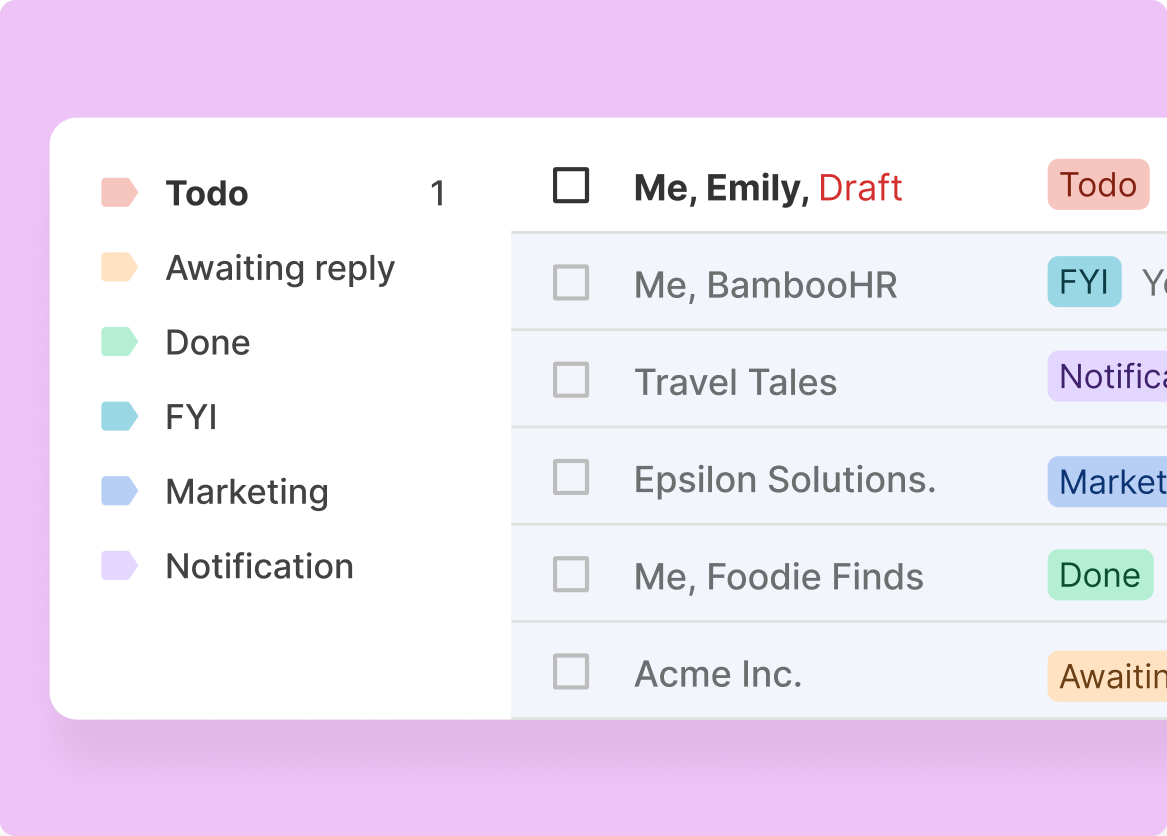
4 / 4 Reporting Runs Itself
When activity data is complete and consistent, Salesforce reports reflect reality. RevOps spends time analyzing data, not cleaning it.
- Clean data for reports
- No caveat required
- Trust in the numbers

Frequently asked questions
What data does Mixmax automatically capture?
Email sends, opens, clicks, replies, meeting attendance, transcripts, action items, sequence enrollment, and calendar events. All logged to Salesforce contact and opportunity records.
Does it require Salesforce admin work to set up?
Minimal. The integration is a managed Salesforce package. Install, authorize, configure field mappings — most teams are live within a day.
How does it handle custom Salesforce objects?
Mixmax maps to standard Salesforce objects (Contact, Lead, Opportunity, Activity) by default. Custom object mapping is available for teams with specific requirements.
Does it work with HubSpot?
Yes. Mixmax integrates with both Salesforce and HubSpot. The automatic activity capture and bidirectional sync work with either CRM.
What does Mixmax cost?
Plans start at $29/month per user. Suite with all Copilots and full CRM sync is $89/month. Volume pricing for teams.
Can RevOps enforce sequence compliance?
Yes. Mixmax provides visibility into which reps are using sequences, which steps they skip, and where engagement drops off. Compliance is measurable, not assumed.

RevOps automation that runs on real activity data
See how Mixmax AI gives RevOps teams automatic activity capture, CRM hygiene, and workflow compliance from real sales data.

