









Most account research tools scrape public data. Mixmax builds briefs from what matters more: how the account has engaged with your emails, meetings, and sequences over time.

Accounts Brief Themselves
AI compiles every touchpoint — sent emails, engagement data, meeting transcripts, CRM notes — into a chronological account brief. The full relationship context, generated automatically.

Research Runs Background
Mixmax captures engagement data continuously — every open, click, reply, and meeting. The account brief updates itself as new interactions happen. Research isn't a task; it's a byproduct of working.

Signals Map Together
AI connects engagement signals across stakeholders. When the VP opens your email and forwards it to procurement, you see the internal momentum — not just individual open notifications.
Email history, meeting transcripts, and engagement signals combine into account briefs that reflect your actual relationship.
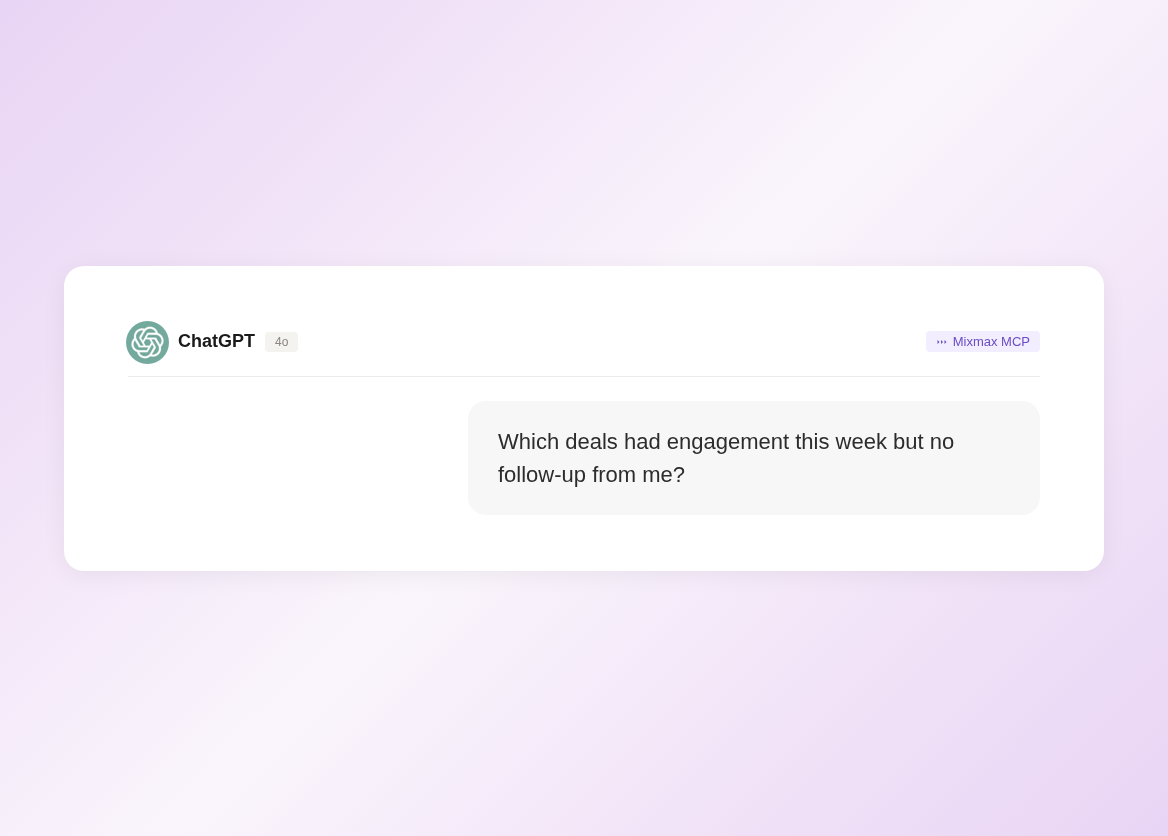
1 / 4 Accounts Brief Themselves
AI compiles every touchpoint — sent emails, engagement data, meeting transcripts, CRM notes — into a chronological account brief. The full relationship context, generated automatically.
- All touchpoints compiled
- Chronological history
- Auto-generated briefs

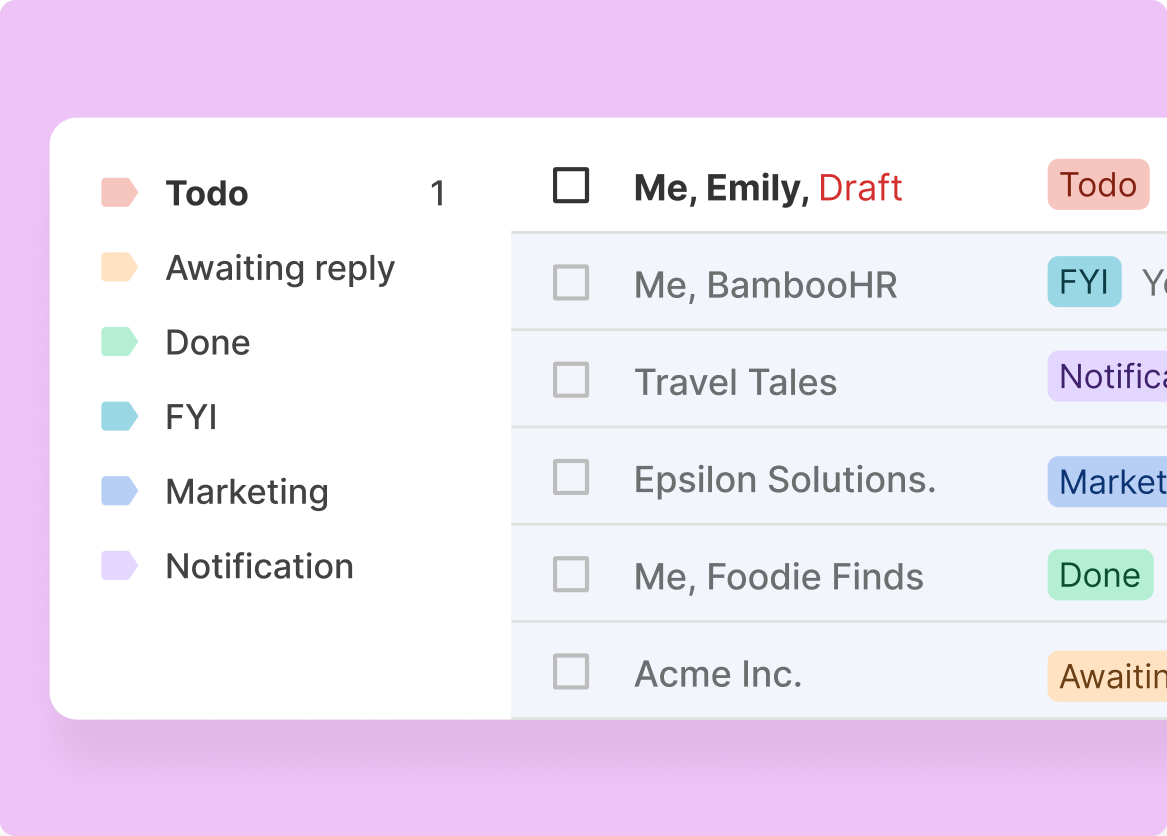
2 / 4 Research Runs Background
Mixmax captures engagement data continuously — every open, click, reply, and meeting. The account brief updates itself as new interactions happen. Research isn't a task; it's a byproduct of working.
- Continuous data capture
- Briefs update automatically
- Always current
3 / 4 Signals Map Together
AI connects engagement signals across stakeholders. When the VP opens your email and forwards it to procurement, you see the internal momentum — not just individual open notifications.
- Cross-stakeholder signals
- Forwarding detected
- Account-level patterns
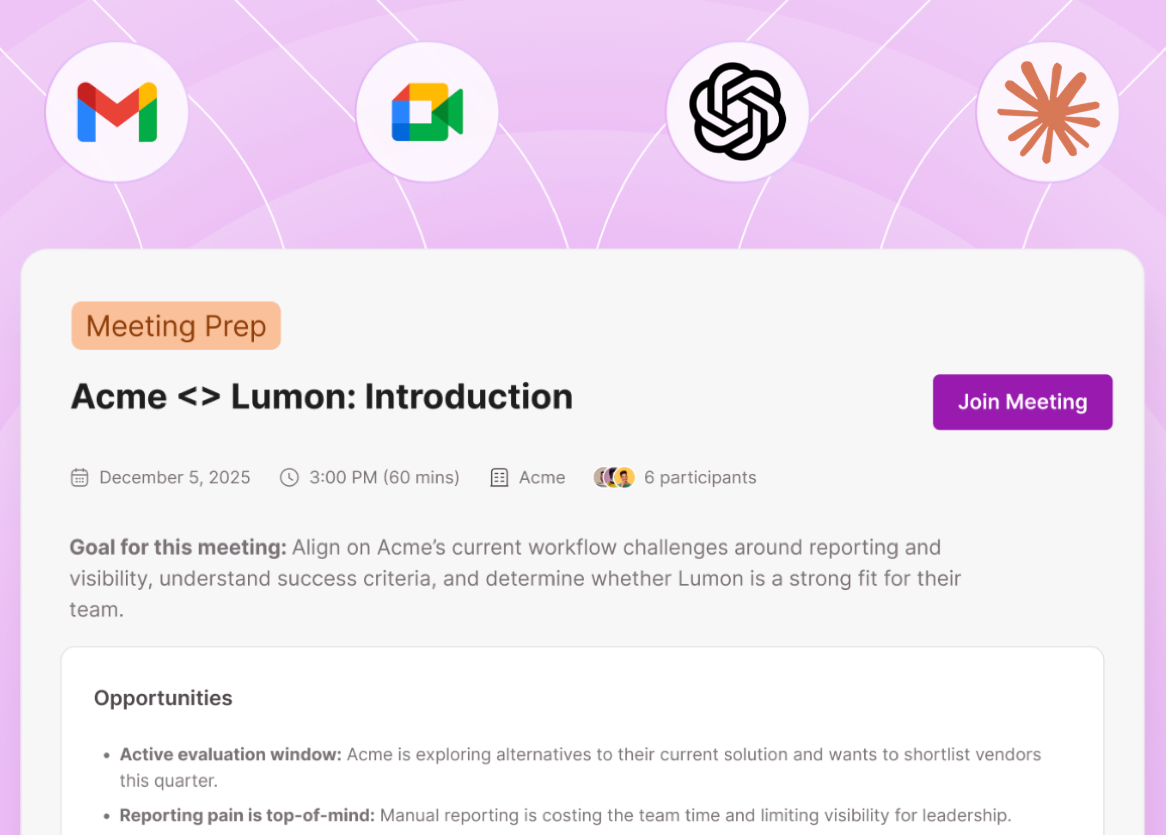
4 / 4 History Surfaces Quickly
Before any call or email, pull up the account context: last meeting summary, recent engagement, outstanding action items, and stakeholder activity. Five seconds, not fifteen minutes.
- Instant context retrieval
- Meeting summaries included
- Action items tracked

Frequently asked questions
What data does Mixmax use for account research?
Email engagement (opens, clicks, replies), meeting transcripts and summaries, sequence enrollment data, CRM records from Salesforce, and calendar activity. All captured automatically.
How is this different from a tool like LinkedIn Sales Navigator?
LinkedIn gives you external data — company info, job changes, mutual connections. Mixmax gives you internal data — how the account has engaged with your emails, meetings, and sequences. They're complementary.
Does it work for accounts I haven't contacted yet?
The AI account brief is most valuable for accounts with engagement history. For new accounts, Mixmax helps once you start reaching out — engagement data accumulates from the first touchpoint.
Can I share account briefs with my team?
Yes. Account engagement data and briefs are visible to teammates on the same Mixmax workspace. When a deal is handed off, the full context travels with it.
What does Mixmax cost?
Plans start at $29/month per user. Suite with all Copilots and full account context is $89/month. Free plan available for basic tracking.
Does it replace my CRM account view?
It enriches it. Engagement data syncs to Salesforce, so your CRM account view gets an activity layer. The Mixmax sidebar in Gmail surfaces account context without leaving your inbox.

Account briefs that write themselves from real interactions
See how Mixmax AI builds account briefs from email engagement, meeting transcripts, and CRM data — automatically.

