They said, “Let’s talk next week.” That was three weeks ago, and the follow-up you meant to send is still a note in your head.
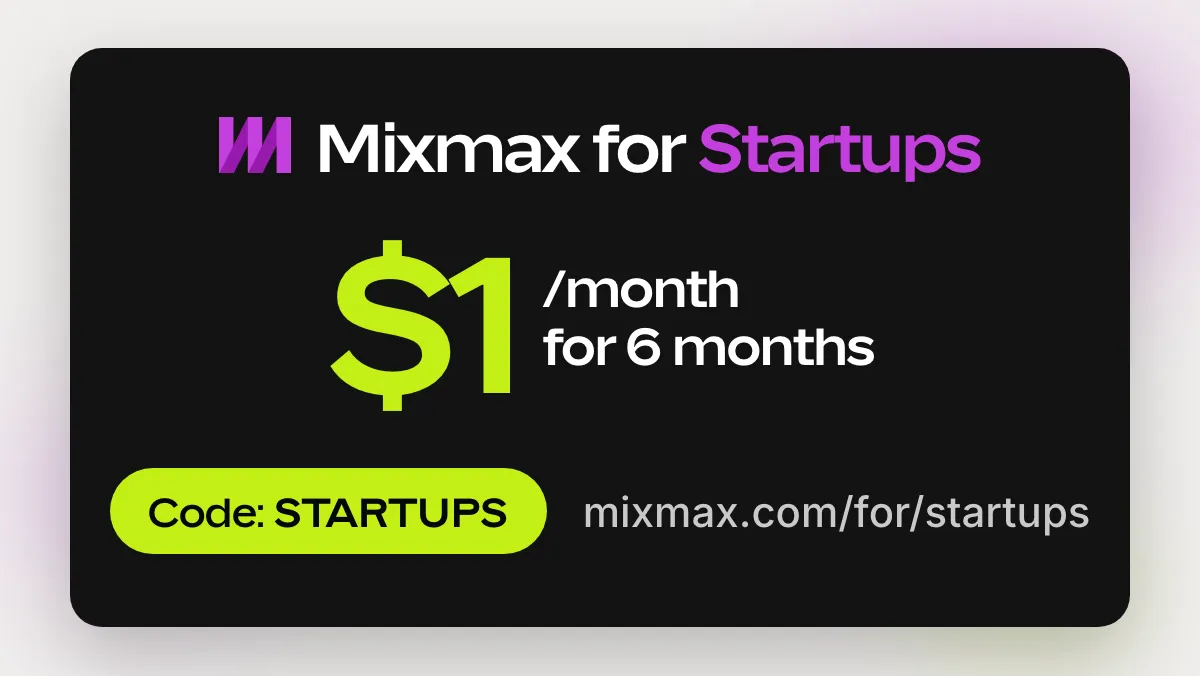
Startups new to Mixmax get Mixmax Pro for $1/month for 6 months. Mixmax works inside Gmail. It shows you who opened your deck, sends your follow-up to anyone who doesn’t reply, and lets people book a meeting with you in one click. To claim it, sign up with your work email, pick 1,500 recipients a month, billed monthly, at checkout, and enter the code STARTUPS. Claim the offer.
Founders run the company from Gmail
At an early-stage startup, a lot of the work that moves the company forward is an email you have to send, and then send again.
- Investor updates. A monthly note to everyone who backed you, and to the people you hope will.
- Fundraising. The deck goes to forty investors. A few reply, and the rest need a nudge that you have to remember to send.
- First customers. Every intro, demo and “let’s talk next week” is a thread you can’t let drop.
- Hiring. Candidates, references, and the advisor who said they’d make an intro.
None of it is hard, but there’s a lot of it, and it all lands on the same person. One founder put it this way:
“[Follow-up] is the bane of my life. It’s the most important part of any kind of outreach… I would say Mixmax is super helpful for checking if people have read your emails and for following up more intelligently.”
— Amaka, founder
What Mixmax does for founders
Mixmax works inside the Gmail you already use, so there’s nothing new to learn. Setup takes ten minutes.
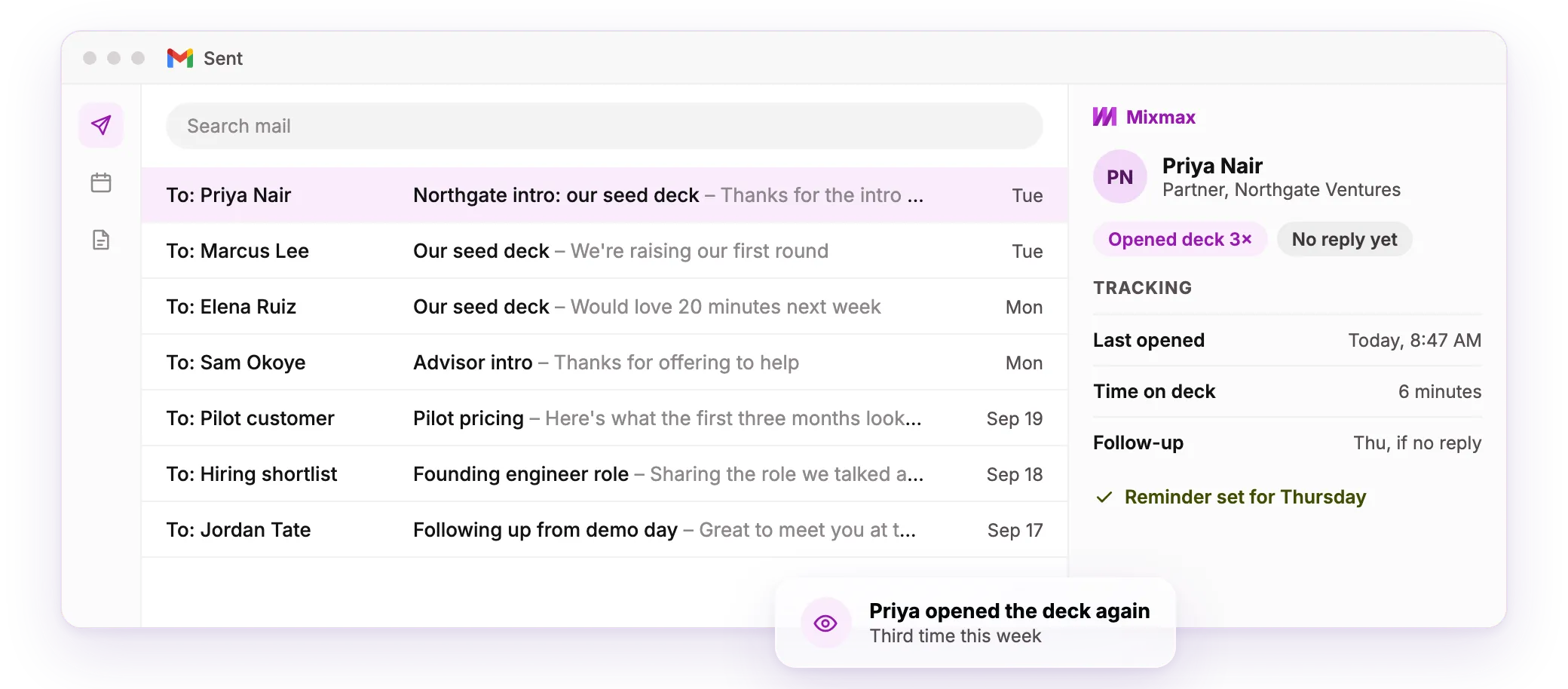
- See who opened the deck. Mixmax shows who opened your email or clicked a link, and when, for each person. Call the investor who opened it three times first.
- Follow up automatically. Write your follow-ups once. Mixmax sends them from your Gmail to anyone who hasn’t replied.
- Book the meeting from the email. Put your open times right in the email. They click one, and the meeting lands on both calendars.
- Log it to your CRM. Emails and meetings sync to HubSpot or Salesforce.
What’s in the offer
- The plan: Mixmax Pro with 1,500 sequence recipients a month. That’s follow-up, email tracking and task management, plus MCP access, so you can work with Mixmax from Claude or ChatGPT.
- The price: $1 a seat a month for the first 6 months, billed monthly.
- After 6 months: $105 a seat a month. You can switch to a smaller plan or cancel any time.
- Who can claim it: startups new to Mixmax. The code works on your first purchase only.
- Ends Dec 31, 2026.
How to claim it
- Sign up with your work email.
- At checkout, slide to 1,500 recipients a month, billed monthly.
- Enter the code
STARTUPS.
The code only works on that plan, so pick it before you enter the code. The same steps, with a copy button for the code, are on the claim page.
The code is public, so if you know a founder who’d use it, send them the claim page.
FAQ
What does 1,500 sequence recipients a month mean?
You can add up to 1,500 people a month to sequences, the follow-up emails Mixmax sends for you. If you need more, you can move up to a bigger plan at its normal price.
I’m already on Mixmax Free or a free trial. Can I use the code?
Yes, as long as you’ve never paid for Mixmax. The code works on a first purchase only.
Will people know my follow-up was automated?
No. It sends from your Gmail address, in the same thread. If they reply first, it doesn’t send.
Do I need a CRM?
No. Mixmax works in Gmail on its own. If you start using HubSpot or Salesforce later, connect it then.