
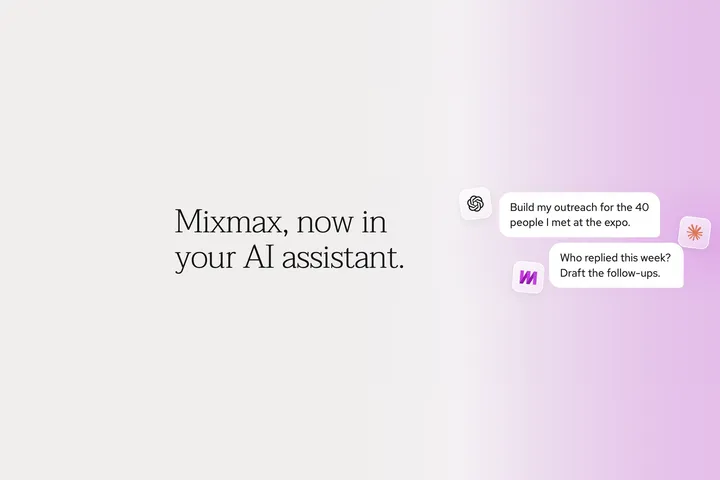
Somewhere in your chat history is a batch of really good sequences you never sent.
You pasted in a list, asked Claude to write something for each person, and it did — researched, specific, actually worth reading. Then you thought about what it would take to get that many custom emails into a tool that sends on a schedule and tracks who opened, and you moved just three of them over by hand instead.
The initial email drafting stopped being the slow part a while ago. The bottleneck now is everything afterwards, and that’s the part the Mixmax MCP handles. Connect Mixmax to Claude, ChatGPT, or any other AI tool of your choice. Then build a sequence, prep for your next call, see who’s engaging, and clear your task list without opening another tab.
From a list to a sequence, in one request
Bring a list, ask for a sequence for each person on it, and you’ll find them drafted in your Sequences page a moment later. Ask for the third step to go out only if nobody’s replied and it will. Ask for a call task after the second email and that’s there too. When you’re happy with what you’re looking at, you add the people and activate.
The same connection covers the rest of the day, too. You can ask who opened or clicked anything you sent yesterday and follow up while it still means something. You can ask what came out of your last call with an account right before you get on the next one. You can turn the action items from a meeting into tasks and set a reminder that only fires if the person hasn’t written back by Friday — so the thing you said you’d do still gets done on the weeks when you’re underwater.
One per person, or one per vertical
“A sequence for each person” doesn’t have to mean literally one each. It can just as easily be one per role, one per industry, or one for everyone you met at a conference last week, which is how most people already segment when there isn’t time to go deeper.
How closely your outreach fits the person reading it used to be decided by how many hours you had. Now it’s just something you decide, because both are the same amount of work.
Mixmax MCP used to just answer questions. Now it can build.
If you connected Mixmax to your AI earlier this year, it could look things up for you — your meetings, your sequences, how your outreach was doing. Useful — but it couldn’t do anything with what it found.
It can now: build a sequence from scratch, edit one stage by stage, add recipients, send or schedule a tracked email, organize sequences into folders, and manage your tasks and reminders.
Nothing sends until you say so
Sequences arrive in Mixmax as drafts; you review, change whatever you want, and send when you’re ready.
The permissions are yours as well. Reading is always on, and sending, sequence editing, tasks and reminders are each a switch in MCP settings, with a “turn off all” if you’d rather add capabilities back one at a time. Your AI only ever reaches your own Mixmax data, never a colleague’s.
Getting set up
The Mixmax MCP is rolling out to customers on current paid Mixmax plans over the next few weeks, included at no extra cost while it’s in beta. Setup is quick: one URL and a sign-in.
Get started with the Mixmax MCP
Not sure what to ask for? The playbooks are here. Or watch our “Master the Mixmax MCP” webinar on demand for actual workflows and prompts that our own account executives use.
Related posts:

.-3INYKdL.png)
.D_q14LM5.jpg)