
Sales email templates for Gmail teams
Mixmax stores team-shared sales email templates inside Gmail with personalization tokens, variant testing, and engagement reporting. Reps insert templates in compose; managers see which ones land replies.
Mixmax works inside Gmail and syncs to Salesforce.
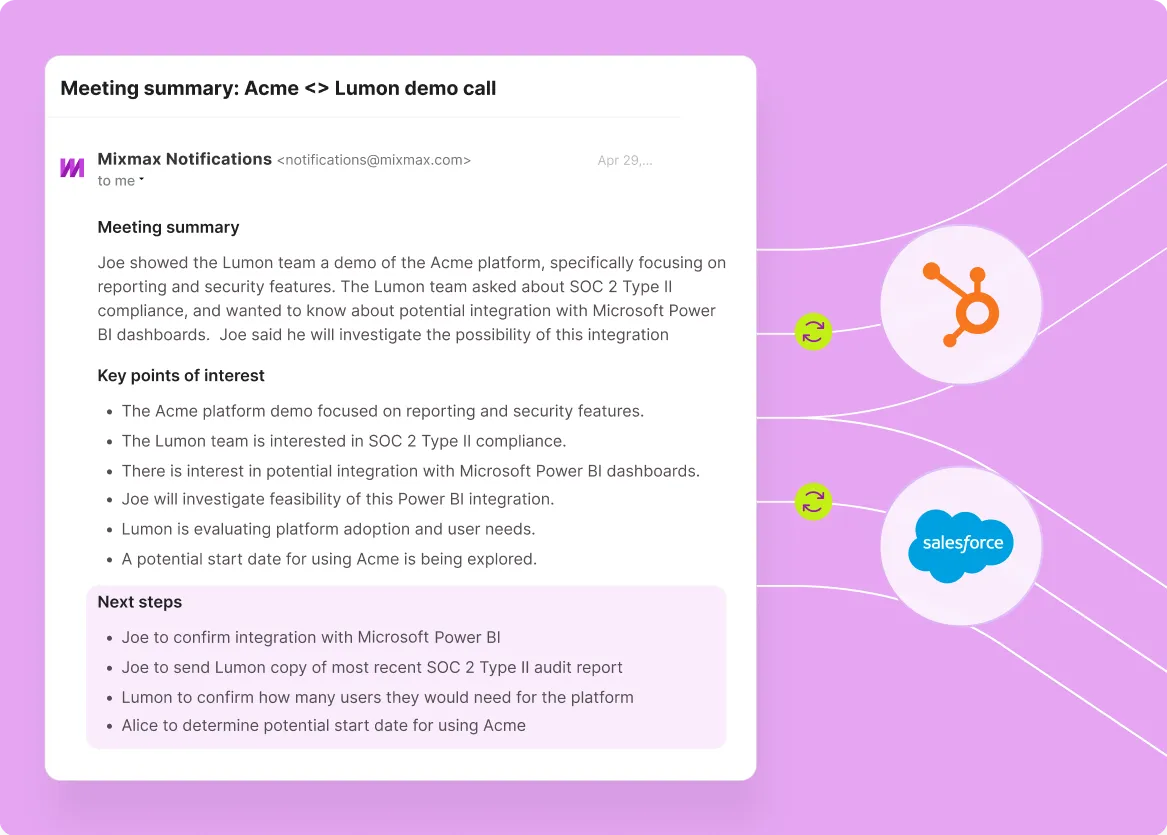
Mixmax works inside Gmail and syncs to Salesforce, delivering shared email templates that reps actually use — because they live in compose with personalization tokens, not in a separate library.

Templates Insert Quickly
One-click template insertion inside Gmail compose with Salesforce-field personalization, so reps pick the template and the personalization happens automatically.

Templates Reveal Performance
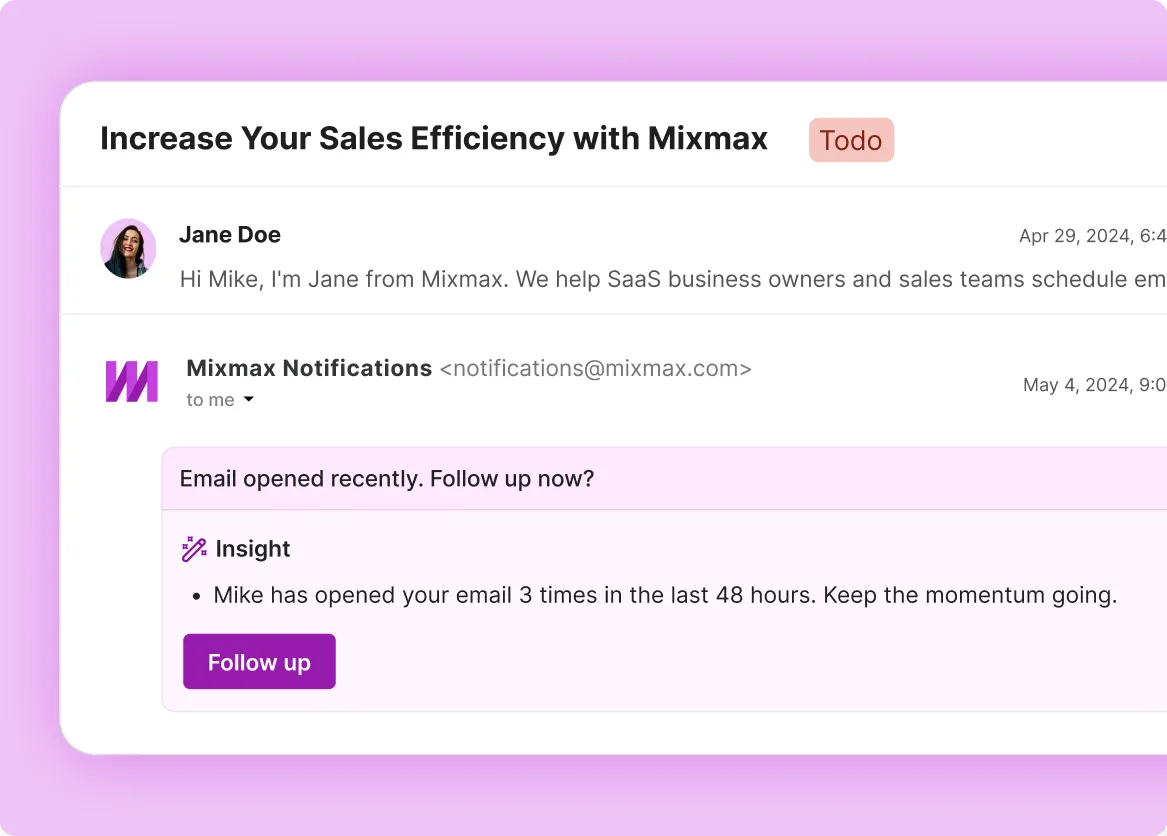
Engagement reporting per template — open rates, reply rates, meetings booked — surfaces which templates land and which need adjustment.

Templates Embed Booking
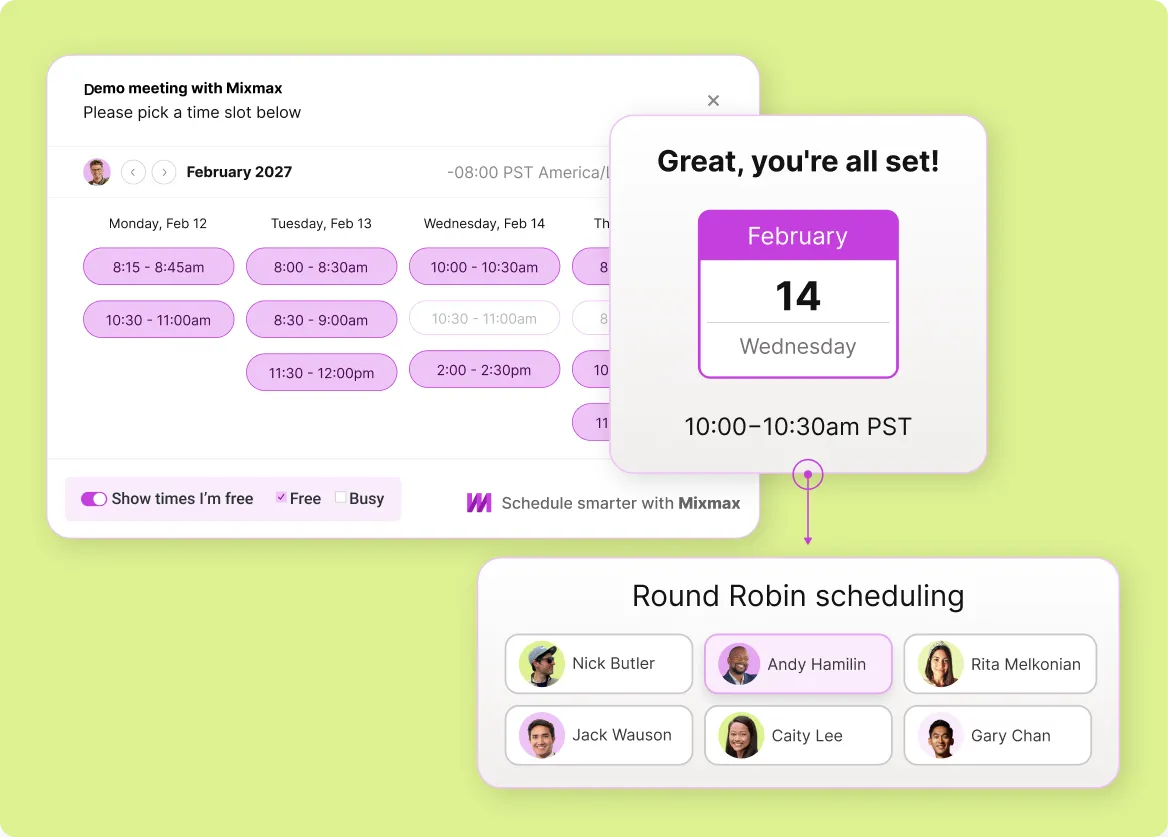
Templates can include availability embeds — when the rep inserts a meeting-request template, the prospect can book in one click without an extra round of email.
Everything you need from a Gmail-native sales template library
Team-shared templates inside Gmail compose, Salesforce-field personalization, A/B variant testing, and engagement reporting — sales templates that get used and improved.
-
1 / 4
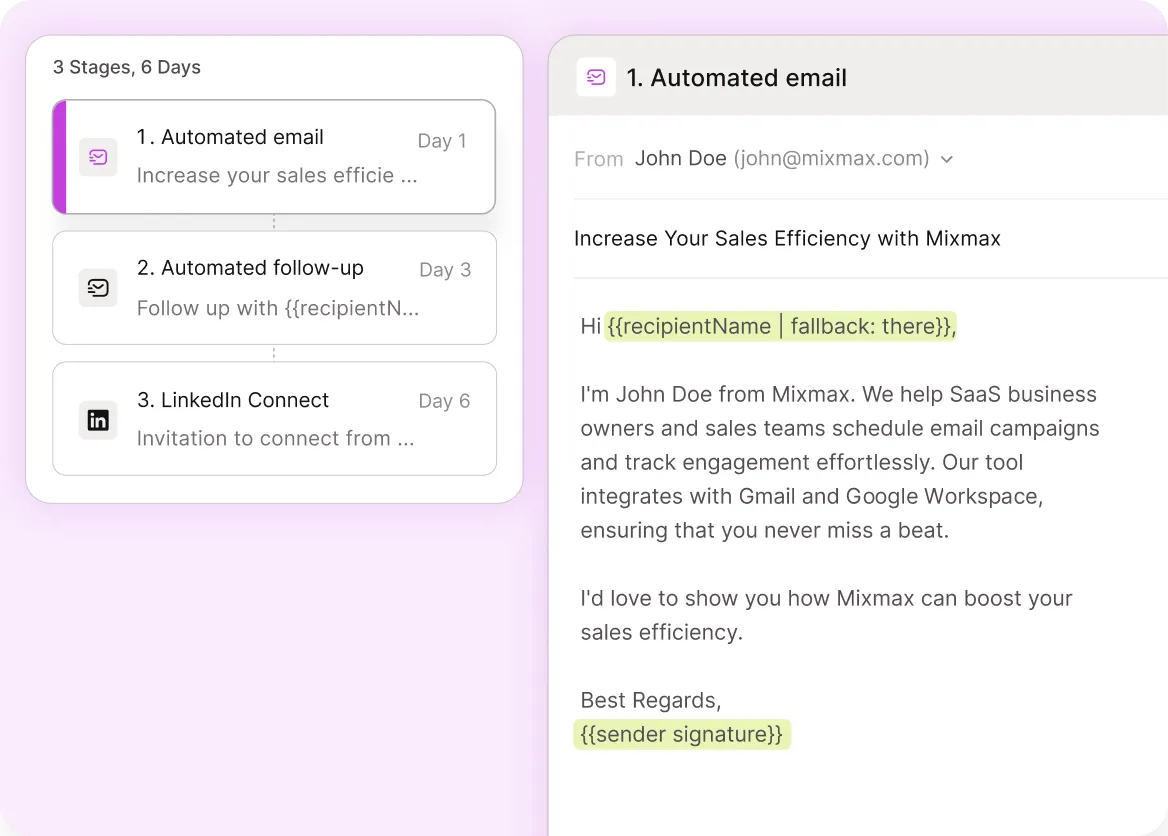
Templates Insert Quickly
One-click template insertion inside Gmail compose with Salesforce-field personalization, so reps pick the template and the personalization happens automatically.
- One-click insert
- Salesforce-field tokens
- Inside Gmail compose

Frequently asked questions
-
Why do most sales template libraries fail?
Templates that live in a separate library — a doc, a CRM template module, a sales enablement platform — don't get used. Reps either don't switch context to find them, or the personalization friction is too high (copy-paste plus manual fill-in). Mixmax templates live inside Gmail compose with one-click insertion and Salesforce-field personalization, which removes both failure modes.
-
How do Mixmax templates handle personalization?
Templates include Salesforce-field tokens — first name, company, role, recent activity, custom fields. When the rep inserts the template, the tokens auto-fill from the matching contact record. Reps add manual personalization on top of token-based personalization for high-priority targets.
-
Can sales managers see which templates are working?
Yes. Per-template engagement reporting surfaces open rates, reply rates, and meetings booked — broken down by template and by rep. Managers spot which templates land and replicate them across the team. Underperforming templates get retired or refined.
-
Are templates team-shared or per-rep?
Both. Personal templates are per-rep; shared template libraries roll up to the team. Sales managers typically curate a shared library of proven templates, while individual reps maintain personal templates for their own outreach style.
-
Can templates include scheduling availability?
Yes. Templates can embed Mixmax meeting links so prospects can book in one click — turn a template-driven email into a booked meeting without extra back-and-forth.
-
How does Mixmax compare to ChatGPT or generic AI for sales emails?
Different shapes. Generic AI tools (ChatGPT) generate one-off email drafts on demand. Templates are reusable, manager-curated, performance-tracked patterns. Mixmax also includes AI for context-grounded drafting alongside templates — the two work together: templates for proven patterns, AI for novel context. Most sales teams use both.
Stop rewriting the same email
See how Mixmax delivers Gmail-native sales email templates with Salesforce personalization, A/B testing, engagement reporting, and bidirectional sync — templates that get used and improved.