

Mixmax + Salesforce — setup and integration depth
If you already use Mixmax: here's the depth of the Salesforce integration. Bidirectional sync, custom field mapping, stage-triggered cadences, and complete activity capture — configured in hours, not professional services engagements.
Mixmax works inside Gmail and syncs to Salesforce.
Mixmax works inside Gmail and syncs to Salesforce bidirectionally. This page covers the setup steps, integration depth, and configuration options for teams already using Mixmax.

Sync Goes Deep
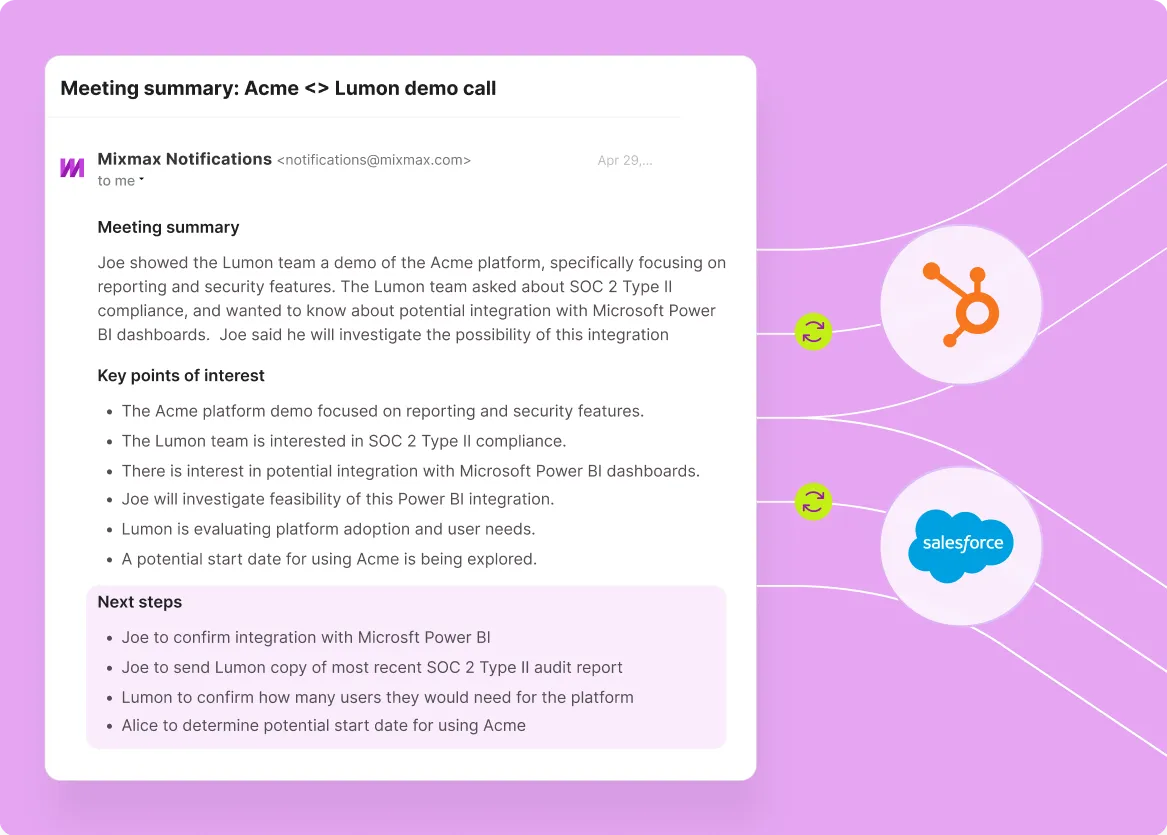
Bidirectional sync of emails, replies, meetings, opens, clicks, and engagement signals to Salesforce contacts, leads, accounts, and opportunities — including custom objects and fields.

Cadences Read Stages
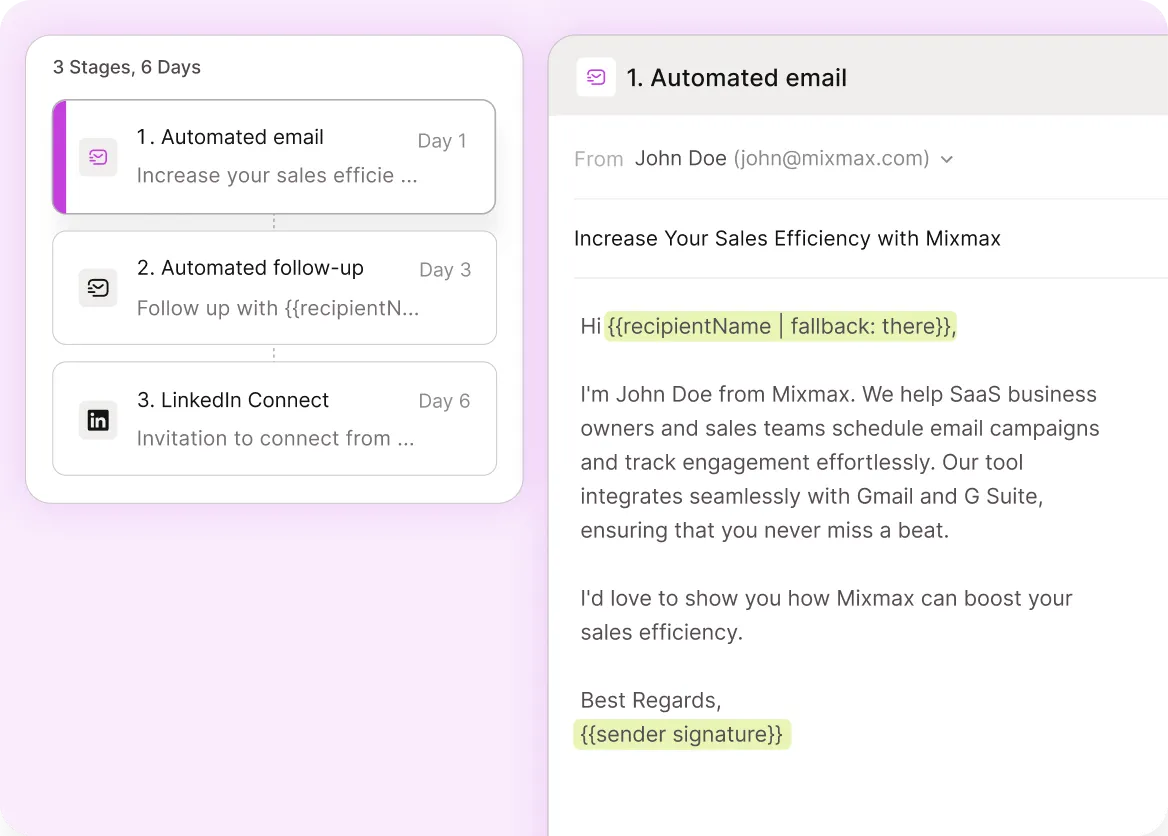
Stage-triggered cadence enrollment — 'when contact moves to Qualified, start discovery cadence' — codifies stage-driven motion at the team level without manual rep work.

Meetings Capture Records
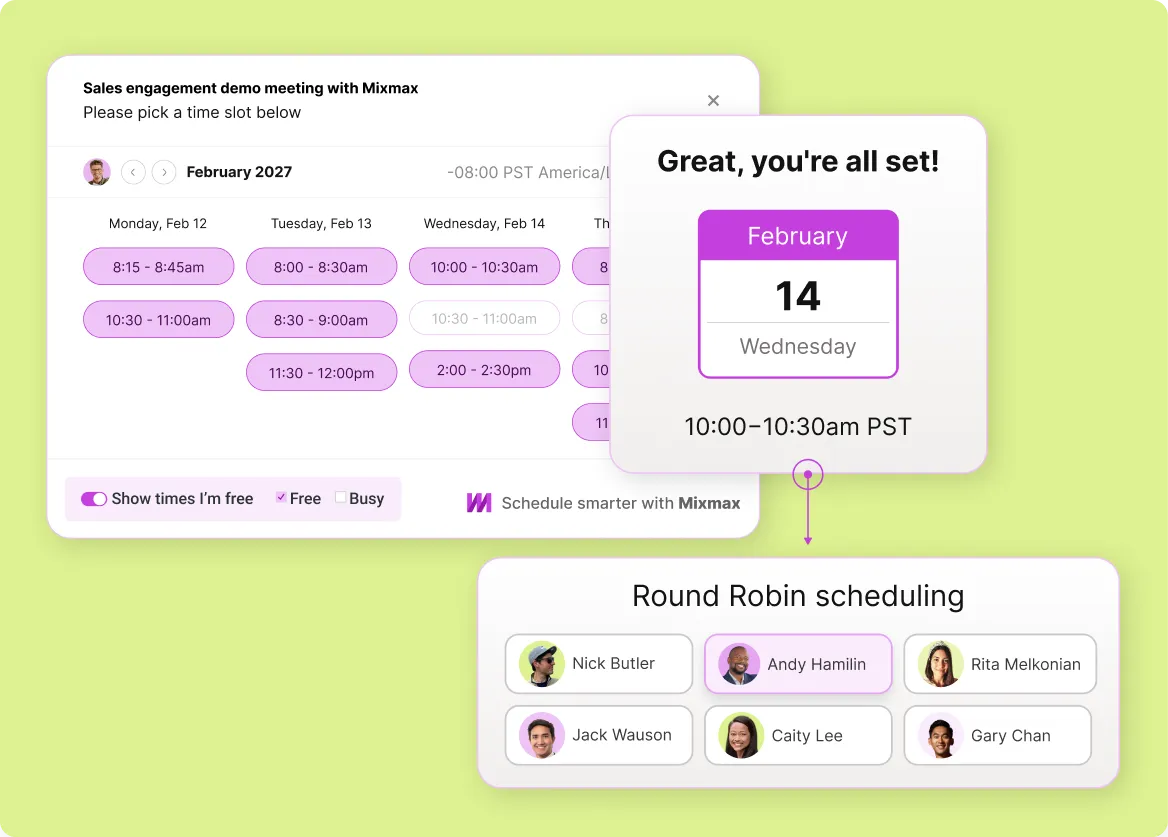
Meetings booked from Gmail land on the Salesforce opportunity with attendees, calendar event, and Mixmax meeting summary attached. Round-robin routing respects Salesforce assignment rules.
Everything the Mixmax + Salesforce integration covers
Activity capture, custom field mapping, stage-triggered cadences, meeting sync, and bidirectional updates — the depth of Mixmax + Salesforce integration for existing customers.
-
1 / 4
Sync Goes Deep
Bidirectional sync of emails, replies, meetings, opens, clicks, and engagement signals to Salesforce contacts, leads, accounts, and opportunities — including custom objects and fields.
- Custom object support
- Custom field mapping
- Bidirectional updates

Frequently asked questions
-
How long does Mixmax + Salesforce setup take?
Most teams have the integration live in a few hours. Gmail extension installs per rep (each rep authenticates their Mixmax account), Salesforce connection authorizes via OAuth at the workspace level, and field mapping configures via the Mixmax admin UI in about an hour for an admin to walk through. No professional services engagement, no developer required for standard configurations.
-
Does Mixmax integrate with custom Salesforce objects?
Yes. Mixmax field mapping supports custom Salesforce objects, custom fields, and non-standard configurations. Personalization tokens can pull from any field captured at the contact, lead, account, or opportunity level. For unusual setups, the admin UI covers most configurations without custom development; Mixmax support helps with edge cases.
-
Can stage changes in Salesforce trigger Mixmax cadences?
Yes. Configure auto-enrollment rules tied to Salesforce stage transitions — for example, 'when this contact's opportunity stage moves to Discovery, enroll in the Discovery Outreach cadence; when it moves to Closed-Lost, enroll in the Winback cadence.' Stage-driven motion at the team level.
-
Does Mixmax + Salesforce respect Salesforce assignment rules?
Yes. Round-robin scheduling and lead routing respect Salesforce assignment rules — meetings booked through Mixmax route to the rep Salesforce assigns to the contact, account, or opportunity. Mixmax doesn't override Salesforce routing logic.
-
How does the Mixmax + Salesforce integration handle data privacy and access controls?
Mixmax respects Salesforce sharing rules and field-level security — reps only see Salesforce data they have access to in Salesforce itself. Role-based permissions in Mixmax align with Salesforce profiles. The integration doesn't bypass Salesforce access controls.
-
What if our Salesforce setup uses Sales Engagement (Salesforce-native cadences)?
Mixmax and Salesforce Sales Engagement can coexist. Most teams choose one or the other for their cadence motion (Mixmax is Gmail-native, Salesforce Sales Engagement is Salesforce-native). Activity capture from Mixmax-driven cadences syncs to Salesforce alongside any Salesforce Sales Engagement activity, so the records stay complete either way.
Bidirectional sync, configured in hours
See the setup steps and configuration options for the Mixmax + Salesforce integration — bidirectional sync, custom field mapping, stage-triggered cadences, and meeting capture.

