









Mixmax auto-logs every sales touch to Salesforce. The MCP server makes that complete activity history queryable in Claude and ChatGPT — so AI can generate account summaries, prep briefs, and handoff docs from real data.

Accounts Tell Stories
AI generates complete account narratives from CRM activity — the email cadence, meeting frequency, engagement patterns, and outstanding commitments that together tell the story of the relationship.

Pre-Call Prep Instant
AI pulls the last 30 days of activity — emails, meetings, engagement signals — and generates a structured prep brief. What happened, what was discussed, what's outstanding, and what to raise in the next call.

Handoffs Stay Complete
When a rep leaves, goes on vacation, or passes an account to a teammate, AI generates the complete relationship history from CRM activity. No 'what did we promise them?' guessing.
Account summaries, pre-call context, handoff documentation, and activity intelligence — all powered by real CRM activity flowing through the Mixmax MCP server.
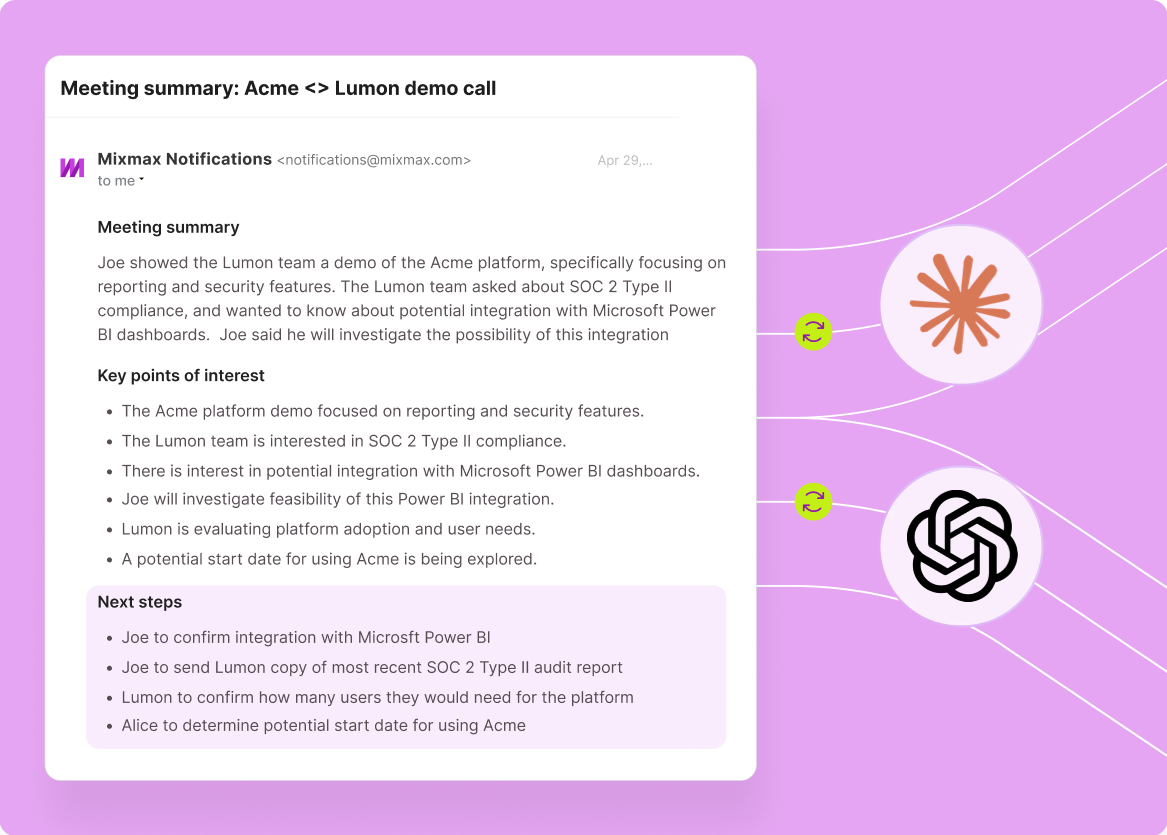
1 / 4 Accounts Tell Stories
AI generates complete account narratives from CRM activity — the email cadence, meeting frequency, engagement patterns, and outstanding commitments that together tell the story of the relationship.
- Complete activity narratives
- Relationship timeline
- Cross-channel context
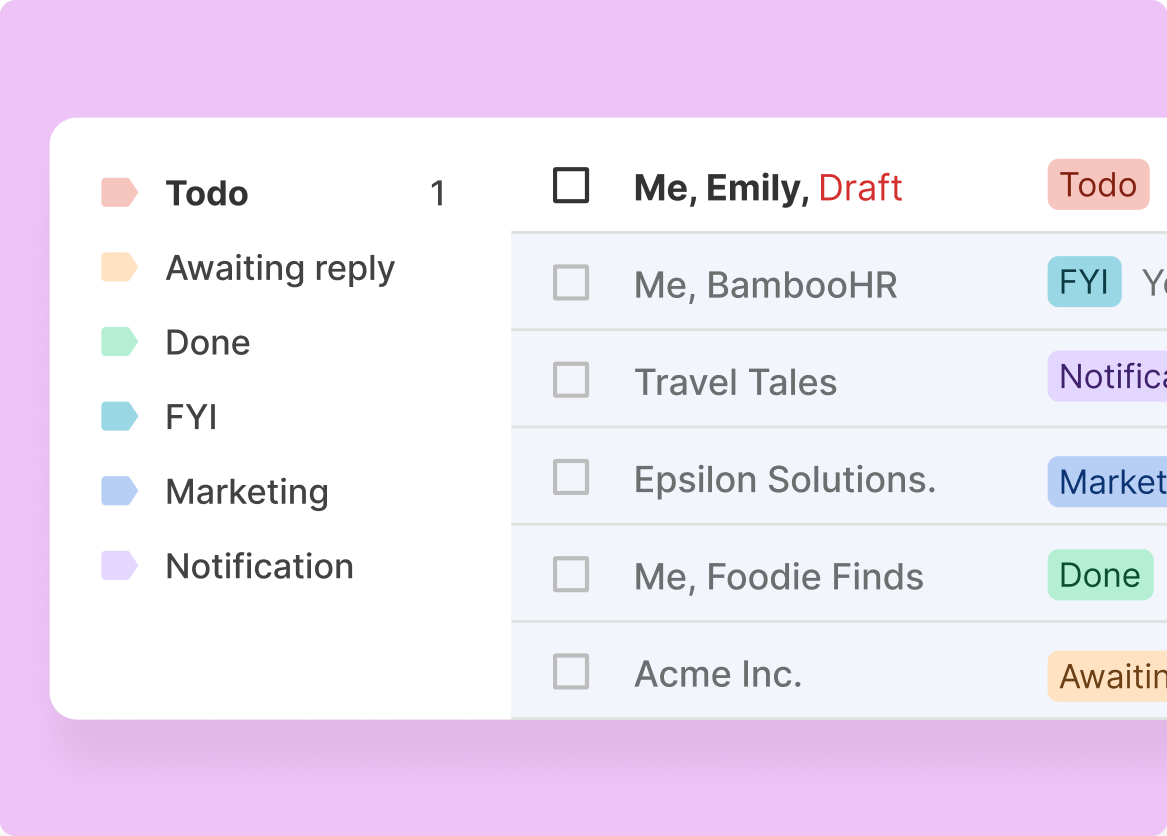
2 / 4 Pre-Call Prep Instant
AI pulls the last 30 days of activity — emails, meetings, engagement signals — and generates a structured prep brief. What happened, what was discussed, what's outstanding, and what to raise in the next call.
- 30-day activity summary
- Outstanding items surfaced
- Structured prep briefs

3 / 4 Handoffs Stay Complete
When a rep leaves, goes on vacation, or passes an account to a teammate, AI generates the complete relationship history from CRM activity. No 'what did we promise them?' guessing.
- Full relationship history
- Commitment tracking
- Zero tribal knowledge loss

4 / 4 Activity Gaps Shrink
AI identifies which accounts are getting too little attention — deals with no email in 10 days, accounts with meetings but no follow-up, contacts who engaged but were never replied to.
- Under-touched account detection
- Follow-up gap alerts
- Activity density scoring

Frequently asked questions
What CRM activity data does the Mixmax MCP server capture?
The MCP server provides access to all activity Mixmax logs to Salesforce: sent and received emails, booked and completed meetings, meeting summaries, tasks, engagement signals (opens, clicks, replies), and sequence enrollment history. Every touch has timestamps, participants, and content metadata.
How is CRM activity different from engagement signals?
Engagement signals are specific events — opens, clicks, reply timestamps. CRM activity is the broader record — emails sent, meetings held, tasks completed. Engagement signals are one type of activity data. The MCP server exposes both, and AI can use them together for richer analysis.
Can AI generate account summaries from CRM activity?
Yes. Ask Claude 'summarize all activity with Acme Corp in Q1' and it generates a structured narrative: key meetings, important email exchanges, engagement patterns, commitments made, and outstanding items. This is one of the highest-value use cases for CRM activity through MCP.
Does this work with HubSpot or just Salesforce?
Mixmax integrates bidirectionally with both Salesforce and HubSpot. The CRM activity data exposed through the MCP server comes from whichever CRM your team uses. The same activity logging and query capabilities work with either system.
How far back does the activity history go?
The MCP server provides access to all activity Mixmax has logged to your CRM. For most teams, this goes back to when Mixmax was first deployed. There's no artificial time limit on the data accessible through MCP — if it's in your CRM, AI can query it.
Is CRM activity data updated in real time?
Mixmax logs activity to your CRM in real time — emails, meetings, and engagement signals are captured as they happen. When AI queries the MCP server, it accesses the latest data. There's no batch delay between activity happening and being available to AI.

Every logged touch, available to your AI
See how the Mixmax MCP server connects CRM activity history to Claude and ChatGPT — so account summaries, prep briefs, and handoff docs generate from real data.

