
Connect Mixmax to Claude
Claude + Mixmax MCP = your meetings, sequences, and engagement signals inside Claude. No copy-pasting, no context windows full of stale notes. Claude pulls live data from Mixmax and works with it directly.
Mixmax works inside Gmail and syncs to Salesforce.
Stop pasting sales context into Claude prompts. The Mixmax MCP server gives Claude direct access to meeting transcripts, sequence performance, engagement signals, and CRM activity — so every output is grounded in real data.

Sales Data Flows
Claude pulls meeting transcripts, sequence performance, and engagement signals directly from Mixmax — no manual input. The data is live, complete, and structured for Claude to reason about.

Ask Anything Useful
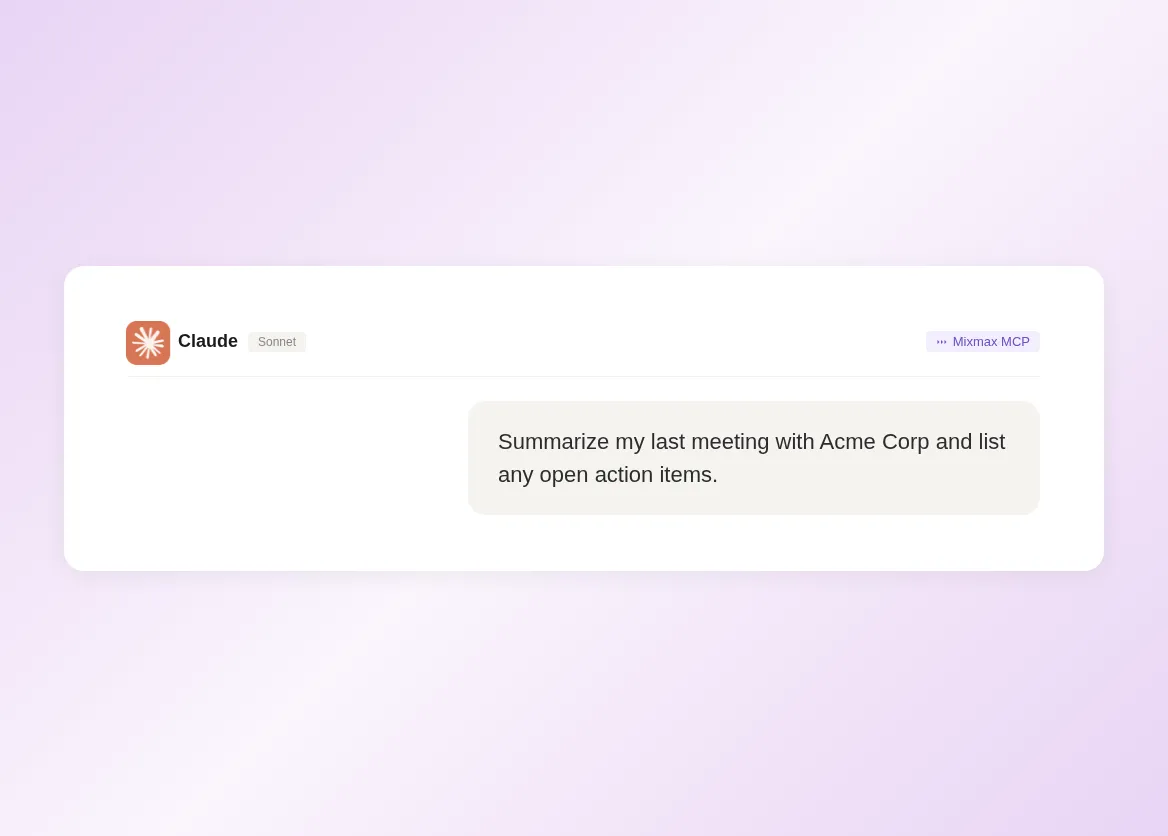
Natural language queries against your real sales data: 'summarize my last call with Acme,' 'which sequences have the highest reply rate,' 'what deals need follow-up this week.' Claude answers from Mixmax data.

Drafts Use Facts
Claude writes follow-up emails referencing specific meeting topics, prep briefs with the last 30 days of activity, and deal summaries backed by real engagement data — not generic templates.
What Claude can do with your Mixmax data
Live context access, natural language queries, data-grounded drafts, and zero-effort setup — all through the Mixmax MCP server in Claude Desktop or Claude Code.
-
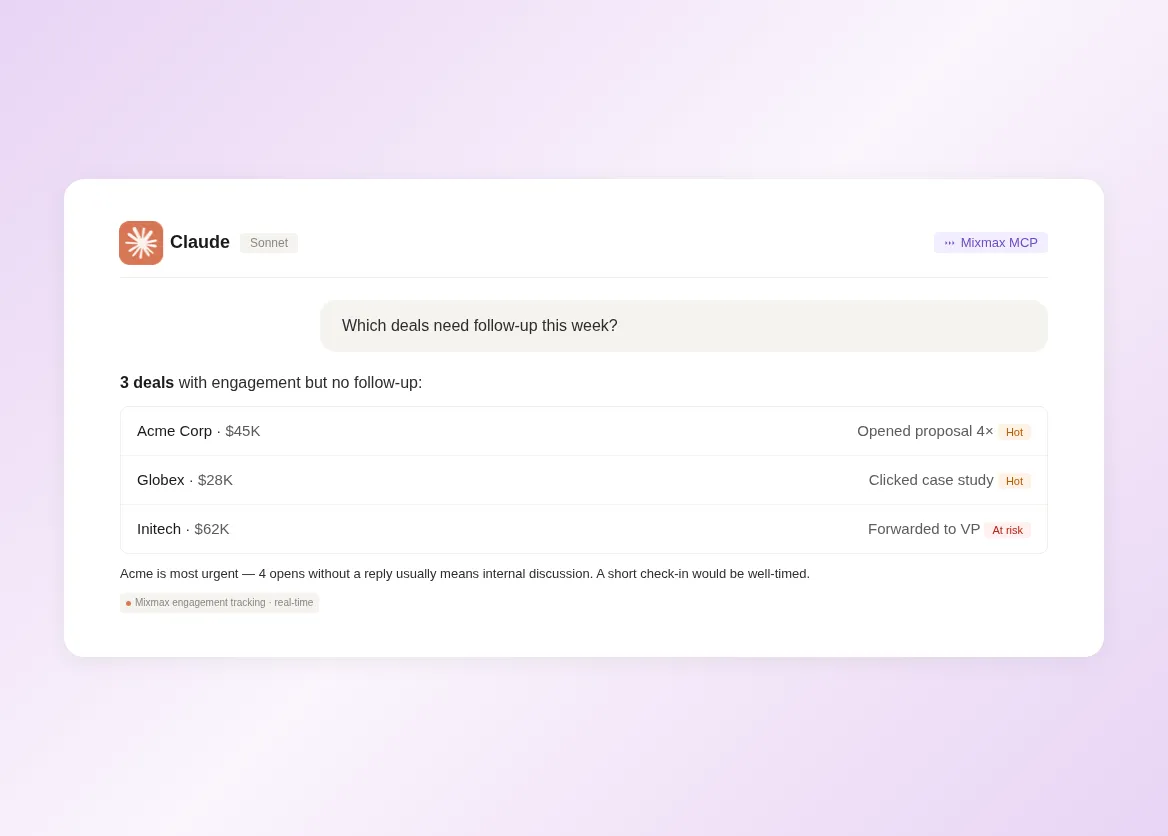
1 / 4
Sales Data Flows
Claude pulls meeting transcripts, sequence performance, and engagement signals directly from Mixmax — no manual input. The data is live, complete, and structured for Claude to reason about.
- Live meeting transcripts
- Real-time engagement data
- Sequence performance metrics

Frequently asked questions
-
How do I connect Mixmax to Claude?
Install the Mixmax MCP server in Claude Desktop through the MCP server configuration. Authenticate with your Mixmax credentials. Claude connects automatically and can start querying your sales data immediately. No API keys, no code, no IT involvement. Setup takes under five minutes.
-
What Mixmax data can Claude access?
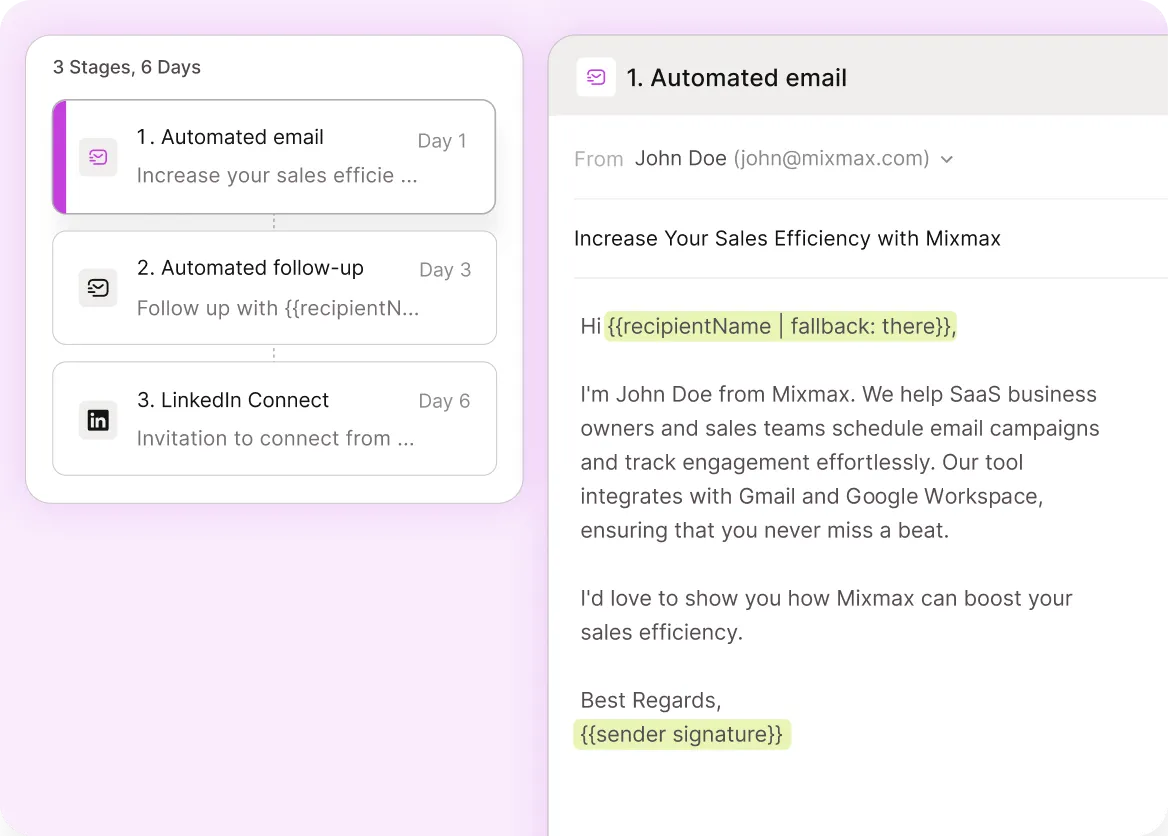
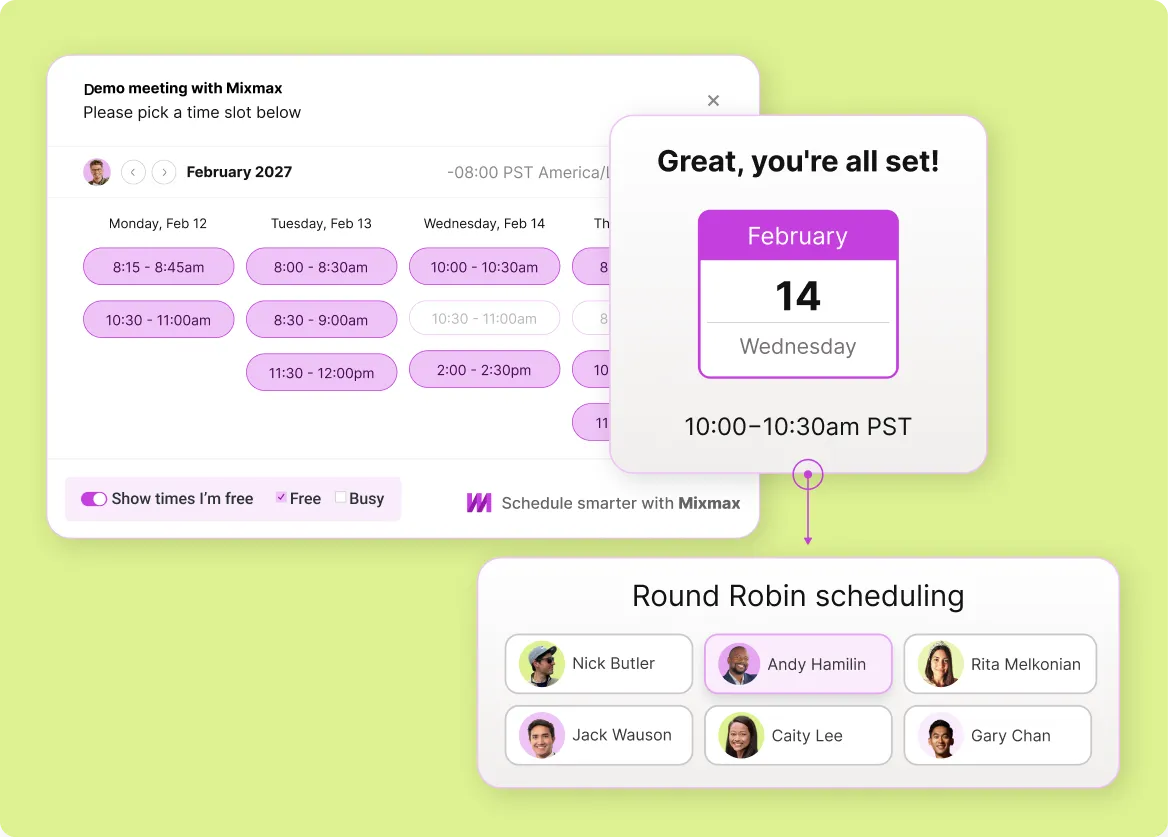
Claude can access meeting transcripts and summaries, sequence performance data, email engagement signals (opens, clicks, replies), CRM activity logs, and scheduling data. Essentially, any data Mixmax captures about your sales activity is available to Claude through MCP.
-
Does this work with Claude Desktop and Claude Code?
Yes. The Mixmax MCP server works with any MCP-compatible Claude client — including Claude Desktop (for conversation and analysis), Claude Code (for developer workflows), and any future Claude products that support MCP.
-
Is my sales data secure when accessed through Claude?
Yes. The MCP server authenticates with your Mixmax credentials and only serves data you have permission to access. Data is transmitted over encrypted connections and processed in Claude's context window — not stored permanently by Claude or Anthropic.
-
Do I need a specific Mixmax plan for Claude integration?
No. The MCP server is included on every Mixmax plan. All MCP data sources — meetings, sequences, engagement signals, CRM activity — are included. No add-on or enterprise plan required.
-
How is this different from pasting data into Claude's context window?
Three differences. First, completeness: MCP delivers structured, complete data, not whatever fragment you copy-pasted. Second, freshness: MCP pulls live data, not a screenshot from last Tuesday. Third, effort: MCP is automatic — no copy-paste, no reformatting, no context window management. You just ask.
Your sales data, live in Claude
See how the Mixmax MCP server connects meeting transcripts, sequences, and engagement signals to Claude — so every prompt runs on real data.