
Gmail email tracking built for sales teams
Mixmax tracks email opens, clicks, and engagement in real time inside Gmail and syncs every signal to Salesforce. Sales reps follow up at the moment interest peaks instead of guessing.
Mixmax works inside Gmail and syncs to Salesforce.
Gmail email tracking that drives sales workflows — Mixmax surfaces opens and clicks in the inbox, prompts follow-up at the right moment, and writes activity to Salesforce automatically.

Opens Land Live
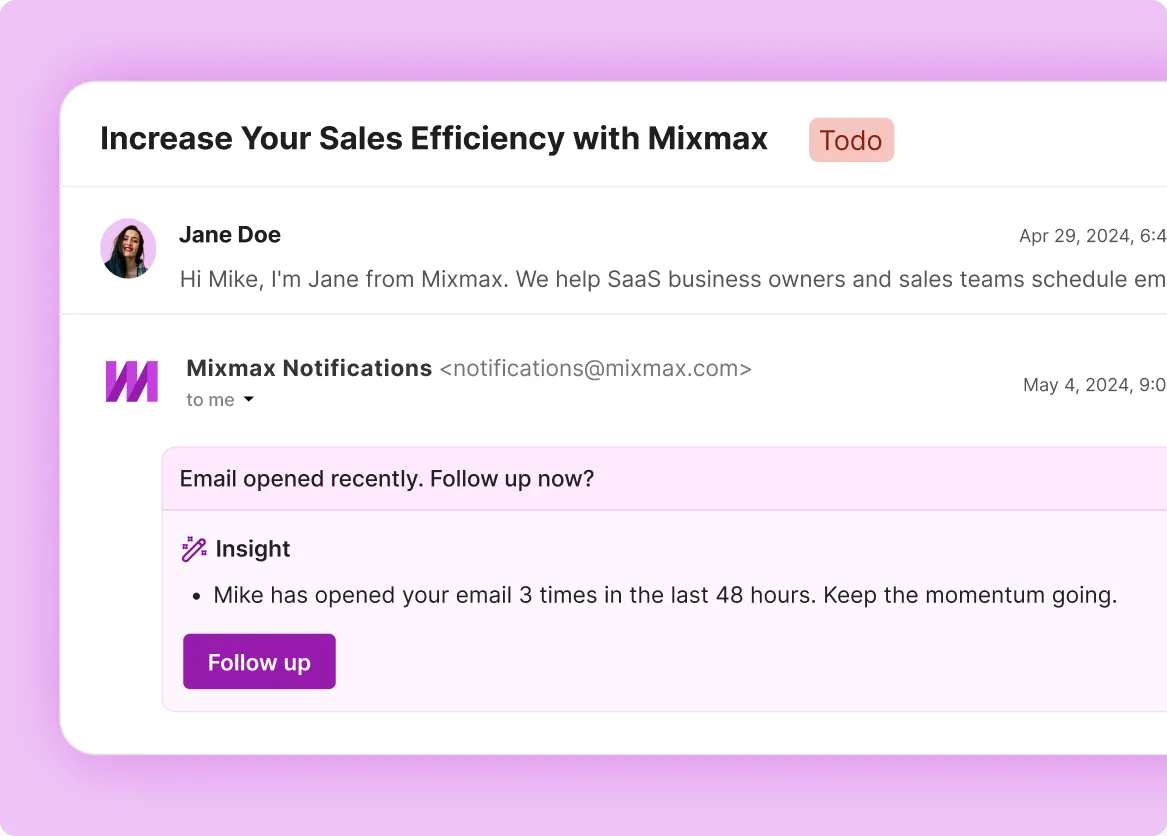
See exactly when a prospect opens your email, when they re-open it, and how many times they came back — real-time inside Gmail, not in a delayed dashboard.

Tracking Drives Cadences
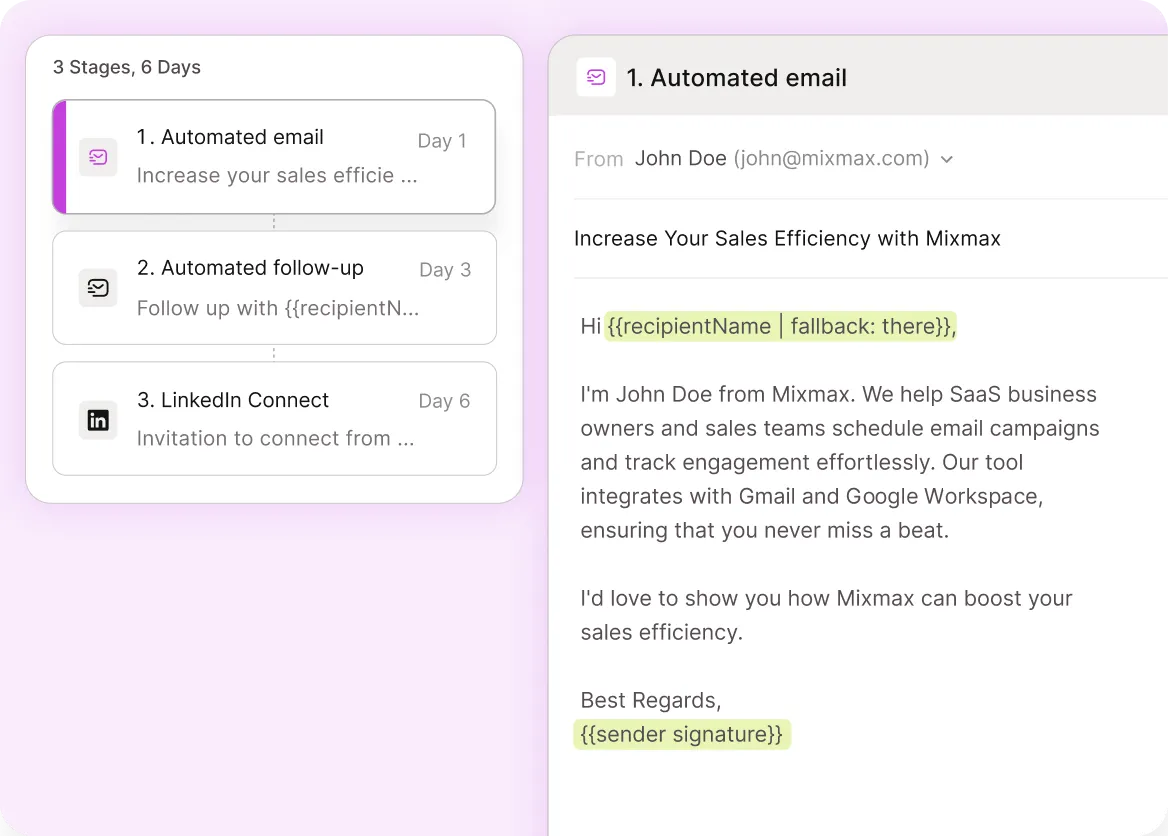
Engagement signals trigger sequence behavior — a click on a pricing link can fire a different follow-up step than a click on a docs link, so cadences feel responsive.

Hot Leads Book
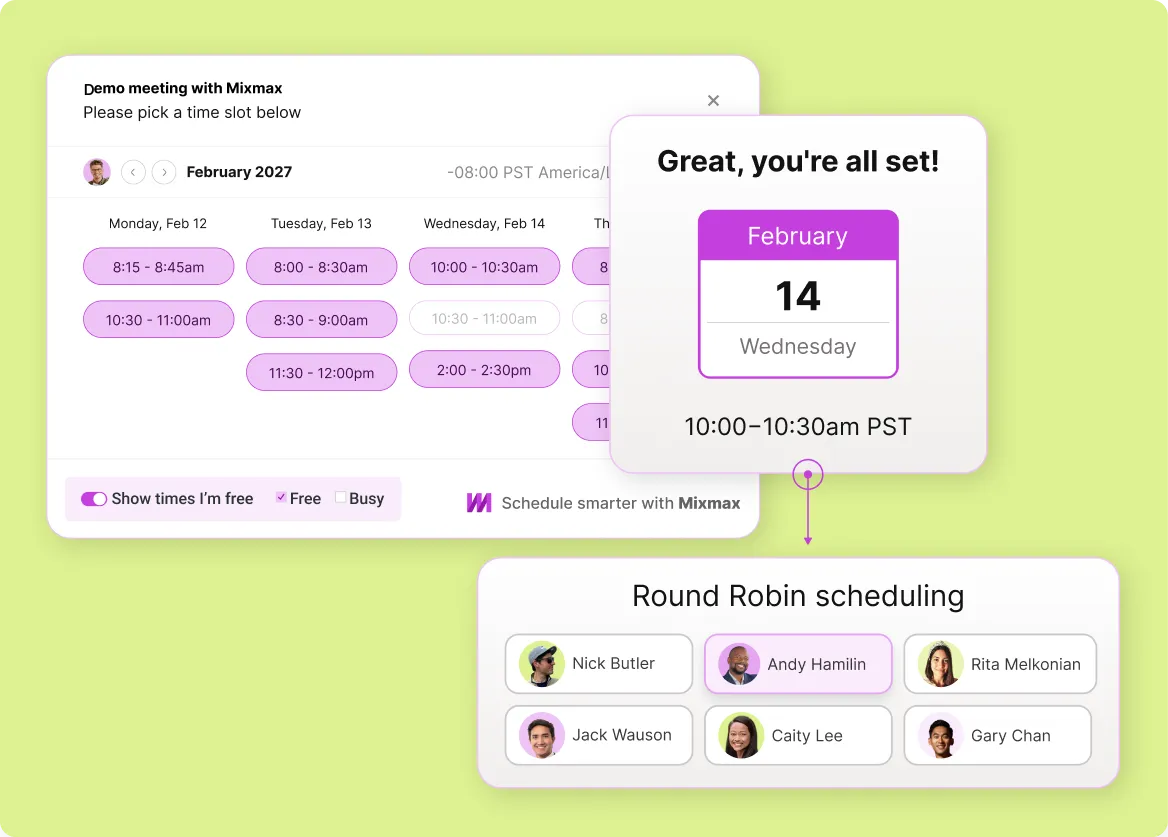
When a prospect engages, embed availability in the follow-up email and let them book in one click — turn tracking signals into booked meetings without extra steps.
Everything you need for sales-grade Gmail email tracking
Real-time open and click tracking, engagement-driven follow-up prompts, scheduling, and Salesforce sync — Gmail email tracking that drives sales workflows, not just dashboards.
-
1 / 4
Opens Land Live
See exactly when a prospect opens your email, when they re-open it, and how many times they came back — real-time inside Gmail, not in a delayed dashboard.
- Real-time open notifications
- Re-open detection
- Multi-open buying signals

Frequently asked questions
-
How does Mixmax email tracking work inside Gmail?
Mixmax adds a tracking pixel for opens and redirect-based tracking for link clicks. The data shows up in real time inside Gmail — you see when a prospect opens your email, which links they click, how many times they come back, and when. The signals feed engagement-driven follow-up prompts and sync to Salesforce automatically.
-
Will email tracking still work if a prospect blocks images?
Open tracking relies on a tracking pixel, so it won't register if images are fully blocked. But click tracking works independently — it's URL-based, not image-based. If you see clicks without opens, that means the prospect read your email with images blocked. You still get the buying signal.
-
How is sales-grade email tracking different from generic Gmail trackers?
Generic Gmail trackers show you opens and clicks. Sales-grade tracking turns those signals into action: engagement prompts inside the inbox, sequence behavior that branches based on what the prospect clicked, and Salesforce activity that feeds pipeline reviews. Mixmax does the second; most generic trackers only do the first.
-
Does Mixmax email tracking sync to Salesforce?
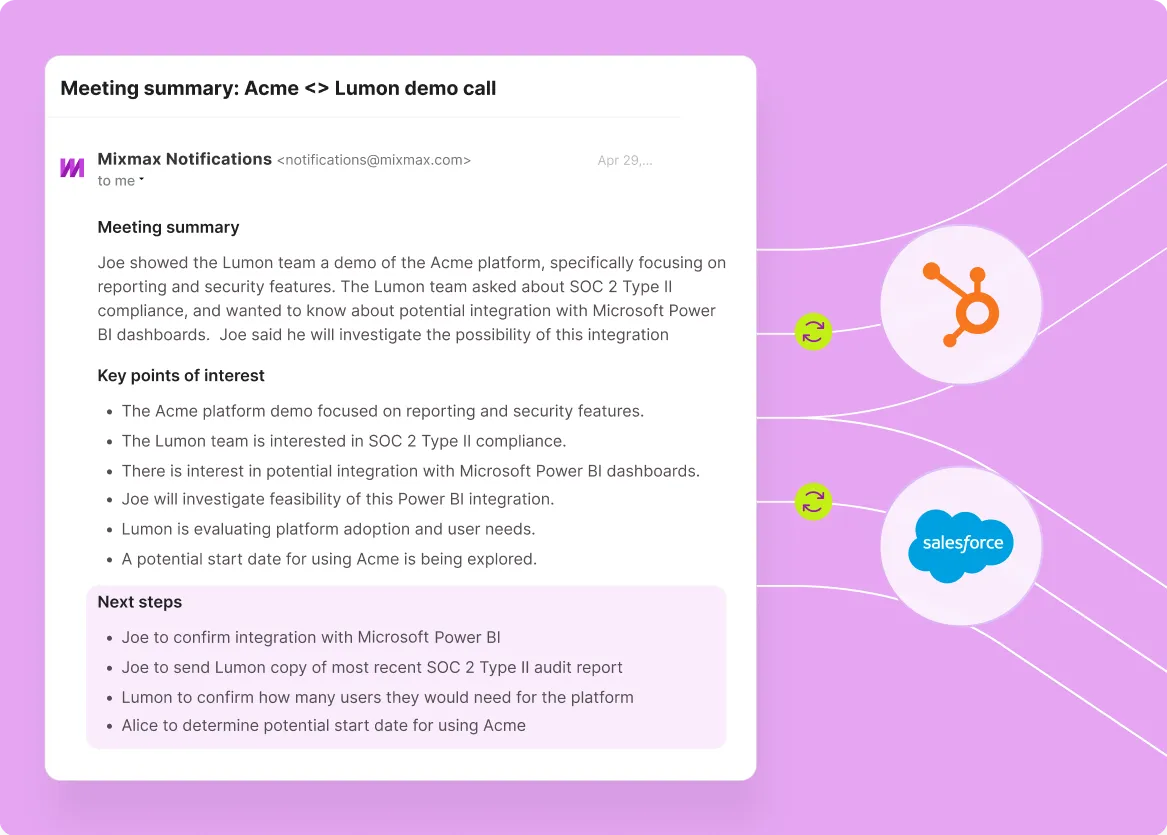
Yes. Every email send, open, click, reply, and engagement event syncs to the matching Salesforce contact and opportunity record automatically. Pipeline reviews run on real engagement data instead of whatever reps remembered to log.
-
Can sales teams use Mixmax tracking on a per-rep basis?
Yes. Tracking is a per-rep feature — every rep installs the Gmail extension and gets tracking on every email they send. Team analytics roll up engagement across the team for managers, but the daily tracking experience is in each rep's own inbox.
-
How does Mixmax email tracking compare to free Gmail trackers like Streak or Mailtrack?
Free Gmail trackers (Mailtrack, Streak free tier) handle basic open tracking. Mixmax adds the layer that turns tracking into sales workflows: engagement-driven sequences, follow-up prompts, scheduling, AI drafts, and Salesforce sync. For free use cases (individuals tracking personal emails), free trackers fit. For sales teams, the workflow layer is what matters.
Know who's reading, before you follow up
See how Mixmax delivers Gmail email tracking that drives sales workflows — engagement signals that trigger follow-up, prompts inside the inbox, and Salesforce sync built in.