
Email Tracking for Marketing Agencies
A CMO who clicks through your portfolio deck and then visits your pricing page is ready to talk scope. Agency BD reps who see that progression can open the conversation at exactly the right moment. Mixmax tracks opens, clicks, and downloads in real time inside Gmail — and syncs every signal to Salesforce.
Mixmax works inside Gmail and syncs to Salesforce.
A marketing director just clicked through your case study, then opened your pricing page twice. They're not browsing — they're building a shortlist. Mixmax shows you that sequence of signals so you can send a tailored scope proposal before they reach out to your competitor.

Real-time open and click tracking
Track when a CMO opens your portfolio deck, which case studies they click into, and whether they forward your capabilities overview to a colleague. Agency deals often start with one champion exploring options — tracking tells you when that exploration turns into a real evaluation by showing you multi-person engagement.

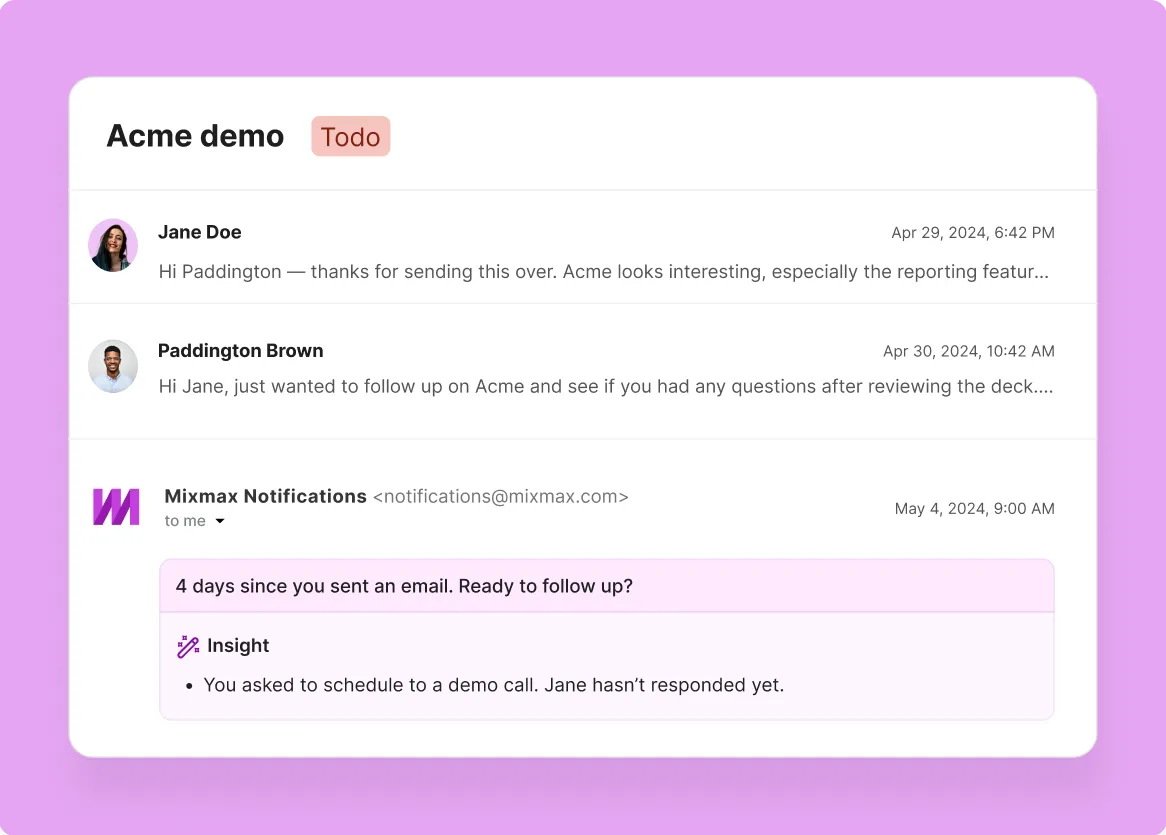
Engagement-triggered follow-up
Marketing directors get pitched by agencies every week. When Mixmax shows you that a director who ignored three emails just opened your latest case study and clicked through to your pricing, the competitive landscape shifted. That's your window to follow up with a scoped proposal, not another generic capabilities deck.

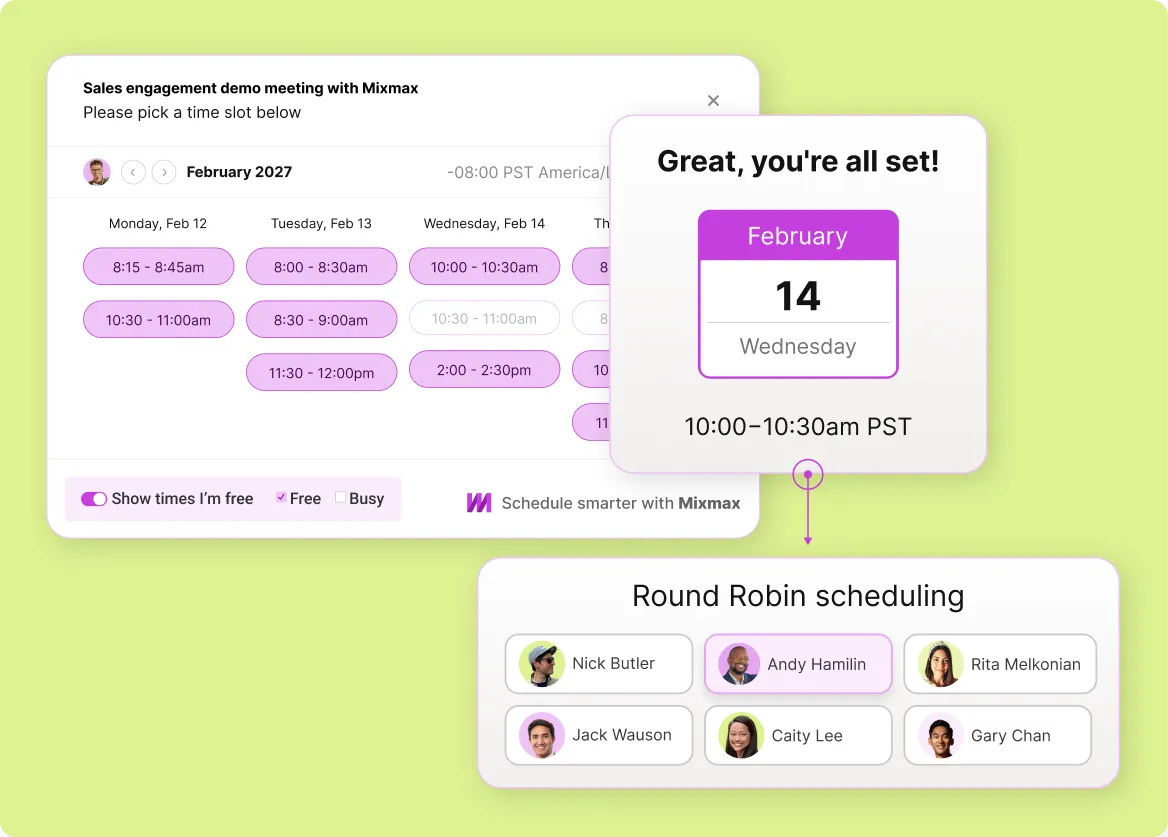
One-click meeting scheduling
Turn tracking signals into booked meetings. When you see a marketing director is engaged, share your availability in one click. They pick a time, the meeting lands on both calendars, and the back-and-forth disappears.
Everything you need to track marketing agency email engagement
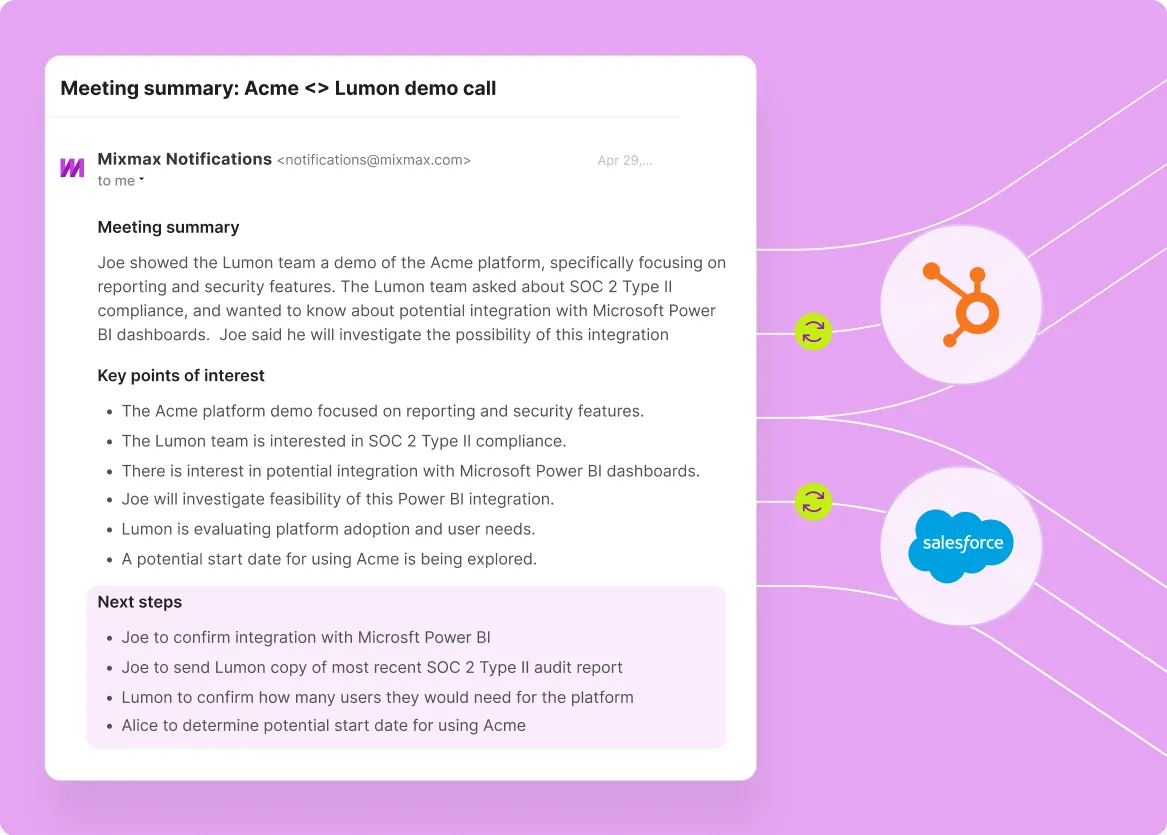
Mixmax combines real-time open and click tracking, engagement-triggered follow-up reminders, one-click scheduling, and Salesforce activity sync — so agency business development reps know who's interested and act before the window closes.
-
1 / 4
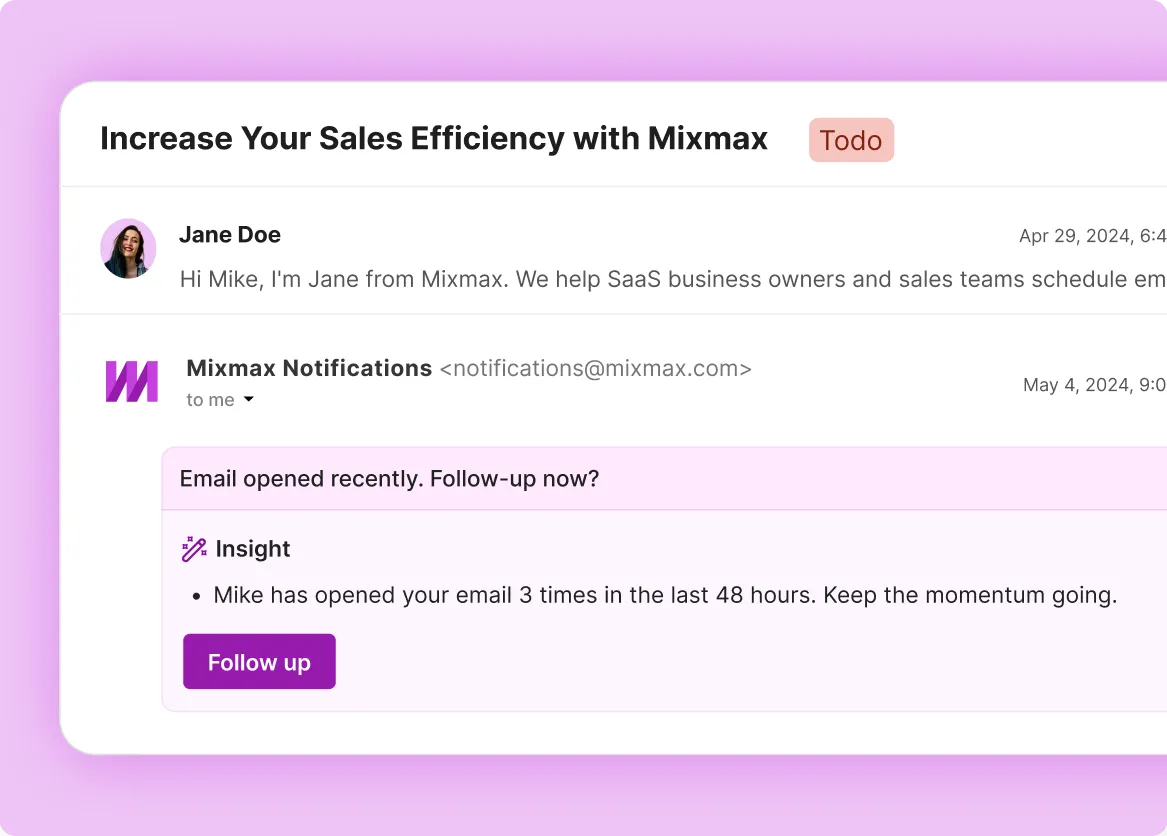
Real-time open and click tracking
Track when a CMO opens your portfolio deck, which case studies they click into, and whether they forward your capabilities overview to a colleague. Agency deals often start with one champion exploring options — tracking tells you when that exploration turns into a real evaluation by showing you multi-person engagement.
- Real-time open notifications in your inbox
- Link click tracking with timestamps
- Multi-open detection for buying signals

Frequently asked questions
-
How does Mixmax email tracking work for marketing agencies?
Mixmax uses a lightweight tracking pixel for opens and redirect-based tracking for link clicks. The data appears in real time right inside Gmail — you see when a marketing director opens your email, which links they clicked, how many times they came back, and when. The engagement signals feed into follow-up nudges and sync to Salesforce automatically.
-
Can tracking tell me which of our services a prospect is most interested in?
Yes — by what they click. If your email includes links to case studies across different service lines, tracking shows you exactly which ones the prospect engages with. A CMO who clicks your SEO case study but skips the paid media one is telling you what they need without saying it.
-
How does email tracking help marketing agencies prioritize follow-ups?
Instead of guessing which marketing directors and CMOs to follow up with, tracking gives you a clear signal. A marketing director who opened your proposal four times this morning is a better use of your next 15 minutes than one who hasn't opened in a week. Mixmax surfaces these signals right in Gmail.
-
Does tracking work for agencies that use HubSpot instead of Salesforce?
Yes. Mixmax syncs with both Salesforce and HubSpot. Many agencies use HubSpot as their CRM — tracking data (opens, clicks, replies) flows there automatically. The Gmail-side experience is identical regardless of which CRM you connect.
-
Will tracking still work if a marketing director blocks images?
Open tracking relies on a tracking pixel, so it won't register if images are fully blocked. But click tracking works independently — it's URL-based. If you see clicks without opens, the marketing director read your email with images blocked. You still get the buying signal.
-
How easy is it for a marketing agency team to get started with Mixmax?
Mixmax installs as a Gmail extension and connects to Salesforce in minutes. There's no migration, no new interface. Agency business development reps keep working in Gmail — they just get tracking data, Smart Send, scheduling, and CRM sync on top. Most teams hit 90% adoption in the first week.
Know who's reading your emails — before you follow up
Know which prospects are clicking your case studies, visiting your pricing, and building a shortlist. The BD signals your agency can't afford to miss.