
Email Tracking for HR Tech Sales
An HR director who clicks your ROI calculator link twice in one day is building a business case. HR tech reps who see that engagement can offer the exact supporting data that helps their champion sell internally. Mixmax tracks opens, clicks, and downloads in real time inside Gmail — and syncs every signal to Salesforce.
Mixmax works inside Gmail and syncs to Salesforce.
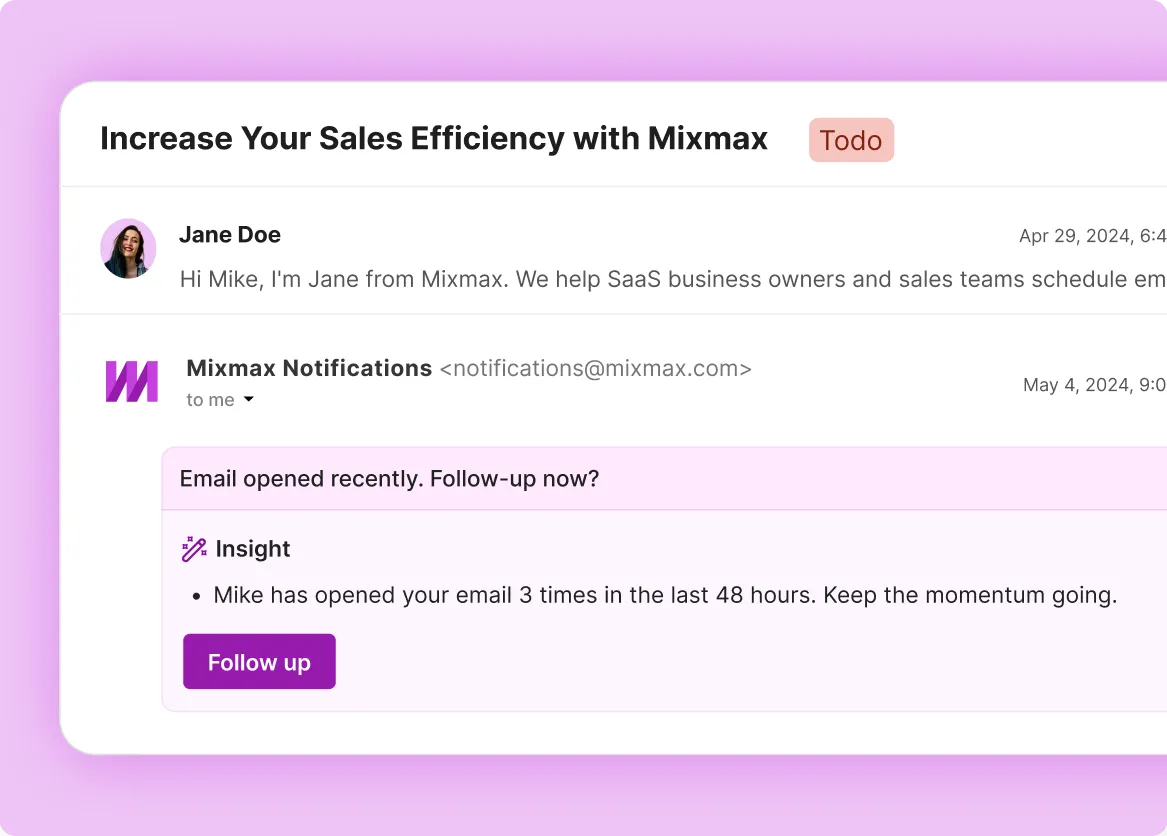
An HR director just clicked your ROI calculator for the second time today — and forwarded your case study to their CFO. Mixmax shows you both signals so you know this deal is moving to budget approval.

Real-time open and click tracking
See when an HR director opens your case study, when they click your ROI calculator, and when your email gets opened from a new device — a sign it was forwarded to a colleague. HR tech deals advance when the HR buyer starts building an internal case. Tracking shows you that momentum as it happens.

Engagement-triggered follow-up
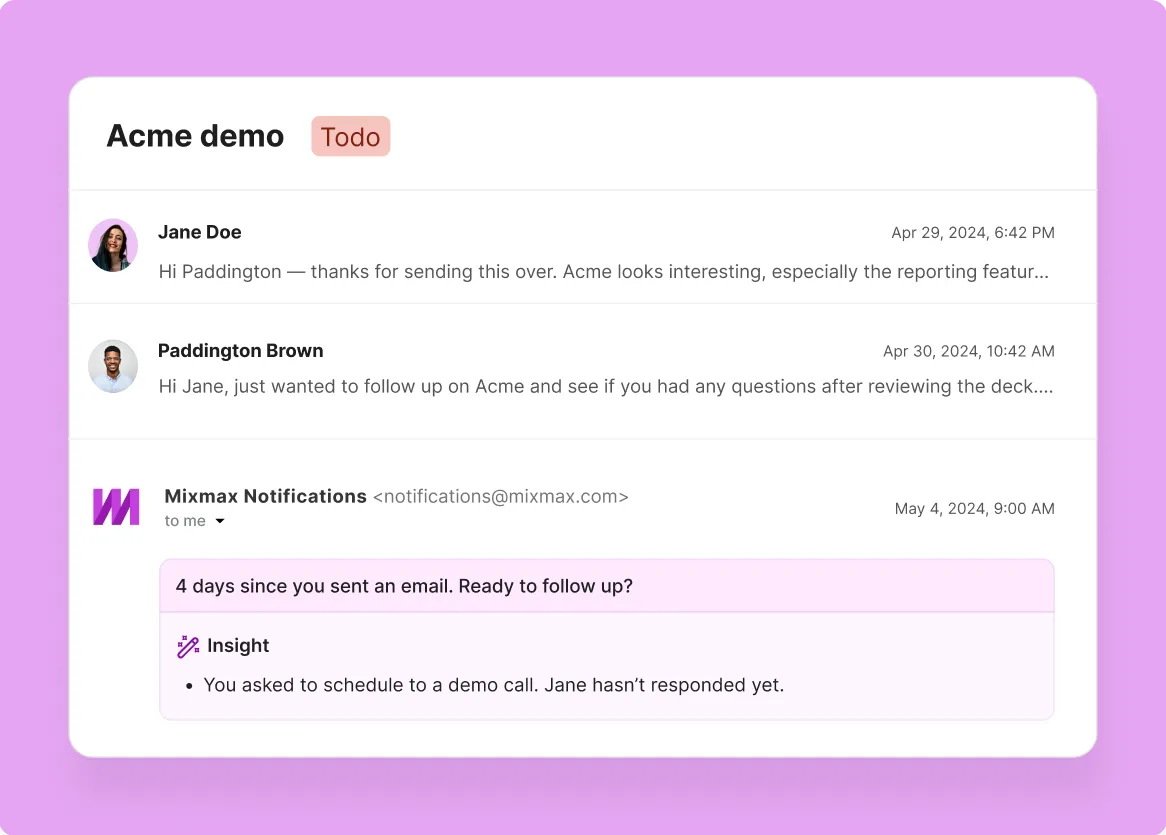
HR leaders are stretched thin and vendor evaluation falls to the bottom of their list — until it doesn't. When Mixmax shows you that a quiet prospect suddenly re-opened three of your emails in one morning, that's a buying window opening. Follow up within the hour with the specific asset they were reviewing.

One-click meeting scheduling
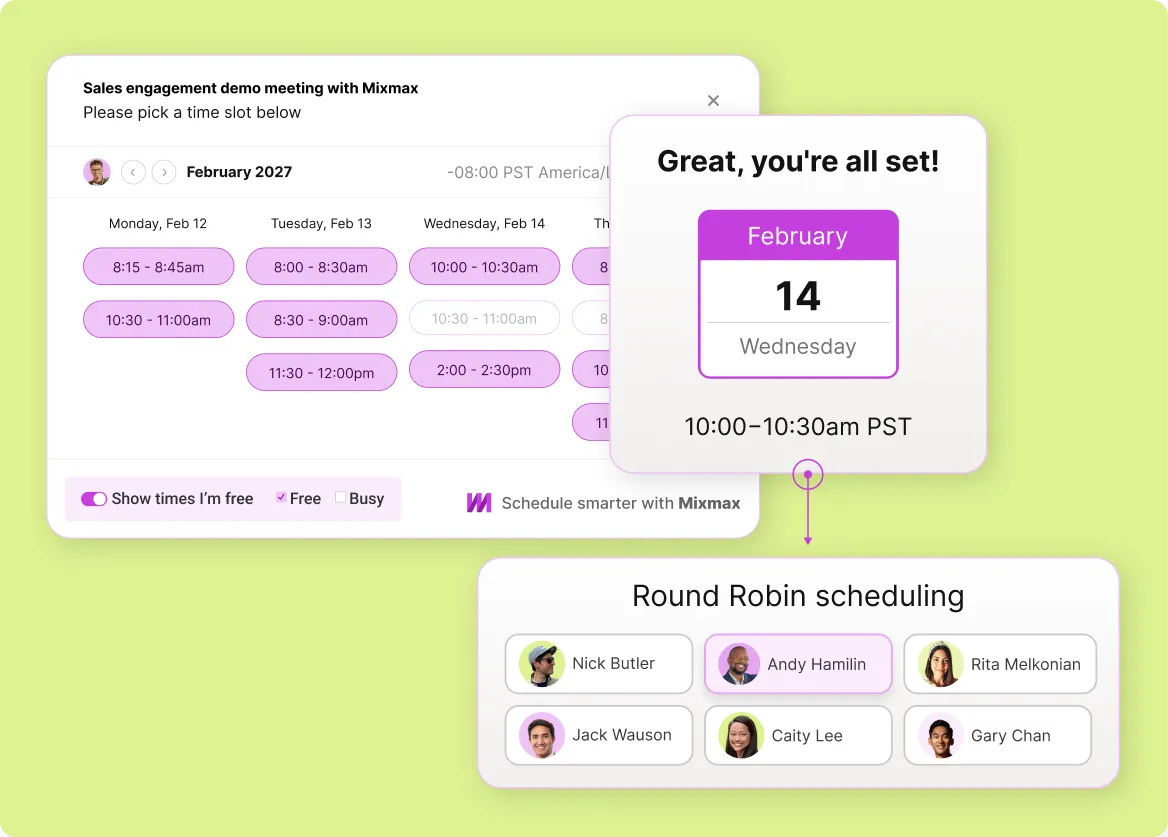
Turn tracking signals into booked meetings. When you see a HR leader is engaged, share your availability in one click. They pick a time, the meeting lands on both calendars, and the back-and-forth disappears.
Everything you need to track hr tech email engagement
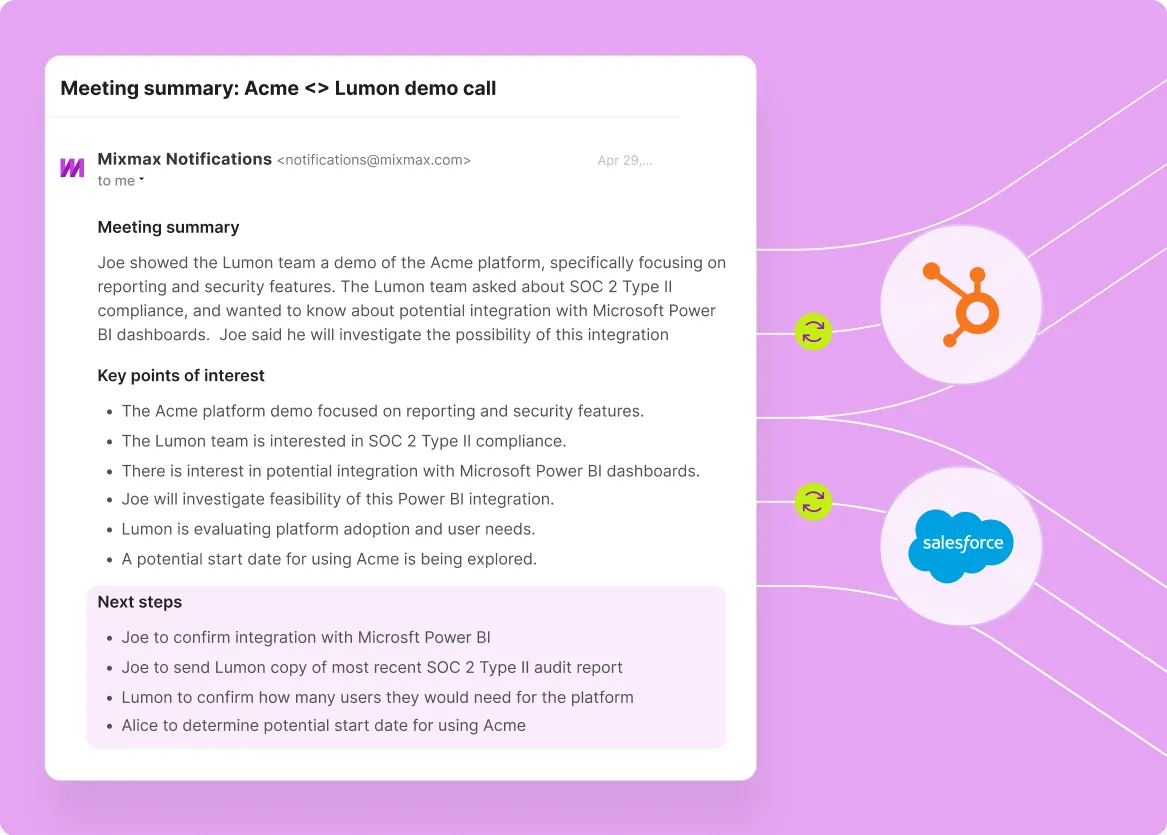
Mixmax combines real-time open and click tracking, engagement-triggered follow-up reminders, one-click scheduling, and Salesforce activity sync — so HR tech sales reps know who's interested and act before the window closes.
-
1 / 4
Real-time open and click tracking
See when an HR director opens your case study, when they click your ROI calculator, and when your email gets opened from a new device — a sign it was forwarded to a colleague. HR tech deals advance when the HR buyer starts building an internal case. Tracking shows you that momentum as it happens.
- Real-time open notifications in your inbox
- Link click tracking with timestamps
- Multi-open detection for buying signals

Frequently asked questions
-
How does Mixmax email tracking work for hr tech sales?
Mixmax uses a lightweight tracking pixel for opens and redirect-based tracking for link clicks. The data appears in real time right inside Gmail — you see when a HR leader opens your email, which links they clicked, how many times they came back, and when. The engagement signals feed into follow-up nudges and sync to Salesforce automatically.
-
Can tracking tell me when an HR leader is building a business case for my product?
Not directly — but the signals point there. When you see repeated opens on your ROI data, clicks on your pricing page, and forwards to new recipients (likely finance or IT), that's the engagement pattern of someone building a case. Tracking gives you the pattern; you read the intent.
-
How does email tracking help hr tech sales prioritize follow-ups?
Instead of guessing which HR leaders and CHROs to follow up with, tracking gives you a clear signal. A HR leader who opened your proposal four times this morning is a better use of your next 15 minutes than one who hasn't opened in a week. Mixmax surfaces these signals right in Gmail.
-
Does Mixmax work alongside HubSpot, or only Salesforce?
Mixmax syncs with both Salesforce and HubSpot. Open, click, and reply data flows to whichever CRM your team uses. If you switch CRMs later, the Gmail-side tracking continues working without any disruption.
-
Will tracking still work if a HR leader blocks images?
Open tracking relies on a tracking pixel, so it won't register if images are fully blocked. But click tracking works independently — it's URL-based. If you see clicks without opens, the HR leader read your email with images blocked. You still get the buying signal.
-
How easy is it for a hr tech team to get started with Mixmax?
Mixmax installs as a Gmail extension and connects to Salesforce in minutes. There's no migration, no new interface. Hr tech sales reps keep working in Gmail — they just get tracking data, Smart Send, scheduling, and CRM sync on top. Most teams hit 90% adoption in the first week.
Know who's reading your emails — before you follow up
See when HR leaders engage with your ROI data, forward your case studies, and revisit your pricing. The signals that tell you when a deal is moving to budget approval.