
Best Salesforce + Gmail integration for sales teams
Mixmax is the best Salesforce + Gmail integration for sales teams: bidirectional sync, automatic activity capture, in-context CRM data inside Gmail, and stage-triggered sequencing — all running natively, not via Zapier or a sidebar extension.
Mixmax works inside Gmail and syncs to Salesforce.
Mixmax works inside Gmail and syncs to Salesforce bidirectionally, with deeper integration than the generic connectors and lighter setup than the enterprise SEP integrations Outreach and Salesloft assume.

Sync Goes Bidirectional
Every email, meeting, reply, and engagement signal writes to Salesforce automatically; Salesforce data flows back into Gmail in real time. Native sync, not Zapier-grade.

Context Reaches Compose
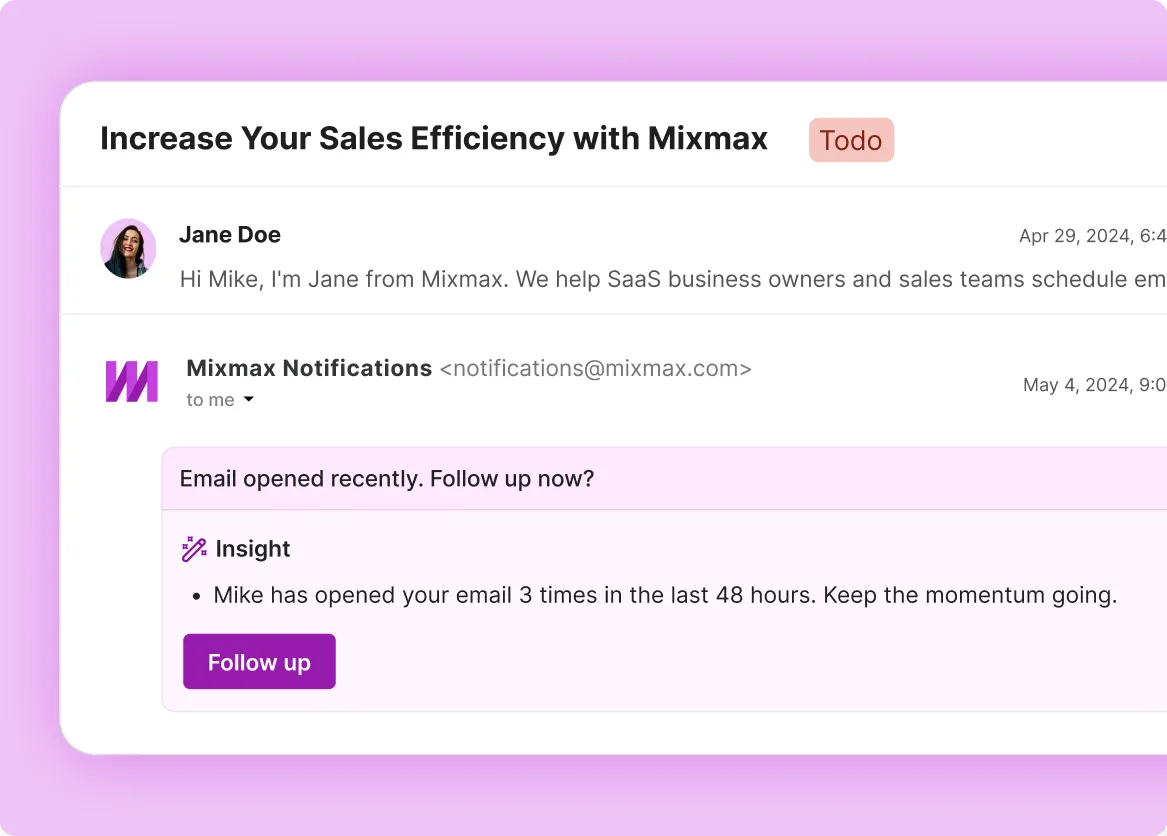
Deal stage, account history, recent activity, and engagement signals surface in the Gmail sidebar while reps write the next email — no Salesforce tab pivot required.

Stages Trigger Cadences
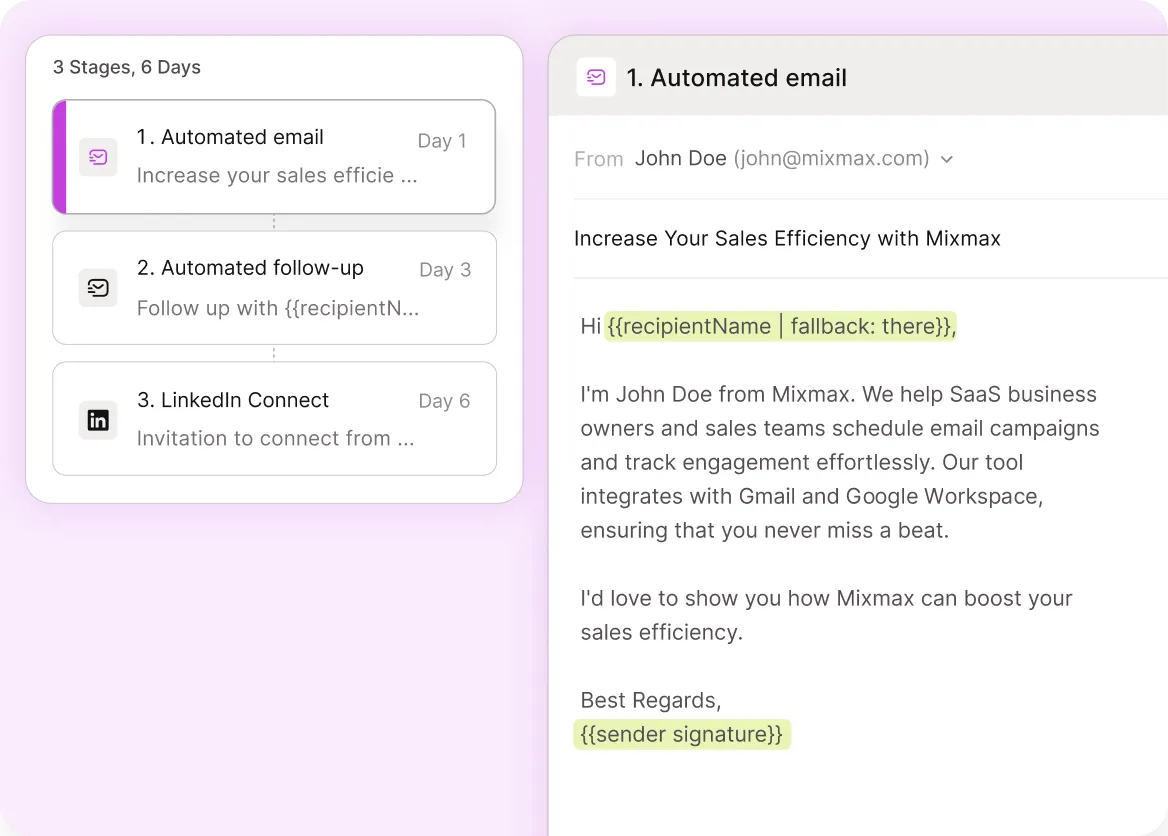
Salesforce stage changes can auto-enroll contacts in sequences — when a contact moves to 'qualified', start a discovery cadence; when they move to 'closed-lost', start a winback cadence.
Everything you need from the best Salesforce + Gmail integration
Bidirectional native sync, in-context CRM data, stage-triggered sequencing, and automatic activity capture — Salesforce + Gmail integration that drives sales motion.
-
1 / 4
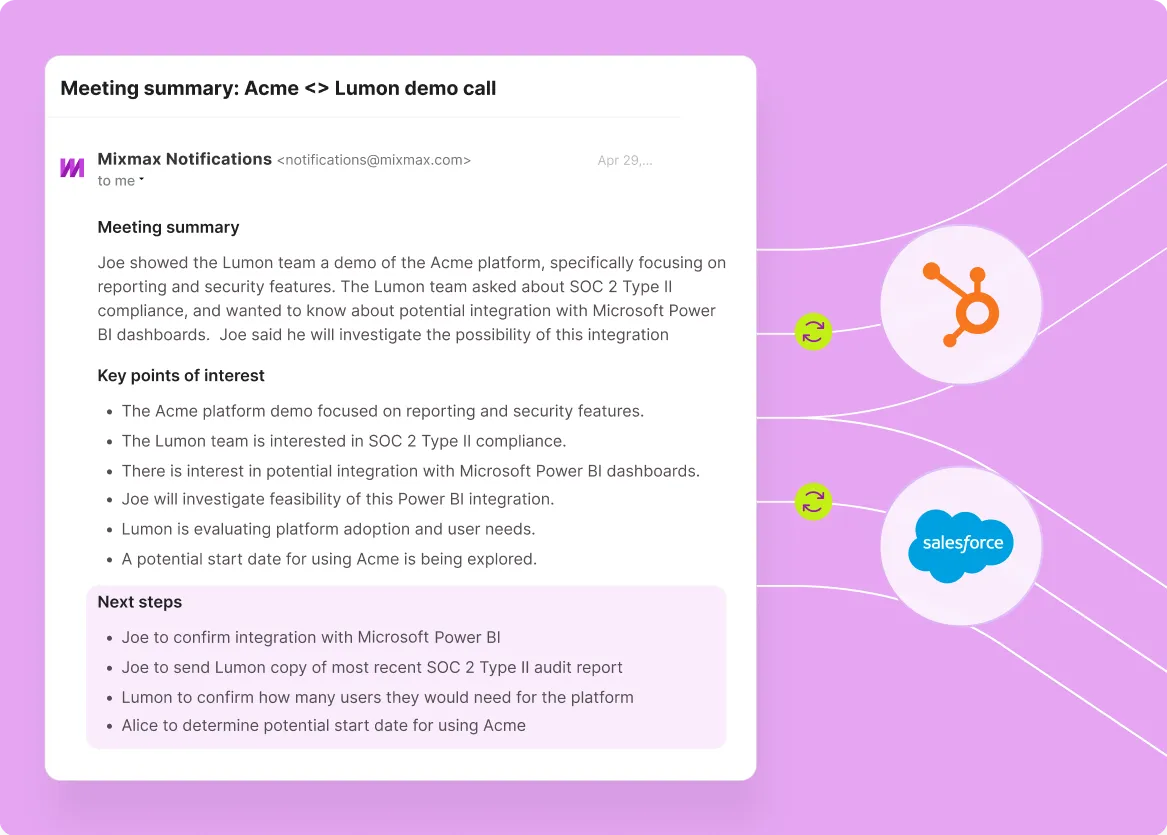
Sync Goes Bidirectional
Every email, meeting, reply, and engagement signal writes to Salesforce automatically; Salesforce data flows back into Gmail in real time. Native sync, not Zapier-grade.
- Native bidirectional sync
- Auto-logged activity
- Real-time CRM data

Frequently asked questions
-
What makes a Salesforce + Gmail integration better or worse?
Three dimensions. First, bidirectionality — generic connectors are one-way activity dumps; better integrations sync both ways. Second, depth of activity capture — basic integrations capture sent emails; better integrations capture opens, clicks, replies, meetings, engagement signals. Third, in-context CRM data — better integrations show deal stage and account history inside Gmail compose, not just in Salesforce. Mixmax delivers all three.
-
How is Mixmax's Salesforce integration different from native Salesforce features?
Salesforce native features (Einstein Activity Capture, Inbox sidebar) handle basic activity sync from Gmail to Salesforce. They work, but the depth is limited and the user experience pulls reps toward the Salesforce UI rather than keeping them in Gmail. Mixmax keeps the user surface in Gmail with bidirectional sync, deeper engagement capture (opens, clicks, multi-opens), and stage-triggered sequencing built on top.
-
Does Mixmax integration require a Salesforce admin or developer?
An admin is helpful for initial setup — about an hour of field mapping configuration via OAuth and a Mixmax admin UI. No developer required, no professional services engagement. Most teams handle setup with their existing Salesforce admin or sales operations resources.
-
How does Mixmax compare to enterprise SEPs (Outreach, Salesloft) on Salesforce integration depth?
Roughly equivalent on activity capture and engagement sync. Where the enterprise SEPs pull ahead is at the depth of governance configuration (multi-tier permissions, advanced field mapping, custom workflow rules) sized for 200+ rep RevOps teams. For sub-100-rep teams, Mixmax's integration depth is sufficient and ships without enterprise rollout overhead.
-
Can Mixmax integrate with a custom Salesforce setup with non-standard objects?
Yes. Mixmax field mapping supports custom Salesforce objects and custom fields. Mixmax personalization tokens pull from any field captured at the contact, lead, account, or opportunity level. For unusual setups, Mixmax support and the admin UI cover most configurations without custom development.
-
How long does the Mixmax + Salesforce integration take to set up?
Most teams have the integration live in a few hours — Gmail extension install per rep, Salesforce OAuth connection, and field mapping configuration. Reps are productive day one. More complex configurations (custom field mapping, stage-triggered cadence rules, role-based permissions) take a bit more time but rarely more than a day.
Salesforce and Gmail, finally working together
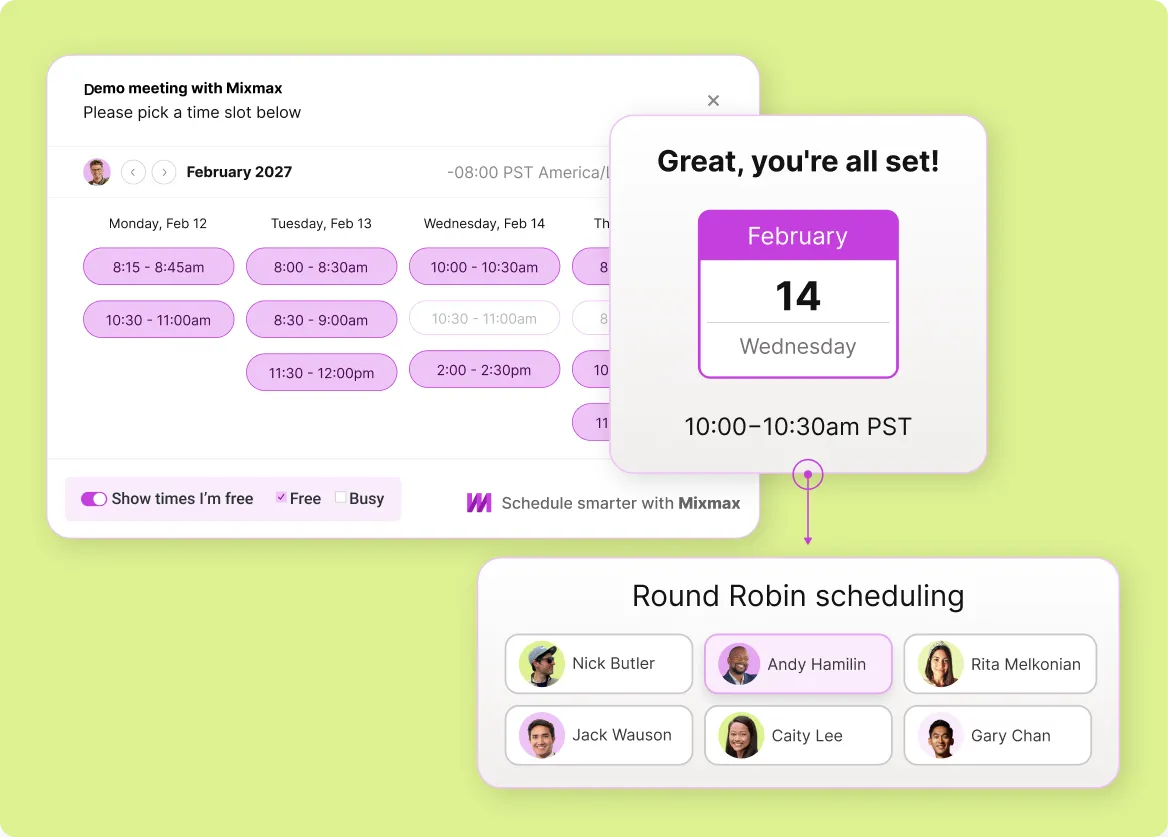
See how Mixmax delivers bidirectional Salesforce + Gmail sync with in-context CRM data, stage-triggered sequences, and automatic meeting capture — the deepest integration for sales teams.