
AI that handles both sides of every meeting
Before the meeting: Mixmax AI pulls account history, email engagement, and CRM data into a 30-second briefing. After: AI generates the recap, drafts the follow-up, and syncs to Salesforce. The full meeting lifecycle from Gmail.
Mixmax works inside Gmail and syncs to Salesforce.
Most tools do prep or recap. Mixmax does both — AI briefings from real sales data before the call, AI summaries with follow-up drafts after. Everything syncs to Salesforce through Gmail.

Context Loads Instantly
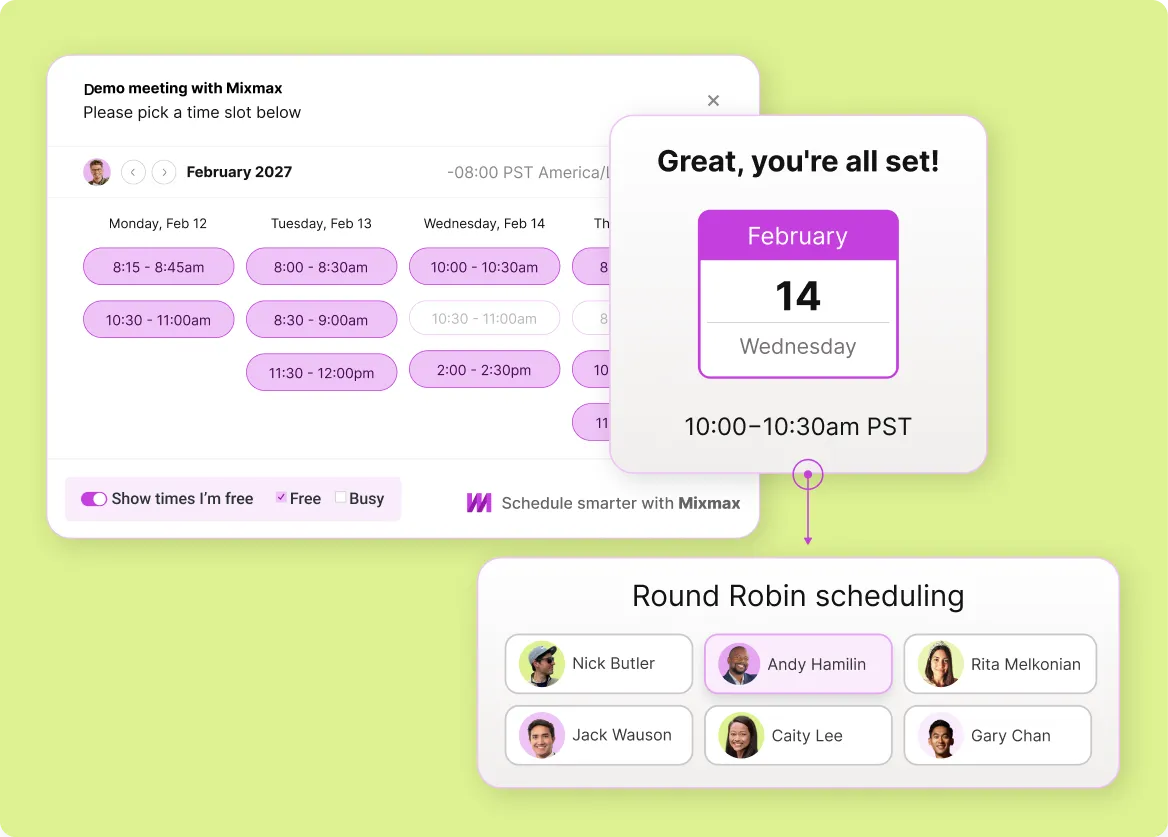
Before each meeting, Mixmax generates a prep brief from the last conversation's transcript, recent email engagement, and current Salesforce deal data. Open questions and unaddressed action items surface automatically.

Engagement Signals Included
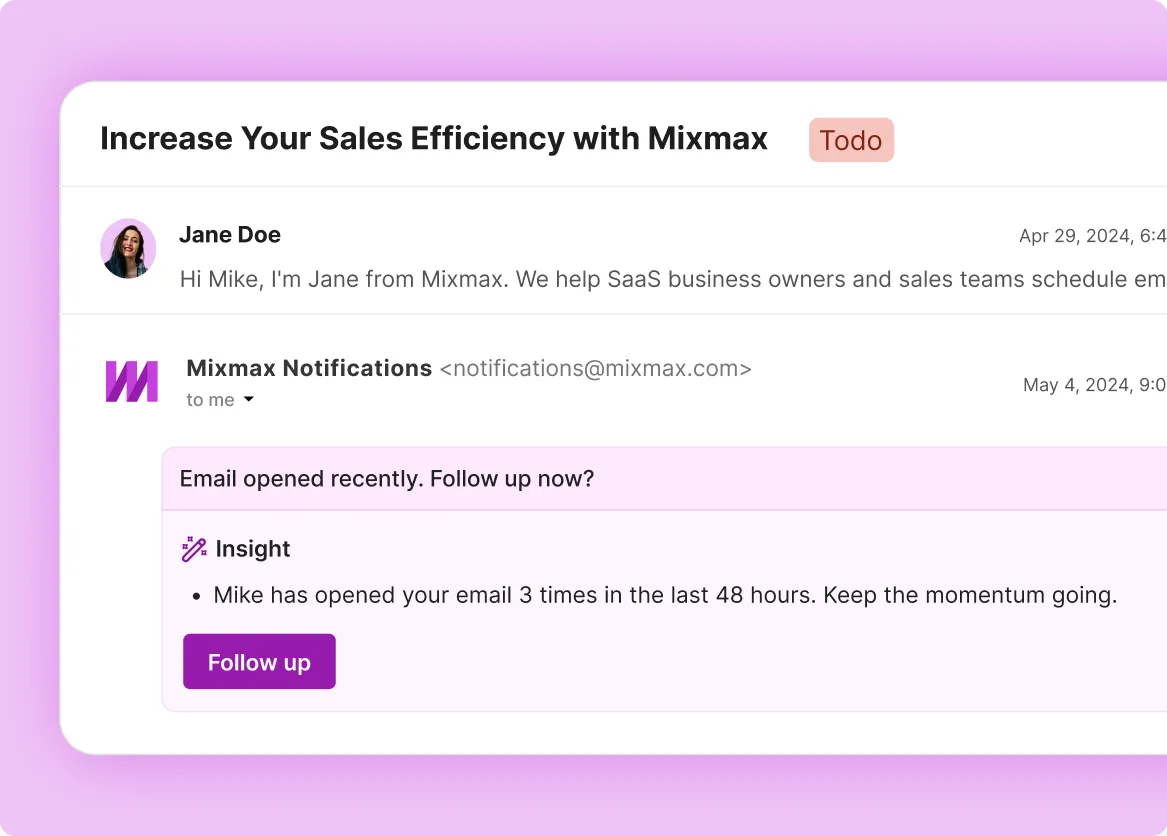
The prep brief shows which emails your prospect opened, which links they clicked, and whether engagement has shifted since last contact. You read their interest level before they pick up.

Summaries Appear Instantly
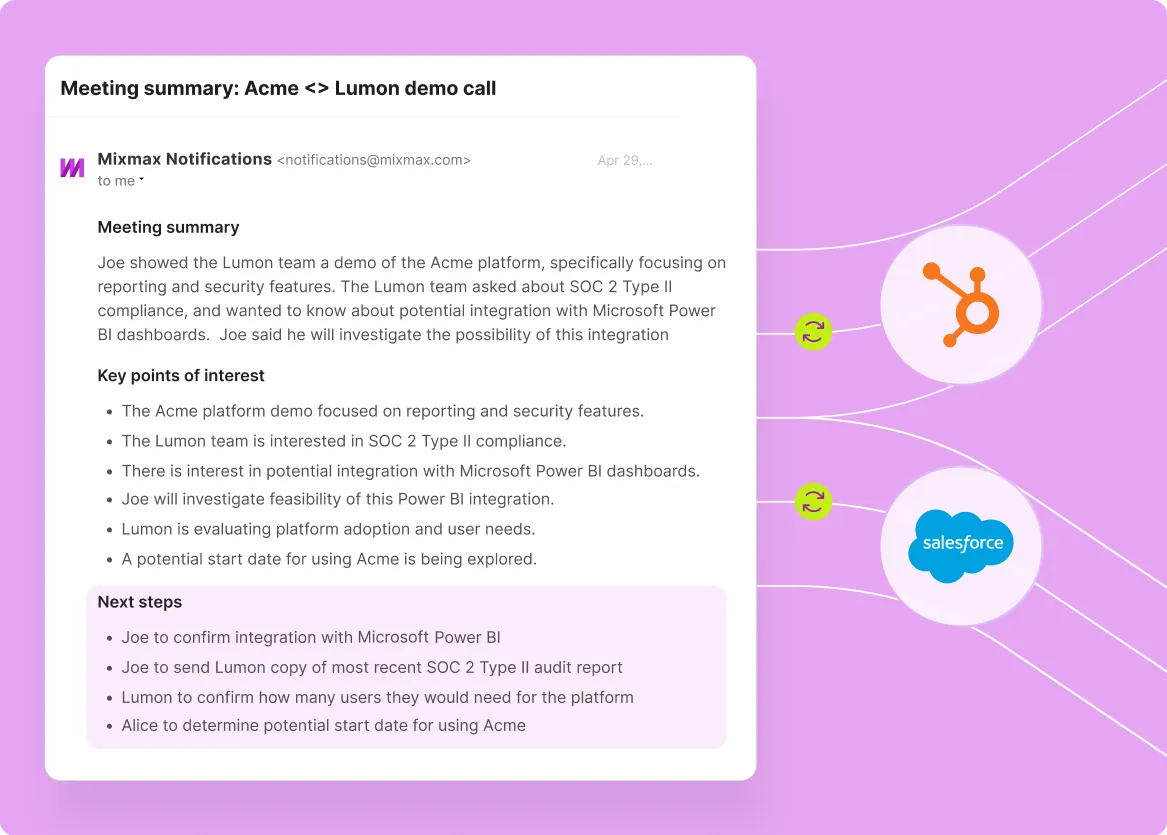
When the meeting ends, AI processes the transcript and generates a structured summary: key discussion points, decisions, action items. Written from what was said, not from what the rep remembered.
How AI handles the full meeting lifecycle
Before the meeting: AI-generated prep from real sales data. After: recap, action items, follow-up email, and CRM sync. Connected by the same context.
-
1 / 4
Context Loads Instantly
Before each meeting, Mixmax generates a prep brief from the last conversation's transcript, recent email engagement, and current Salesforce deal data. Open questions and unaddressed action items surface automatically.
- Last meeting context included
- Engagement changes surfaced
- Deal stage data pulled

Frequently asked questions
-
How does the pre-meeting prep work?
Before each meeting, Mixmax AI pulls the account's email engagement history, prior meeting summaries, CRM data from Salesforce, and relevant deal context into a briefing you can skim in 30 seconds. The prep arrives automatically — no searching through Salesforce or Gmail threads to piece together what happened last time.
-
How is this different from AI meeting prep alone?
Meeting prep tools cover the before-meeting workflow. Mixmax covers the full lifecycle — both AI prep before the call and AI recap, action items, and follow-up after. One connected system, not two separate features.
-
Does the prep brief update for recurring meetings?
Yes. Each prep brief builds on the last meeting's recap — carrying forward outstanding action items, tracking engagement changes, and reflecting the latest CRM data. Context compounds across conversations.
-
Can I use just prep or just recap?
Yes. Mixmax includes both prep and recap capabilities. You can use whichever fits your workflow, though they work best together because the context carries between them.
-
What data does the prep brief pull from?
Three sources: meeting transcripts and summaries from previous calls, email engagement data from Mixmax's email tracking (opens, clicks, replies), and deal data from Salesforce. The AI combines all three into a brief you can skim in 30 seconds.
-
What does Mixmax cost?
Mixmax starts with a 14-day free trial (no credit card), and paid plans start at $29 per user per month, billed annually, and every feature is included — the price only depends on how many people you reach with sequences each month.
Meeting prep and recap. One tool. Zero admin.
See how Mixmax AI handles prep, recap, follow-up, and CRM sync — the full meeting lifecycle from inside Gmail.