
Recap, action items, follow-up. One tool.
Mixmax AI generates meeting recaps with action items, drafts follow-up emails with next steps, and sends them from Gmail — then syncs everything to Salesforce. The full workflow, not just the summary.
Mixmax works inside Gmail and syncs to Salesforce.
Your meeting ends. Mixmax extracts the recap, pulls out action items, drafts a follow-up email, and sends it from your Gmail. The CRM gets updated. You move to your next call.

Notes Miss Nothing
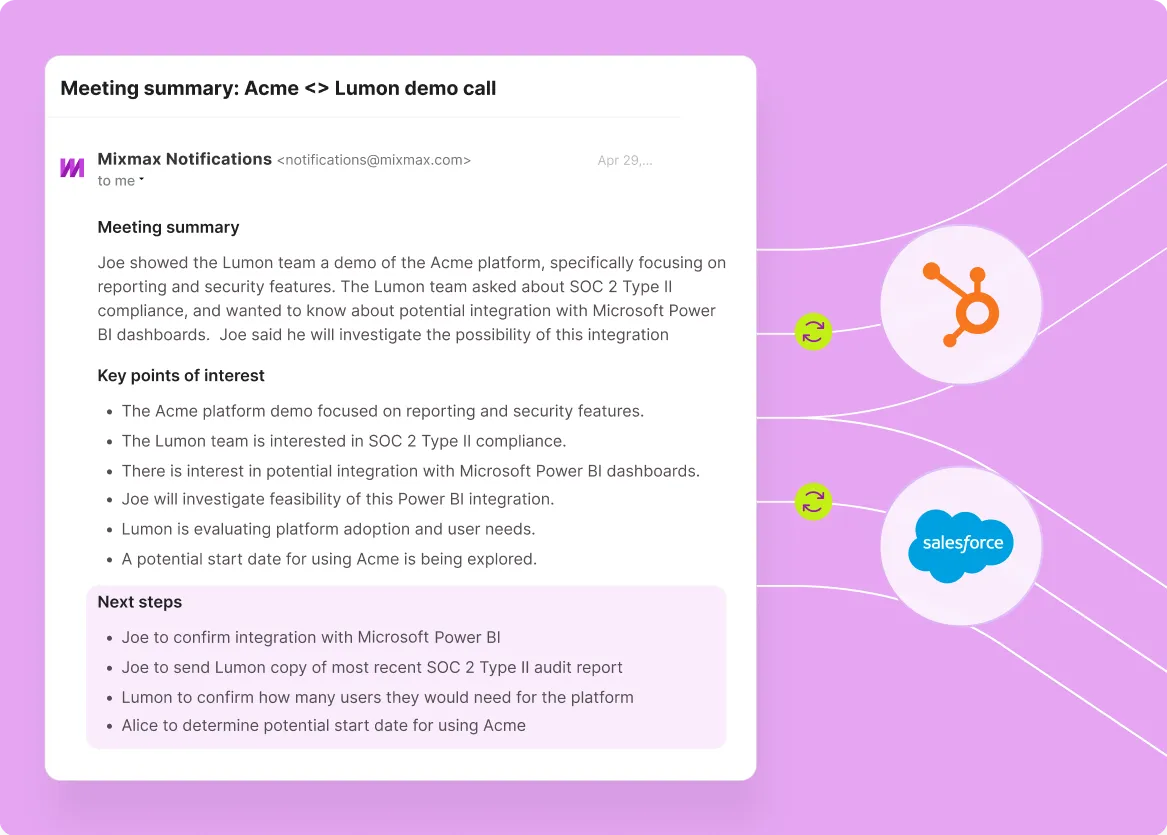
Mixmax AI processes your meeting transcript and generates a structured recap: key topics discussed, decisions made, and questions raised. Written from the transcript, not from what you remembered to write down.

Action Items Extracted
AI identifies commitments from the conversation — who agreed to do what, what needs to happen next, and what's still open. Action items are structured, not buried in paragraph notes.

Follow-Ups Draft Instantly
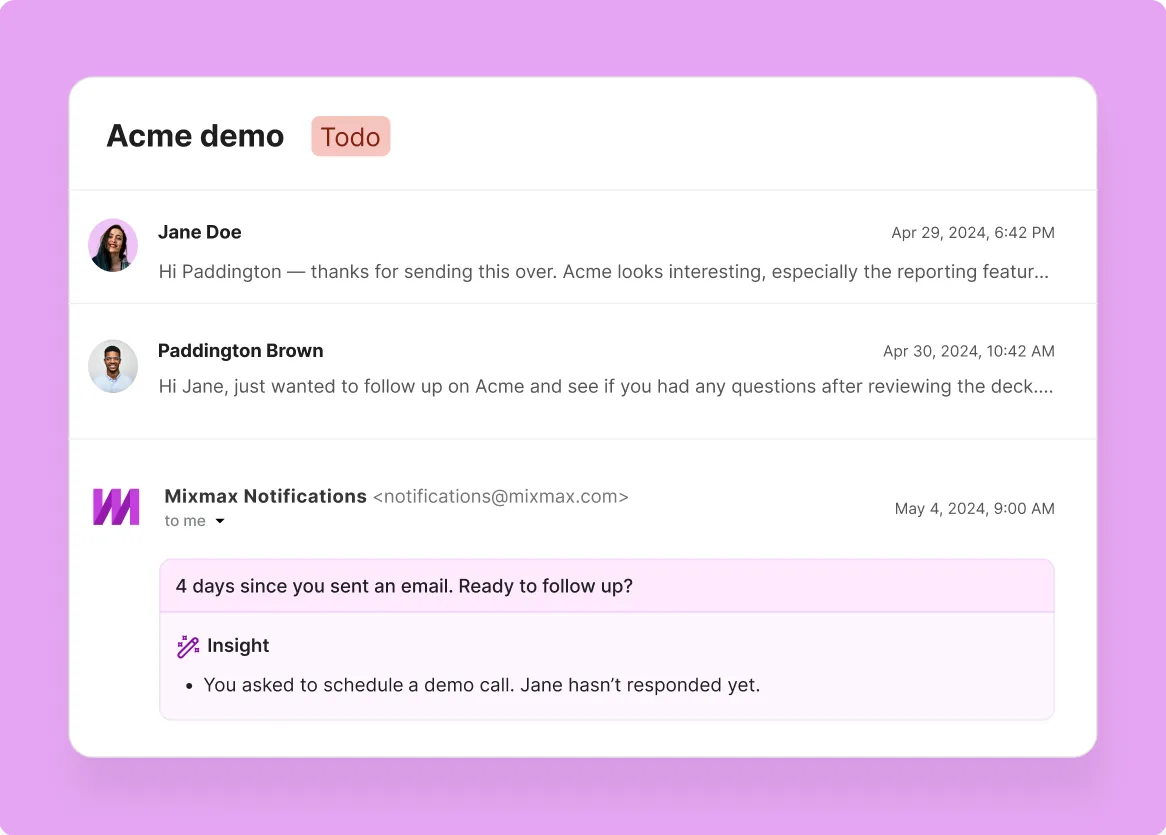
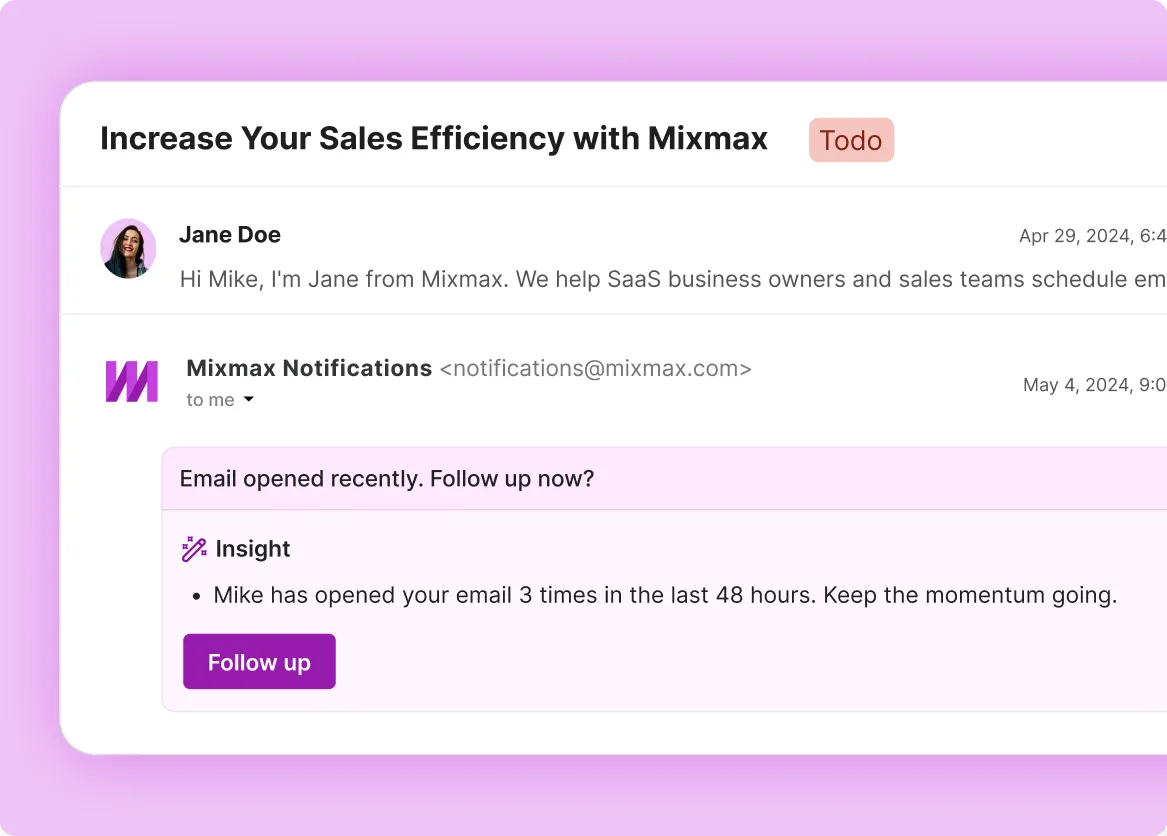
Mixmax drafts a follow-up email that references specific discussion points and lists action items with owners. You review it, adjust the tone, and send from Gmail — minutes after the meeting, not hours.
How AI meeting recaps drive action items and follow-ups
Mixmax takes your meeting transcript and delivers the full output: recap summary, extracted action items, follow-up email draft, and CRM sync.
-
1 / 4
Notes Miss Nothing
Mixmax AI processes your meeting transcript and generates a structured recap: key topics discussed, decisions made, and questions raised. Written from the transcript, not from what you remembered to write down.
- Structured recap from transcript
- Key decisions highlighted
- Questions and topics organized

Frequently asked questions
-
What input does Mixmax need to generate a meeting recap?
Mixmax takes the meeting transcript from your recording tool — Zoom, Google Meet, or similar — and generates the recap, action items, and follow-up email from that transcript. It does not record or transcribe the meeting itself, so there is no overlap with your existing recording setup.
-
How accurate are the action items?
AI extracts action items from what was actually said in the meeting transcript — specific commitments, next steps, and open questions. You can review and edit before anything sends or syncs.
-
Can I customize the follow-up email?
Yes. Mixmax generates a first draft from the recap and action items. You can edit the tone, add context, or adjust next steps before sending from your Gmail account.
-
What if the meeting didn't have clear action items?
The AI still generates a recap summary with key discussion points and decisions. If there are no explicit commitments, it flags open questions and suggested next steps instead.
-
Does the follow-up email go through Mixmax or Gmail?
It sends from your Gmail account. The recipient sees your name and email address. Replies go to your inbox. Mixmax drafts the email; Gmail sends it.
-
What does Mixmax cost?
Mixmax starts with a 14-day free trial (no credit card), and paid plans start at $29 per user per month, billed annually, and every feature is included — the price only depends on how many people you reach with sequences each month.
AI meeting recaps that close the loop
See how Mixmax AI turns meeting transcripts into recaps, action items, and follow-up emails — all sent from Gmail and synced to Salesforce.