









Your best SDR's outreach gets replies because they personalize, time it right, and follow up when prospects are engaged. Mixmax AI gives every SDR the same advantage.

Prospecting Runs Faster
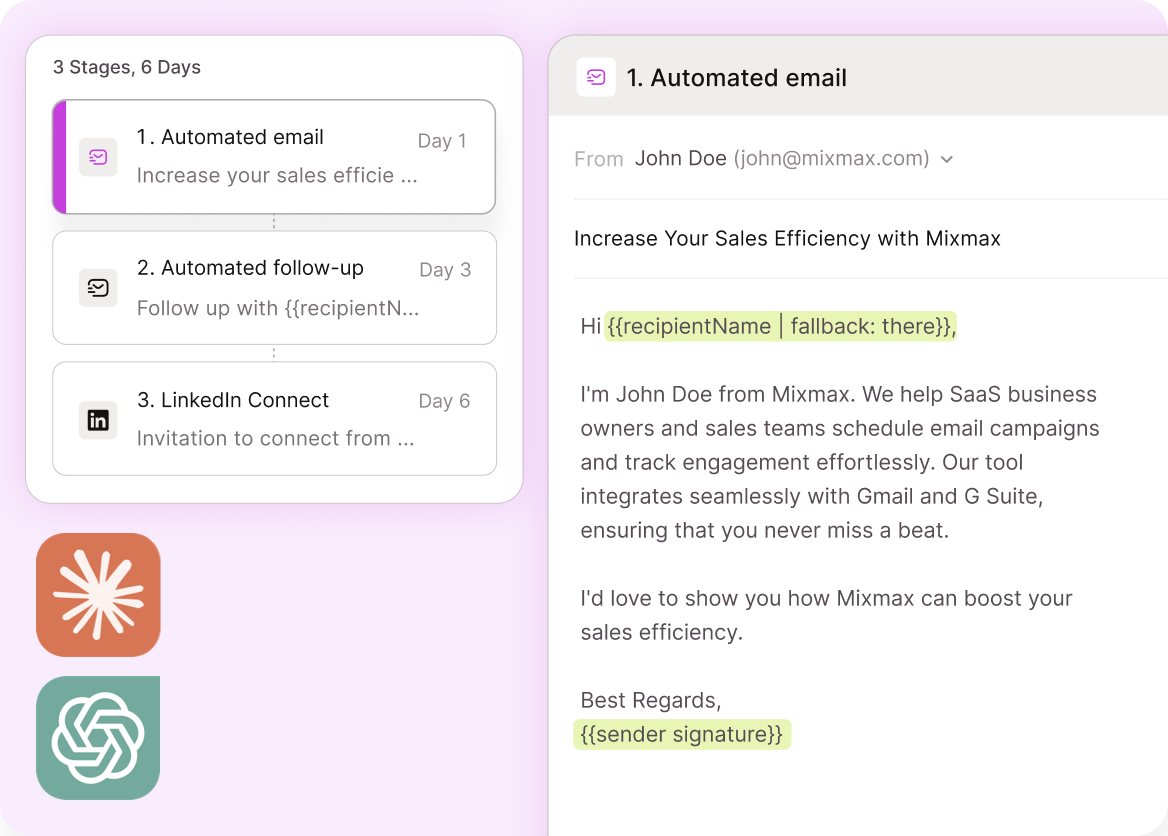
AI helps compose personalized first touches using CRM and engagement data. Smart Send times delivery for peak engagement. The quality of a hand-crafted email at the speed of automation.

Sequences Self-Build
Start with a template, and AI suggests step variations, timing adjustments, and subject line options based on what's worked for similar personas. Building a new sequence takes minutes.

Replies Get Prioritized
When prospects reply, Mixmax surfaces the response in a priority view. Engaged prospects are ranked above new outreach — so the conversations most likely to convert get attention first.
AI-powered sequences, engagement-based prioritization, Smart Send timing, and one-click meeting booking — all from Gmail.

1 / 4 Prospecting Runs Faster
AI helps compose personalized first touches using CRM and engagement data. Smart Send times delivery for peak engagement. The quality of a hand-crafted email at the speed of automation.
- AI-personalized messaging
- Smart Send timing
- Volume + quality
2 / 4 Sequences Self-Build
Start with a template, and AI suggests step variations, timing adjustments, and subject line options based on what's worked for similar personas. Building a new sequence takes minutes.
- Template suggestions
- Step variations recommended
- Minutes to launch

3 / 4 Replies Get Prioritized
When prospects reply, Mixmax surfaces the response in a priority view. Engaged prospects are ranked above new outreach — so the conversations most likely to convert get attention first.
- Reply detection
- Priority inbox view
- Warm leads first

4 / 4 Booking Converts Instantly
One-click scheduling links embed in sequence steps and replies. When a prospect says 'let's chat,' they book immediately without the timezone-negotiation dance.
- One-click booking links
- Embedded in sequences
- Timezone-aware

Frequently asked questions
What can Mixmax AI do for SDRs?
AI-personalized sequences, engagement-based prospect prioritization, Smart Send timing optimization, one-click meeting booking, and automatic CRM logging. All from inside Gmail.
How does it help SDRs personalize at scale?
AI uses CRM data and engagement context to compose message variations for each prospect. The messaging reflects their situation, not just their first name.
Does it track which sequences work best?
Yes. Per-step analytics show open rates, reply rates, and booking rates for every sequence. AI surfaces which steps and messaging patterns drive the most meetings.
Can SDRs manage sequences from their phone?
Mixmax sequences run from Gmail, which works on mobile. SDRs can monitor engagement, reply to prospects, and adjust sequences from the Gmail mobile app.
What does Mixmax cost for SDR teams?
Engagement Copilot (sequences + AI outreach) is $49/month per SDR. Suite with all Copilots is $89/month. Volume pricing available for teams.
How fast can a new SDR get started?
Same day. Install the Gmail extension, connect Salesforce, import contacts. Sequence templates are available immediately — no weeks of setup or training.

An AI assistant for SDRs that runs on engagement data
See how Mixmax AI gives SDRs personalized sequences, engagement prioritization, and one-click booking from inside Gmail.

