







Mixmax is a communications platform that brings professional communication & email into the 21st century.
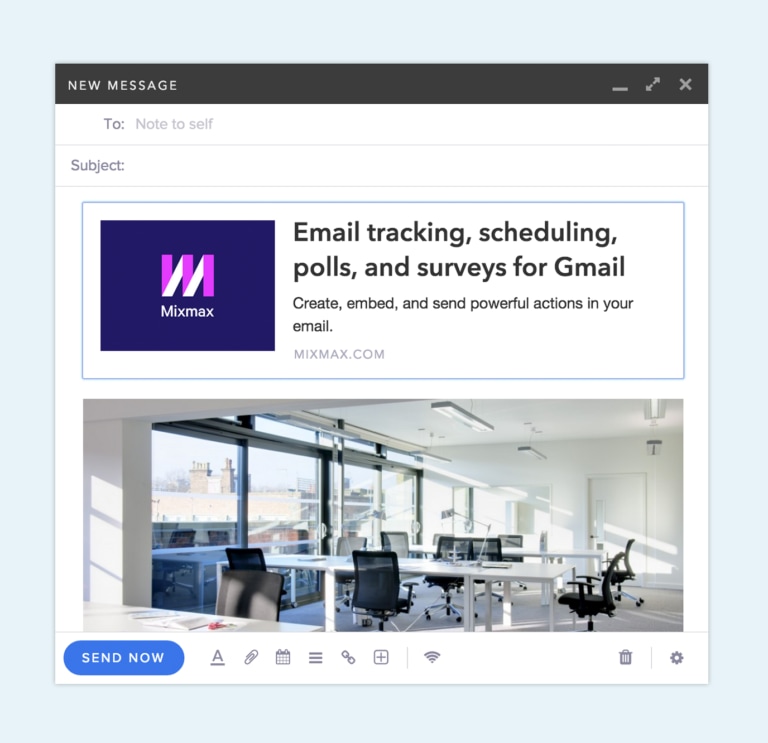
Ever wish you could express the awesome-ness (visual or otherwise) of the website or link you’re sending to someone over email? Now you can, instantly with Mixmax Link Previews.
Link previews enable you to create beautiful visual previews in place of a typical unstyled link. By pasting a link to a website or image on a new line in your email, an enhanced preview will immediately appear in place of the link. Your recipients will be able to get a sneak peek of the images or websites you’re sending.
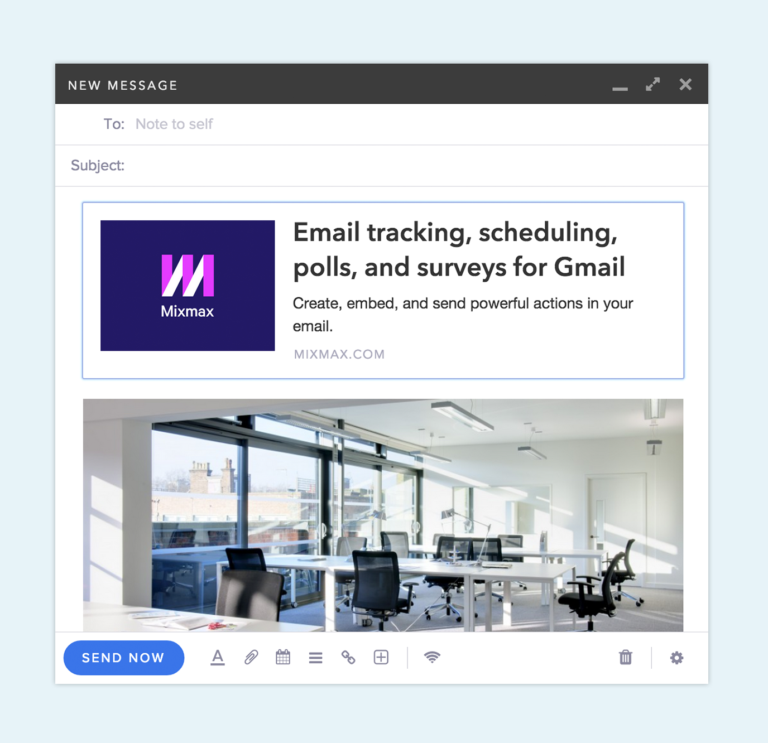
If you’d like to remove the enhanced preview, just use your browser’s Undo command by hitting ctrl+z or cmd+z (on Mac), or by going to ‘Edit’ > ‘Undo’ in Chrome.
Note that link previews are only generated when links are entered on a new line, any links you enter in a paragraph won’t create previews.
We’ve also integrated with your favorite services to provide special link previews including:
- Google Maps
- Vimeo
- YouTube
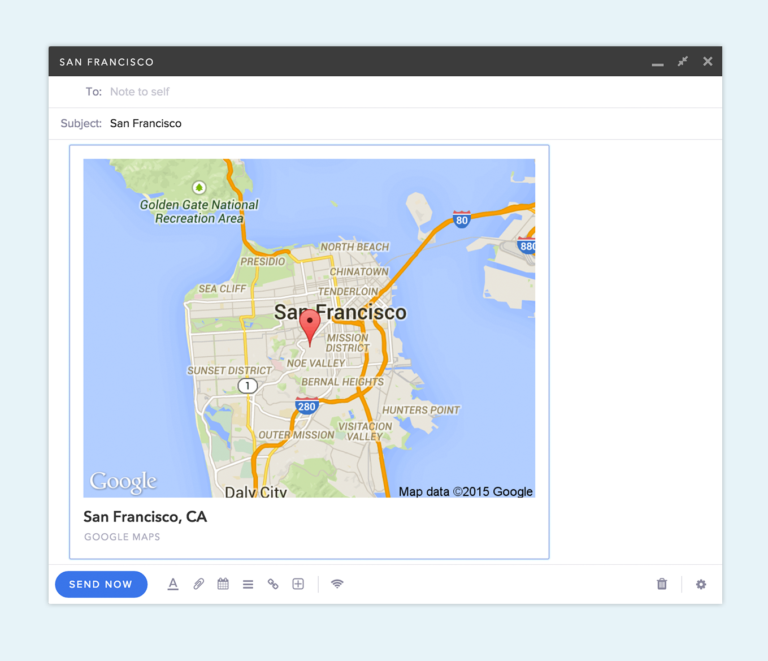
When you send those previews to someone, they’ll be able to click on them like any other link and automatically be taken to that web page or image.
Install for free to try it out right now. Link Previews are another example of how Mixmax makes email more powerful for professionals. If you have thoughts on how we can boost your productivity or supercharge your email, we’d love to hear from you. Reach out to us at hello@mixmax.com and follow us @Mixmax.